
bersem 2 Pack Paperfeel Screen Protector
4.4Editor score
Ultra thin 0.17mm PET film
Matte finish reduces glare effectively
Bubble free installation kit included
Finding the right iPad A16 paper screen protector transforms your digital canvas into a natural writing surface. These matte films reduce glare while providing the friction needed for precise Apple Pencil control during sketching or note taking sessions.
We compared ten leading options based on texture fidelity, installation ease, and screen compatibility. Our analysis focuses on how each protector balances paper like friction with touch sensitivity to ensure your device remains responsive during intensive creative work.
Each pick highlights specific strengths for different user needs like budget friendly films or premium glass hybrids. Remember that availability and stock levels change frequently so verify your model number before purchasing to guarantee a perfect fit for your specific iPad generation.
4.4Editor score
4.6Editor score

4.2Editor score
As an Amazon Associate we earn from qualifying purchases.
This side-by-side comparison evaluates all ten selected protectors across key performance metrics including texture quality, installation methods, and material durability to help you choose the right screen solution.




The MOBDIK Paperfeel Screen Protector delivers a genuine writing experience for iPad A16 and 10th generation users. With a 4.4 rating this PET film uses advanced texture technology to create friction similar to real paper which is perfect for students and artists.
We may earn a commission when you buy through this link, at no additional cost to you.
Crafted from 0.17mm Japanese PET film this protector keeps your iPad responsive while reducing glare. The oleophobic layer repels fingerprints so your screen stays clean even during long drawing sessions outdoors or in bright environments.
Installation is straightforward with the included tools though you must clean the screen thoroughly before aligning it. The matte coating diffuses light well so you will not struggle with reflections when working under harsh lighting conditions.
Choose this option if you want a reliable paper feel without spending too much. It works great with Apple Pencil for note taking and sketching while keeping your original screen safe from scratches and daily wear.
The textured surface mimics paper resistance reducing slip and improving control for detailed sketches and precise handwriting.
Anti-glare coating scatters ambient light so reflections disappear and your screen stays clear for outdoor creativity.
We may earn a commission when you buy through this link, at no additional cost to you.
The KCT 2 Pack Paperfeel Screen Protector uses plasma adsorption technology to make installation smoother than most film options. It scores a 4.4 rating thanks to its delicate frosted finish that reduces light refraction and protects against fingerprints.
We may earn a commission when you buy through this link, at no additional cost to you.
Its micro-grit surface creates damping similar to real paper which enhances your writing experience. The 0.17mm thickness ensures touch sensitivity remains precise so gestures and app switching feel just like using the bare screen.
You get a squeegee card to push out bubbles and the automatic exhaust function helps achieve a perfect fit quickly. Make sure to check your model camera orientation since this fits long side camera devices not short side ones.
Pick this 2 pack if you want a spare protector and a reliable installation process. The texture supports smooth Apple Pencil strokes while keeping your screen clear and glare free during daily creative work.
Advanced plasma tech strengthens adhesion so the protector sticks firmly without shifting during intense drawing sessions.
Uniform grinding process creates uniform friction for natural handwriting that reduces pencil slip and hand strain.
We may earn a commission when you buy through this link, at no additional cost to you.
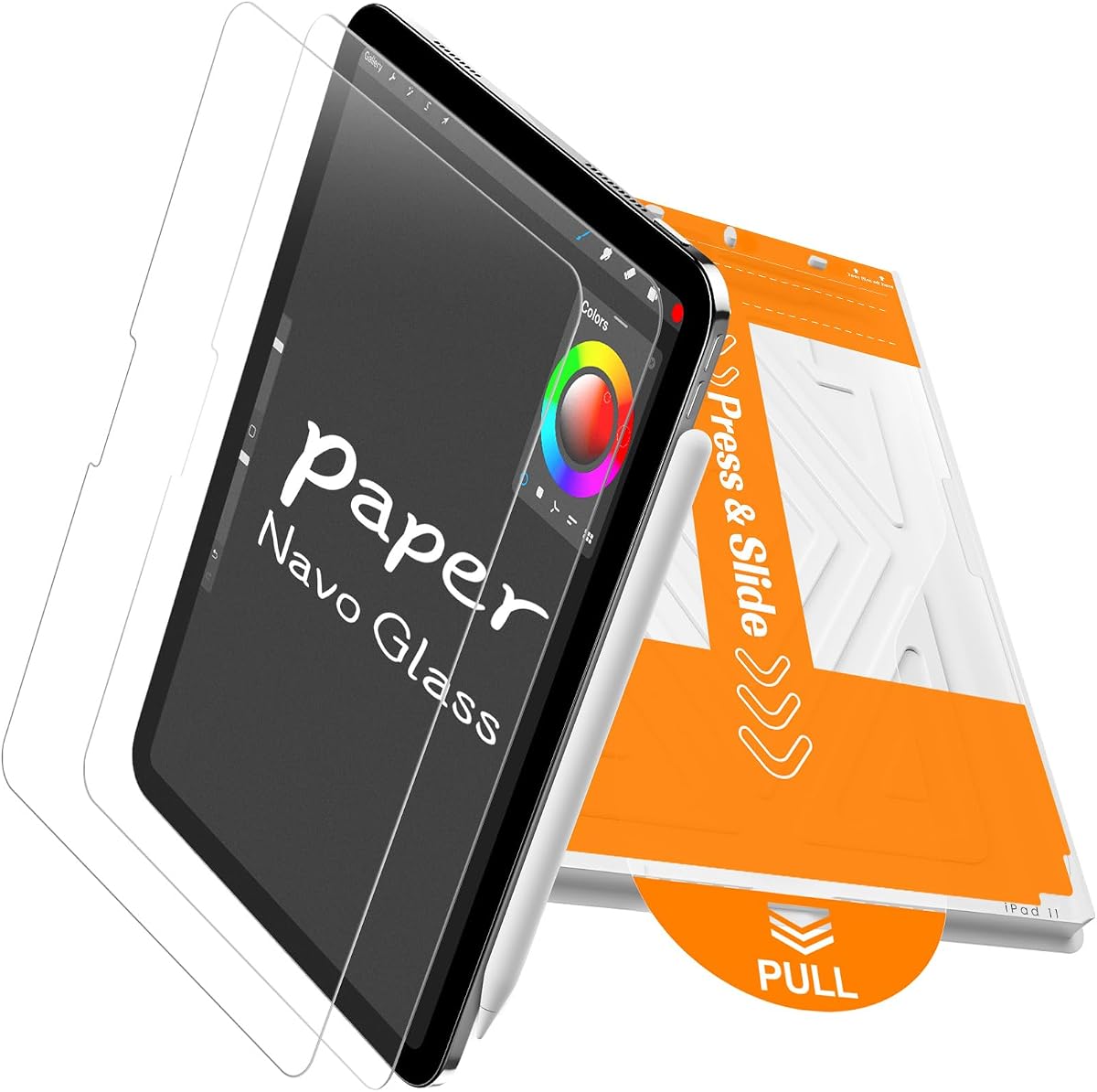
This KCT Glass Screen Protector combines the durability of tempered glass with a micro-textured matte finish. Rated 4.3 it offers shock absorption that holds together if cracked protecting your original display from sharp shards.
We may earn a commission when you buy through this link, at no additional cost to you.
The Press and Pull tab system makes application incredibly easy by self-aligning and adhering automatically in under a minute. This design repels dust actively so you can achieve a bubble free finish on your first try.
Its micro-textured surface provides natural friction for writing and drawing without the clicking noise of glossy screens. The anti-glare coating scatters ambient light so you can sketch outdoors or under sunny windows without mirror reflections.
Buy this if you want maximum impact protection alongside a paper feel. It transforms your glass screen into a tactile canvas while keeping your device safe from drops and scratches during travel or daily use.
The pull tab system aligns automatically so you avoid crooked edges and achieve a perfect fit instantly.
Tempered glass absorbs drops and holds fragments together to prevent sharp shards from harming your display.
We may earn a commission when you buy through this link, at no additional cost to you.
The bersem 2 Pack Paperfeel Screen Protector offers excellent value by providing two screens for artists and students on a budget. With a 4.4 rating it uses imported Japanese materials to create a natural writing feel without slipping.
We may earn a commission when you buy through this link, at no additional cost to you.
Its 0.17mm ultra-thin design preserves touch sensitivity and color accuracy so your videos and games look just like before. The matte finish disperses light to cut glare and helps reduce fingerprints so your screen looks clean longer.
Installation tools include an alignment tool with strong adhesion plus a video guide for beginners. Just remember to peel off the printed protective layer before applying the film since that is not the paper feel surface.
Choose this 2 pack if you want affordable protection and a spare. It delivers precise Apple Pencil control and anti-glare performance while keeping your iPad screen safe from scratches during daily note taking.
Imported materials ensure the surface texture stays consistent and feels smooth during long drawing sessions.
At 0.17mm the film adds almost no weight so your iPad feels light and responsive in hand.
We may earn a commission when you buy through this link, at no additional cost to you.
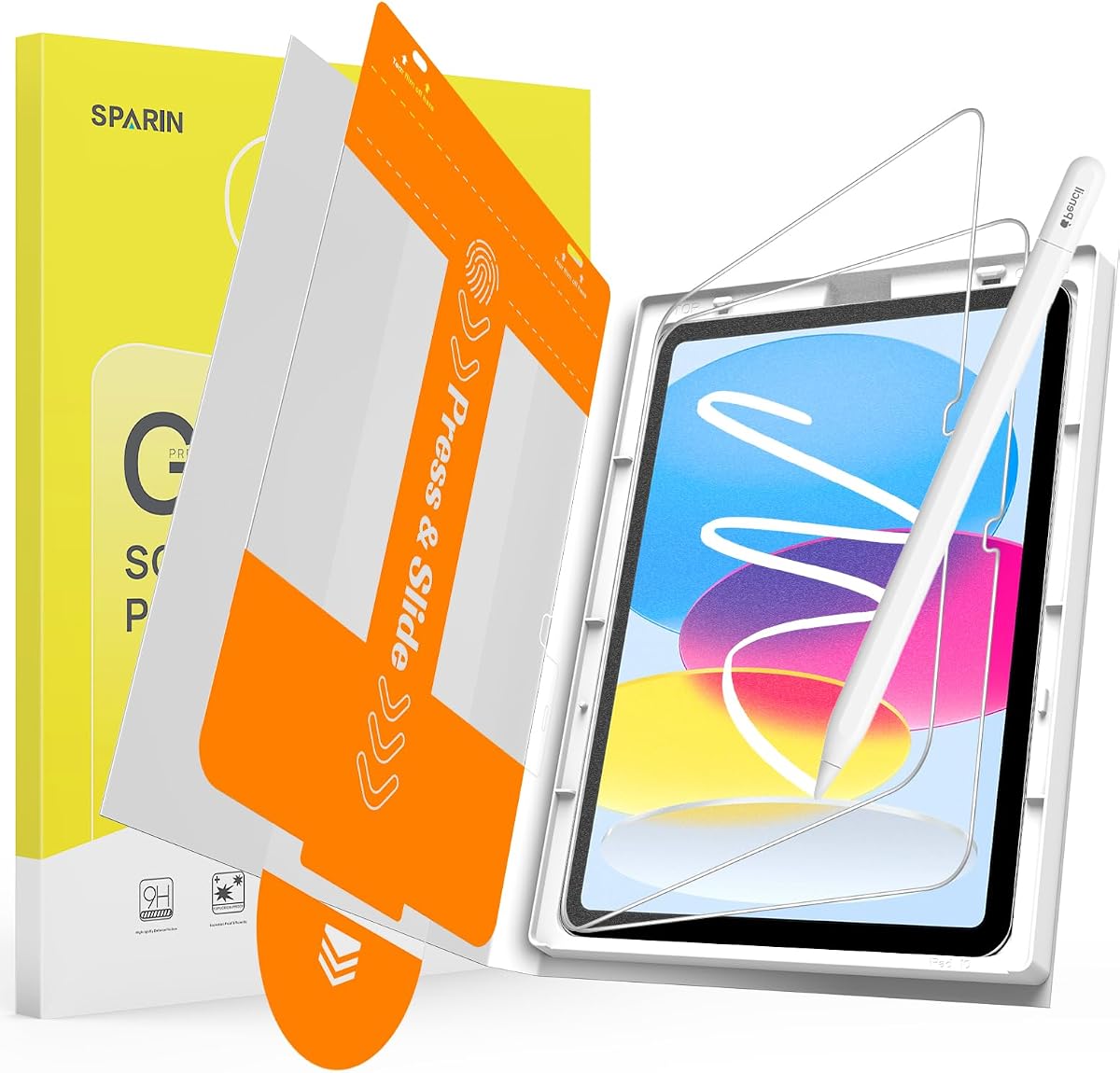
The SPARIN 2 Paper Screen Protector combines a textured surface with tempered glass for dual benefit of friction and protection. Rated 4.5 it uses a 2-in-1 design so you get paper writing feel while keeping the durability of glass.
We may earn a commission when you buy through this link, at no additional cost to you.
At 0.25mm it is thin enough to keep touch input responsive but thick enough to reduce Apple Pencil tip wear. The 9H hardness resists daily abrasion and holds cracked pieces together to stop sharp shards from scattering.
Its alignment tray with pull tab makes installation dust free and bubble free on the first try. The oleophobic coating resists fingerprints while True Tone still works so your screen colors remain accurate and vibrant.
Pick this if you want real glass protection with paper texture. It is ideal for creators who want to sketch and write while keeping their screen safe from drops and scratches during travel or daily work.
Bonded matte film on tempered glass gives paper texture without sacrificing glass scratch and impact resistance.
Micro-textured surface reduces friction so Apple Pencil tips last longer and need fewer replacements.
We may earn a commission when you buy through this link, at no additional cost to you.
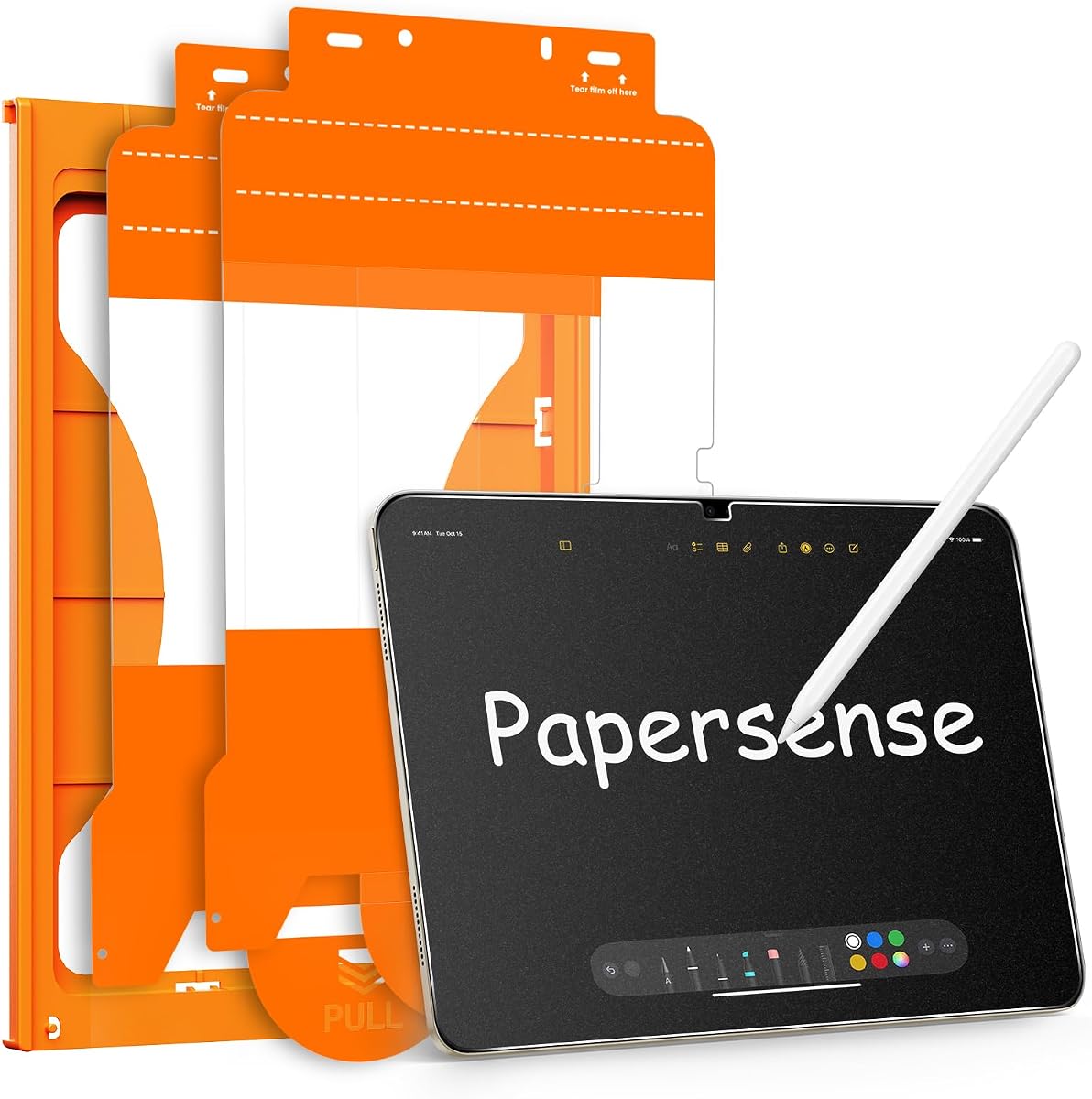
The OMOTON PAPERSENSE Paper Screen Protector stands out with high-end film that offers enhanced screen clarity and realistic writing. With a 4.6 rating this Papersense series product is designed for users wanting a faster install and natural feel.
We may earn a commission when you buy through this link, at no additional cost to you.
Its upgraded material makes writing and reading more comfortable by enhancing the tactile response of your Apple Pencil. The frosted finish reduces light refraction so you can draw outdoors without glare while keeping oil and fingerprints at bay.
You receive a complete installation kit and video so you can eliminate air bubbles step by step. It meets Apple guidelines so your Pencil works instantly and reduces tip wear for longer creative sessions without needing frequent replacements.
Choose this premium option if you want the best writing experience possible. It balances high quality texture with screen clarity so your content looks vibrant while you enjoy natural handwriting and sketching on your iPad.
Upgraded material improves screen visibility so colors stay bright even with the matte paper texture.
Tailored friction reduces tip wear so you can draw longer and your Pencil stays in top condition.
We may earn a commission when you buy through this link, at no additional cost to you.
The Magnetic Paper Screen Protector offers a reusable solution using upgraded nano suction cups to attach securely to your iPad edge. Rated 4.5 it lets you take off the paper layer whenever you want to enjoy your original screen colors.
We may earn a commission when you buy through this link, at no additional cost to you.
Its surface is treated with a 3H hard coating so the film resists scratching during daily writing. The 0.25mm thickness allows smooth writing and it works well with tempered glass protectors to give you double the protection.
The anti-glare layer reduces light reflection so your eyes feel relaxed even under sunshine or bright indoor lights. You can draw or sketch with vibrant display control without worrying about permanent adhesive sticking to your device.
Buy this if you want flexibility to switch between paper and glass feel. It pairs with a thin glass protector to give scratch resistance while letting you remove the paper texture whenever you want a clear view.
Nano suction cups attach firmly yet allow you to peel off the protector for easy cleaning.
Works over glass screens so you get scratch resistance and paper feel together.
We may earn a commission when you buy through this link, at no additional cost to you.
The XIRON 2 Pack Paper Screen Protector provides a balanced mix of texture and protection for iPad 11th and 10th generation. With a 4.4 rating it uses 3H hardness to resist daily scratches while keeping the screen smooth and responsive.
We may earn a commission when you buy through this link, at no additional cost to you.
Its self-adhesive film is designed for hassle-free bubble free attachment with minimal effort. The anti-glare surface cuts distracting reflections so you can sketch or take notes in bright rooms without glare affecting your view.
The film preserves high touch sensitivity so gestures and app switching feel instant. You get two packs so you can replace it when needed and support email assistance for installation questions if you run into issues.
Choose this 2 pack if you want a practical daily solution. It protects against scratches and glare while giving your Apple Pencil a natural surface to write on without sacrificing screen responsiveness.
Surface design cuts reflections so outdoor drawing and bright office work remain comfortable.
Easy to push out bubbles so you get a smooth install without complex tools.
We may earn a commission when you buy through this link, at no additional cost to you.
The PandaShield 2-Pack Paper-Feel Screen Protector uses aerospace-grade 9H tempered glass to protect your iPad from scratches and drops. Rated 4.3 it combines a natural writing texture with military-grade impact protection to keep your screen safe.
We may earn a commission when you buy through this link, at no additional cost to you.
It features a self-contained application tray so you can install it without experience and without bubbles. The oleophobic coating stops fingerprints and smudges while the 365-day warranty gives you peace of mind against cracks or peeling.
The surface restores natural texture so your Pencil feels like it is on paper reducing tip wear and hand strain. It blocks natural and artificial glare so you can read or work outdoors without reflections distracting you.
Pick this if you want maximum safety for your iPad. It delivers full-dimensional protection against chips and scratches while giving you a comfortable paper feel for sketching and note taking daily.
365-day warranty means free replacement if it cracks or peels so you buy with confidence.
9H hardness resists chips and impacts so your screen survives accidental drops safely.
We may earn a commission when you buy through this link, at no additional cost to you.
The Paperlike® 3 Screen Protector is the industry standard trusted by millions of creators for its refined Nanodots surface. With a 4.2 rating it adds natural friction to your iPad screen so handwriting improves and hand strain reduces.
We may earn a commission when you buy through this link, at no additional cost to you.
Its ultra-thin design stays below Apple limits so your Pencil works precisely without sacrificing responsiveness. The durable PET layer shields your display from scuffs and keeps your screen ready for any creative work you do next.
Installation is easiest ever with the Butterfly Application system that removes dust and guides you step by step. You get two protectors so you can replace one if it gets scratched while keeping a spare for future use.
Choose this premium option if you want a proven brand and balanced texture. It delivers just the right friction to protect your Pencil tip while keeping your screen responsive for professional art and daily sketching.
Over 2.4 million creators use Paperlike so you join a large community of satisfied users.
Nanodots surface gives control without grinding down Pencil tips so you save on accessories.
We may earn a commission when you buy through this link, at no additional cost to you.
Choosing the right screen protector involves balancing texture, material, and installation ease. Use this guide to understand key factors that influence performance.
Look for protectors that explicitly state paper feel or textured surface. High quality micro-grit or Nanodots technology replicates real paper friction so your Apple Pencil has natural resistance for detailed drawing. Test reviews to confirm the texture reduces slip without feeling overly rough on fingertips.
Prioritize brands that mention advanced grinding or refined surface layers for consistent tactile feel during long sessions.
PET films are ultra thin and preserve touch sensitivity but offer less impact resistance. Tempered glass hybrids add 9H hardness to protect against drops while keeping the texture. Decide if you prioritize weight and responsiveness or physical safety and scratch resistance.
Choose glass for maximum drop protection and PET for minimal screen weight and clarity.
Screen protectors under 0.2mm generally maintain original iPad responsiveness. Thicker options like 0.25mm may slightly reduce swipe speed but still work well with Apple Pencil. Check product specs for precise thickness to ensure you do not sacrifice touch performance.
Select ultra-thin models if you use heavy gesture navigation or fast app switching daily.
An anti-glare matte coating diffuses ambient light and reduces harsh reflections. This is essential for outdoor sketching or working near windows where direct sunlight creates mirror effects. A good matte finish keeps the screen readable without washing out colors.
Look for oleophobic layers that repel fingerprints since glare reduction is wasted if the surface stays dirty.
Installation trays and pull-tab systems reduce bubbles and dust during application. Plasma adsorption and automatic exhaust features make fitting easier for beginners. Avoid products that require exact manual alignment without tools if you are new to screen protection.
Choose kits with alignment tools and video guides to ensure a professional result on the first try.
Verify that the protector matches your exact iPad model and year. Some paper feel protectors do not fit iPad Pro models due to camera placement differences. Always check the model number listed on the back of your device before purchasing.
Confirm compatibility with your iPad Air 11 or iPad 10th generation to avoid buying the wrong cutout.
Some brands offer year long warranties or free replacements if the protector cracks or peels. This policy adds value especially if you drop your device often. Customer support quality matters if you encounter issues during installation.
Prioritize companies that include a written warranty for peace of mind during daily use.
Paper protectors range from affordable film packs to premium glass hybrids. Consider how long you plan to use the protector before replacing it. Two packs at lower cost often provide better value than single premium units.
Compare features per dollar to ensure you get durability and texture without overpaying for branding.
Clean your iPad screen with a microfiber cloth before applying the protector. Remove all dust particles using the provided stickers to prevent bubbles from forming under the film. Align the protector carefully with camera cutouts before pressing it down.
Gently smooth out remaining bubbles with the squeegee card from the center outward. If you see dust trapped, lift the corner slightly with a dust removal sticker and reapply. Let it sit for 10 minutes to let adhesive settle fully.
Wipe the surface regularly with a soft cloth to remove oil and sweat buildup. Avoid harsh chemicals or paper towels that could scratch the micro-textured surface. Store your iPad in a protective case when not in use to reduce wear.
Yes most paper screen protectors reduce tip wear by providing a smoother surface than rough paper. However micro-grit textures can still cause friction that shortens tip lifespan compared to bare glass. Premium brands balance friction to minimize wear while keeping good drawing feel.
Most paper protectors are transparent enough to allow True Tone to function. Some matte coatings may slightly reduce color vibrancy but the color balance feature still adjusts for ambient light. Check product specs to confirm True Tone compatibility.
Some magnetic or reusable protectors are designed to sit on top of a glass protector. Standard adhesive paper films are not meant to layer over glass and may peel. Verify compatibility notes before stacking layers to avoid adhesion issues.
You should replace a paper protector when texture degrades or scratches become visible. Typically this lasts 6 to 12 months depending on heavy daily use. Reusable magnetic protectors can be cleaned and used longer if they stay intact.
A slight reduction in brightness is normal because matte surfaces diffuse light. The change is usually minimal and acceptable for the glare reduction benefit. Adjust screen brightness settings if you feel the loss is too significant.
For students and note takers paper protectors provide friction that improves handwriting and reduces slipping. They make digital notes feel more natural and improve accuracy during long lecture sessions. The added texture justifies the cost for frequent writers.
Most paper protectors work with any stylus that supports friction. Check if your stylus has a hard tip that may scratch softer PET surfaces. Glass hybrid protectors are safer for metal stylus tips than plain films.
Peel from a corner gently using a plastic tool or fingernail. Apply mild heat from a hair dryer to soften adhesive if it sticks. Clean the screen with alcohol wipes after removal to remove residue.
We found that the MOBDIK and bersem options offer solid budget performance for students while OMOTON and Paperlike provide premium texture for professional artists. Each protector delivers natural friction that enhances Apple Pencil control without sacrificing screen responsiveness.
Prioritize compatibility and installation ease to ensure your protector fits your exact iPad model. Choose tempered glass if you want drop protection or PET film if you want minimal weight. The best choice depends on your balance of durability and drawing feel.
Remember that stock and availability change often so verify your iPad model number before purchasing. Check current product ratings to ensure you select a well maintained listing. We hope this guide helps you find the perfect matte solution for your creative work.