
Seadream Micro HDMI Type D Male to Mini HDMI Type C Male Connector Adapter Cable Cord
4.7Editor score
Gold-plated connectors
Molded strain relief
Supports up to 1080p
This comprehensive guide compares the top HDMI Micro to Mini Cable options for cameras, Raspberry Pi, and monitors to help you find the perfect high-speed
Finding the right HDMI Micro to Mini Cable is essential for connecting modern cameras, portable monitors, and single-board computers to larger displays without signal loss or compatibility issues.
We evaluated ten top-rated cables based on build quality, bandwidth support, connector durability, and real-world performance across a wide range of popular devices and use cases.
Each pick highlights key strengths and potential limitations so you can choose confidently. Please note that product availability and pricing may change frequently on retailer platforms.
4.7Editor score

5.0Editor score

4.9Editor score
The following table provides a side-by-side comparison of all ten selected cables, highlighting their key specifications, compatibility features, and unique selling points for easy reference.



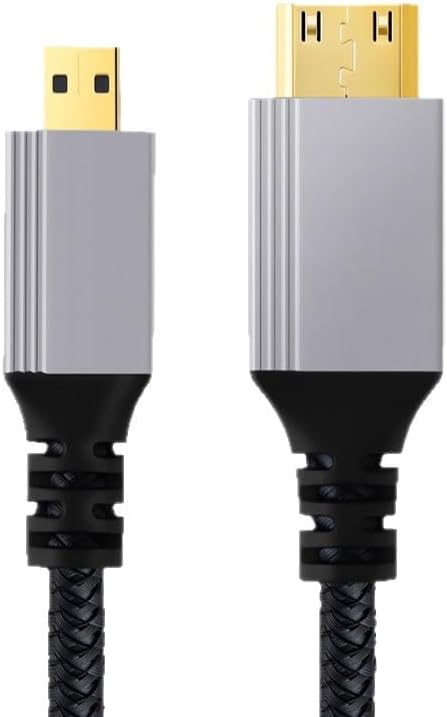

This cable earns its top spot with its robust construction and high-speed performance that satisfies even demanding users needing reliable video transmission for cameras and monitors.
We may earn a commission when you buy through this link, at no additional cost to you.
It supports 4K at 60Hz with HDR and Dolby Atmos, ensuring your content looks and sounds pristine whether you are streaming or recording professionally.
The braided nylon and aluminum shell provide exceptional durability against wear and tear, though you may need to verify your port types before purchase.
Ideal for professionals and enthusiasts using DSLR, mirrorless, or Raspberry Pi devices, this cable delivers consistent results across diverse setups.
The internal wiring and shielding prevent signal loss, maintaining clarity even over longer distances or in electrically noisy environments.
Designed for Micro HDMI Type D to Mini HDMI Type C, it bridges the gap between compact devices and standard displays effortlessly.
We may earn a commission when you buy through this link, at no additional cost to you.
This cable stands out for its specific optimization for Raspberry Pi 4 and 5, ensuring stable connections for portable monitor setups without signal dropouts.
We may earn a commission when you buy through this link, at no additional cost to you.
With 4K 60Hz and 18Gbps bandwidth, it handles modern computing and media playback demands while supporting advanced audio formats like Dolby Atmos.
While the one-foot length restricts positioning, it is perfect for tight enclosures where the monitor sits directly next to the Pi board.
Users needing a reliable, tested connection for their Pi projects will find this option offers peace of mind and consistent performance.
Support for Audio Return Channel ensures you can enjoy high-quality sound through external speakers without extra wiring.
Each cable undergoes strict quality checks before shipping, reducing the risk of defects and ensuring a reliable initial experience.
We may earn a commission when you buy through this link, at no additional cost to you.
For users seeking an affordable solution without compromising basic reliability, this Seadream cable offers solid performance at a very competitive price point.
We may earn a commission when you buy through this link, at no additional cost to you.
It features gold-plated connectors to resist corrosion and ensure steady signal transfer, making it suitable for everyday use with cameras or tablets.
While it tops out at 1080p rather than 4K, it delivers clear visuals for standard HD content and is robust enough for casual applications.
This choice is ideal for budget-conscious buyers who need a simple, durable adapter for connecting devices to projectors or monitors.
Gold plating on the contacts helps maintain conductivity over time, even in humid or variable environmental conditions.
The molded strain-relief design reduces physical stress on the ports, preventing breaks from repeated plugging and unplugging.
We may earn a commission when you buy through this link, at no additional cost to you.
This premium option distinguishes itself with bi-directional support and high-quality oxygen-free copper conductors that ensure minimal signal loss over distance.
We may earn a commission when you buy through this link, at no additional cost to you.
Its five-foot length provides valuable flexibility for setups where the camera or device is not directly adjacent to the display screen.
Triple-layer shielding minimizes electromagnetic interference, resulting in clean video without noise even when running near power cables or wireless devices.
For users requiring a robust, future-proof cable that handles 4K content flawlessly, this model offers excellent value through superior engineering.
Whether sending signal from a Micro HDMI source to Mini HDMI display or vice versa, the cable adapts automatically without adapters.
Oxygen-free copper conductors enhance conductivity and durability, ensuring stable performance over years of frequent use.
We may earn a commission when you buy through this link, at no additional cost to you.
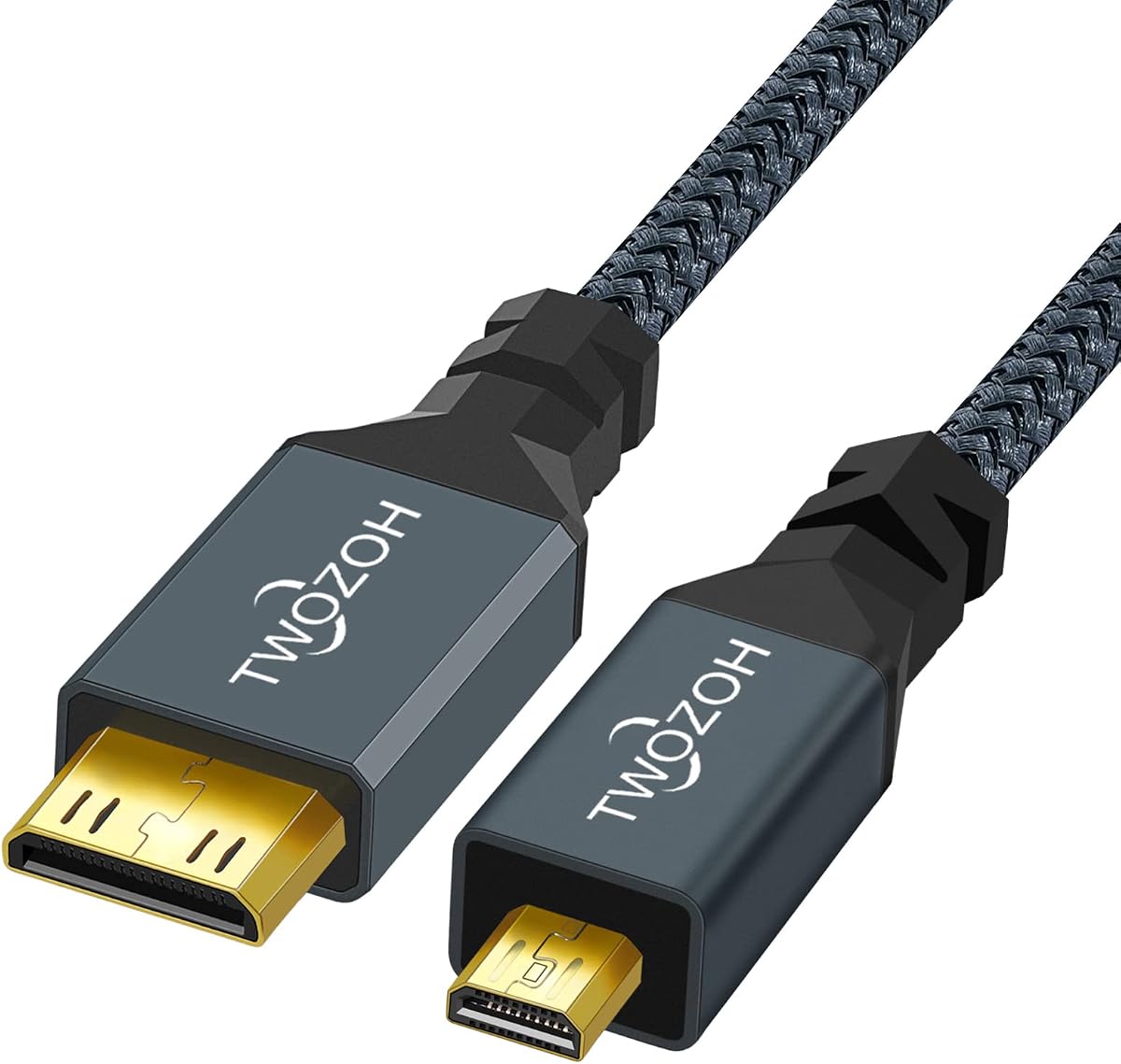
The Twozoh cable provides a compact, durable solution for users who need a reliable connection without the bulk of longer cables.
We may earn a commission when you buy through this link, at no additional cost to you.
With support for HDMI 2.0 features including 3D content and 4K resolutions, it ensures your media playback remains smooth and detailed.
The nylon braided outer layer adds significant tensile strength, protecting the inner wiring from fraying during transport or daily handling.
While limited to 1.6 feet, it is perfect for desktop setups or tight spaces where excess cable length is unnecessary and inconvenient.
The nylon braiding adds a layer of protection that helps the cable withstand bends and pulls without damage to the core wires.
Gold-plated contacts guarantee a consistent electrical path, preventing intermittent drops that might occur with lower-quality connectors.
We may earn a commission when you buy through this link, at no additional cost to you.
This coiled cable introduces a flexible spring design that extends up to 1.2 meters, offering unique convenience for cameras or setups requiring movement.
We may earn a commission when you buy through this link, at no additional cost to you.
It supports 8K at 60Hz with 48Gbps bandwidth, making it one of the few options ready for next-generation high-resolution content and HDR.
The slim four-millimeter diameter reduces bulk, which is beneficial when routing cables through tight spaces on rigs or portable monitors.
Ideal for users needing dynamic range and high resolution, the stretchy design adapts to changing distances between your device and display.
The coiled structure allows the cable to retract naturally, keeping your workspace tidy while still providing reach when necessary.
With 48Gbps capacity, it easily handles uncompressed high-resolution video and advanced audio formats for immersive experiences.
We may earn a commission when you buy through this link, at no additional cost to you.
Designed with right-angle connectors, this cable excels in scenarios where standard plugs might block adjacent ports or hinder cable management in tight enclosures.
We may earn a commission when you buy through this link, at no additional cost to you.
It supports HDMI 2.1 features including 8K resolution and VRR, making it excellent for high-end cameras or gaming tablets needing smooth visuals.
The telescopic design allows you to stretch the cable to reach across desks or rigs and retract it to keep things organized afterward.
Users working in constrained environments or needing precise port access will appreciate how this design improves usability without sacrificing performance.
Angled connectors allow the cable to lay flat against devices, avoiding bends that could cause strain on the port over time.
Support for Variable Refresh Rate and low latency ensures smoother visuals during motion-heavy content or interactive applications.
We may earn a commission when you buy through this link, at no additional cost to you.
This cable is built for durability and high performance, making it a top choice for action cameras and security systems that require stable connections.
We may earn a commission when you buy through this link, at no additional cost to you.
Its braided nylon sheath protects against abrasion and daily wear, ensuring longevity even in rugged or industrial environments.
Supporting 4K at 60Hz with 18Gbps bandwidth, it delivers crisp video and synchronized audio for professional recording or monitoring tasks.
Users needing a tough, reliable cable for GoPro, Canon cameras, or security DVRs will find it provides a consistent link over time.
The tough nylon braid acts as a shield against cuts and scrapes, maintaining structural integrity during rough handling.
Lossless transmission ensures audio and video remain perfectly aligned, which is critical for professional media production workflows.
We may earn a commission when you buy through this link, at no additional cost to you.
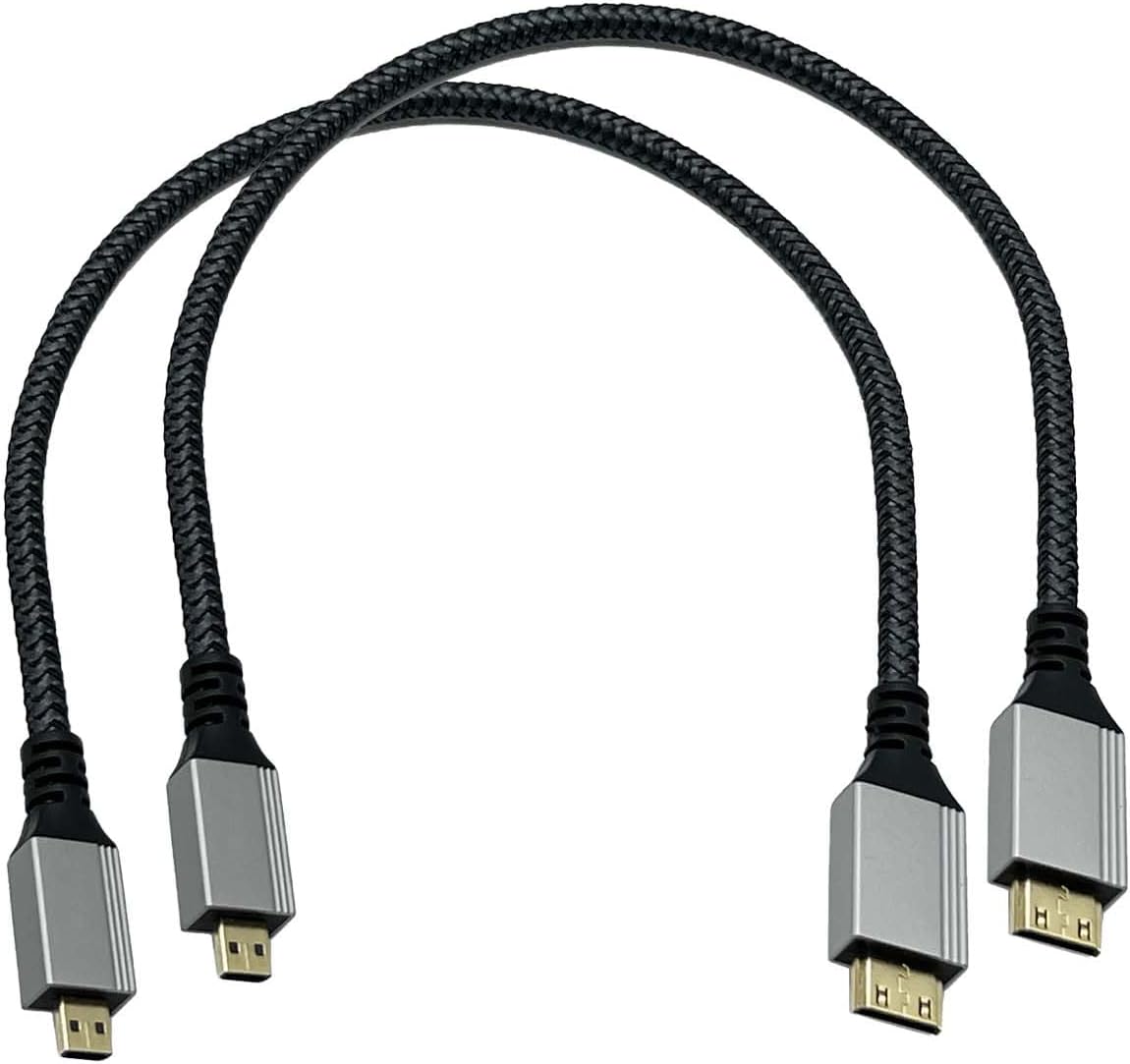
Getting two high-quality cables in one package makes this an exceptional value for households or offices needing multiple connections for different devices.
We may earn a commission when you buy through this link, at no additional cost to you.
Each cable supports 4K and 1080p resolution with a braided nylon jacket that adds a premium look and improved durability over standard PVC.
While limited to one foot, they are ideal for permanent setups where devices are close together, like connecting a TV box to a monitor.
For those seeking a cost-effective way to outfit multiple stations with reliable HDMI links, this bundle offers unmatched convenience and savings.
Purchasing two cables at once reduces unit cost and ensures you have a spare ready for replacements or different rooms.
Aluminum connectors not only look better but also provide better heat dissipation and protection against bending or breaking.
We may earn a commission when you buy through this link, at no additional cost to you.
This cable combines top-tier bandwidth with a versatile coiled design, ensuring it meets current needs while preparing for upcoming video technology standards.
We may earn a commission when you buy through this link, at no additional cost to you.
With 48Gbps bandwidth and support for 8K at 60Hz, it delivers flawless transmission of high-resolution content, including complex HDR signals.
The gold-plated contacts ensure a stable connection that resists oxidation, while the coiled shape allows for flexibility without tangling.
Advanced users seeking maximum performance and future-proofing will appreciate its robust specifications and reliable bi-directional signal transmission.
48Gbps ensures that even the most demanding video streams transmit smoothly without compression artifacts or frame drops.
Supporting HDMI 2.1 and Dynamic HDR means this cable is built to handle evolving display and media technologies for years.
We may earn a commission when you buy through this link, at no additional cost to you.
Selecting the right cable requires understanding your device ports and desired performance level. Below are key factors to consider.
Ensure you identify the correct port type on both devices: Micro HDMI is Type D and Mini HDMI is Type C. Some cables offer right-angle connectors which can be vital if ports are in tight spots.
Confirm the direction of your data flow, as some cables are bi-directional while others are specific to source or display.
Modern usage often demands 4K at 60Hz which requires at least 18Gbps bandwidth. For 8K or high refresh rates, look for HDMI 2.1 with 48Gbps.
Choosing a cable with higher specs than needed ensures longevity and compatibility with future upgrades.
Look for cables with braided nylon jackets and metal shells to protect against daily wear. Gold-plated connectors resist corrosion and ensure stable signal transfer over time.
High-quality materials extend the lifespan of the cable and reduce the risk of connection issues.
Measure the distance between your devices to pick the shortest cable that reaches. Coiled cables offer unique flexibility for setups requiring stretch.
Avoid excessively long cables if not needed, as they can clutter your workspace and introduce potential signal loss.
Check for support of features like HDR, Dolby Atmos, or Audio Return Channel if your setup relies on immersive audio. These features enhance your viewing experience significantly.
A cable that supports both video and audio specifications fully ensures you do not lose sound quality.
Not all cameras or boards use the same HDMI ports. Verify your specific model's requirements. Raspberry Pi models, for instance, often need specific cables.
Reading compatibility lists ensures you avoid adapters that might cause signal degradation.
Higher prices often reflect better shielding and materials but budget options can work well for static, low-resolution use. Determine your needs before paying extra for unused features.
Balancing cost with necessary performance specs helps you get the best value for your specific setup.
Some brands offer lifetime warranties or robust customer support which provides peace of mind. Check reviews for longevity and responsiveness.
Good support can save time if the cable encounters issues or needs replacement.
Start by identifying the correct ports on your camera, monitor, or board. Connect the Micro HDMI end to your source device and the Mini HDMI end to your display.
Ensure the connectors click securely into place without forcing them. Check that your display switches to the correct input source for the signal to appear.
Store the cable loosely coiled rather than tightly wrapped to prevent internal wire stress. Clean connectors with a dry cloth to maintain optimal contact over time.
Not all are; while many modern cables support both directions, some uni-directional versions exist. Always check the product description to confirm bi-directional transmission before purchasing.
No, you cannot use it directly on a standard HDMI port. You would need an adapter to convert Mini HDMI to standard HDMI to bridge the connection.
Standard active cables can reach 5 to 10 feet, but coiled ones usually stretch to 1.2 meters. Longer runs often need signal boosters to maintain quality.
Many models do support ARC if their bandwidth is sufficient. Verify that the specific cable mentions Audio Return Channel support in its product specs.
Check that both connectors are fully seated and the display input matches the source. Faulty cables or port damage may cause intermittent connections.
Yes, gold plating resists oxidation and corrosion better than standard metal. This leads to longer life and more reliable signal transfer over time.
Whether you need the versatility of bi-directional transmission or the ruggedness of braided nylon, these ten cables cover the most popular use cases for cameras and boards.
Prioritize bandwidth and connector quality based on your display capabilities to avoid bottlenecks. Investing in a durable cable saves money in the long run by reducing replacement needs.
Remember to verify your exact port types before buying. Always check current availability and pricing on retailer sites before finalizing your purchase.