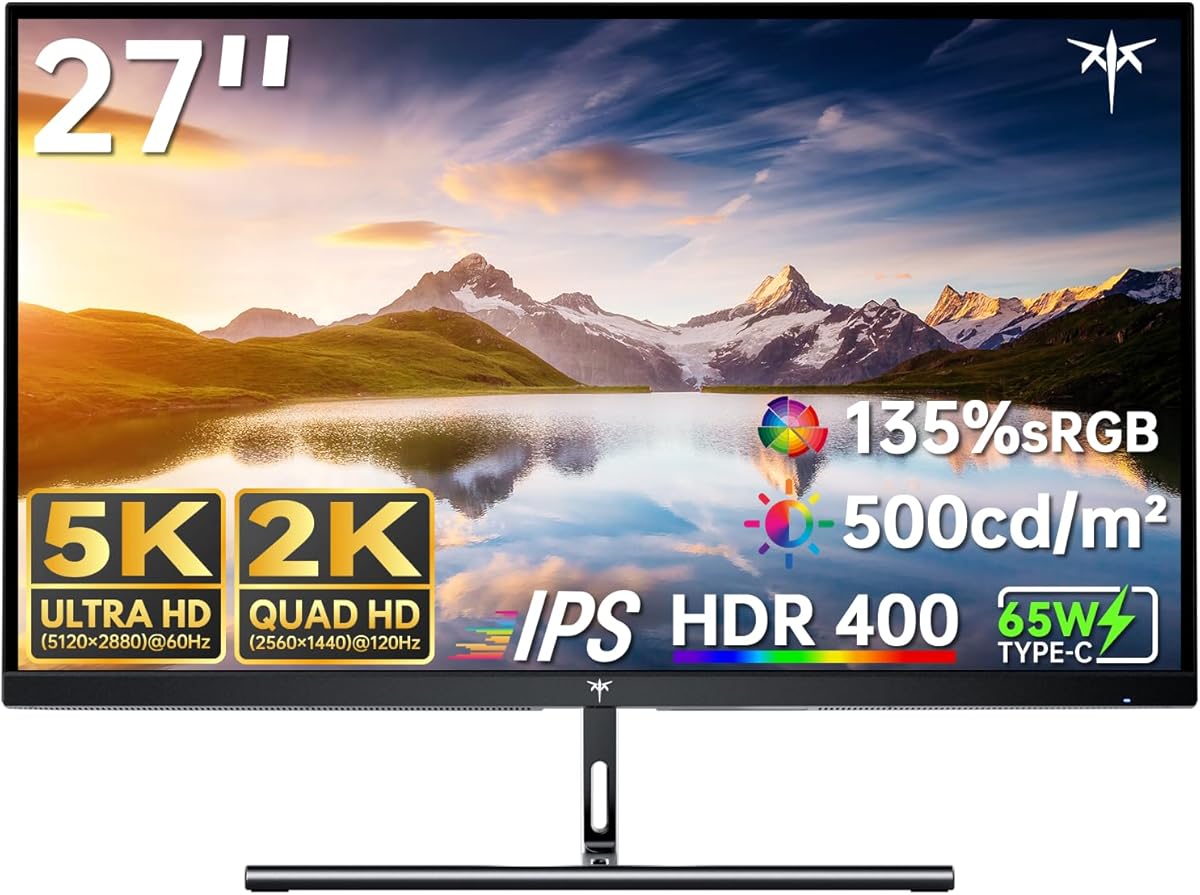
KTC 5K Monitor
4.4Editor score
Dual mode resolution switching
Affordable price point
Solid color performance
Finding the right display can transform your workflow significantly. A high resolution screen offers crisp text and vibrant colors that make creative work easier and more enjoyable for daily tasks.
We analyzed ten leading models based on panel quality connectivity options and color accuracy. Our list covers diverse needs from gaming to professional design ensuring you find a fit for your setup.
Each pick highlights key strengths and potential trade-offs to help you decide. Prices and availability change frequently so check current listings before purchasing to secure the best deal available today.
4.4Editor score

3.6Editor score

3.7Editor score
As an Amazon Associate we earn from qualifying purchases.
This side-by-side comparison highlights key specifications across all ten models to help you quickly identify the best match for your specific workflow and budget needs.




The ASUS ProArt PA27JCV stands out as a top choice for professionals seeking high resolution clarity. With a 5K resolution and impressive color coverage it delivers visuals that meet rigorous standards for creative work.
We may earn a commission when you buy through this link, at no additional cost to you.
Its factory pre-calibration ensures Delta E less than two out of the box which saves time on manual tuning. The intelligent brightness adjustment adapts to ambient light keeping colors consistent throughout the day.
While it excels in design workflows it lacks some high refresh rate gaming features found in dedicated gaming monitors. This trade-off is acceptable for users prioritizing color fidelity and productivity over fast motion.
This monitor is ideal for designers and editors who need reliable color accuracy. The included Adobe Creative Cloud subscription adds extra value making it a strong investment for creative professionals today.
The factory calibration ensures precise colors right out of the box for trusted results.
USB-C delivers power and data through one cable simplifying your desktop setup effectively.
We may earn a commission when you buy through this link, at no additional cost to you.
Samsung brings a unique dual mode capability to this 5K monitor allowing users to switch between resolution and refresh rate easily. This flexibility makes it a strong candidate for mixed use setups.
We may earn a commission when you buy through this link, at no additional cost to you.
Gaming performance is highlighted by a fast IPS panel and near instant response times that reduce motion blur. The dual mode option lets you prioritize speed for competitive play or clarity for single player games.
However the interface can be complex for those unfamiliar with gaming monitor settings. Users must take time to explore features to unlock the full potential of the hardware capabilities available.
This screen is best for gamers who also need high resolution for daily tasks. The balance between crisp visuals and smooth gameplay sets it apart in a crowded market of displays.
Switching between 5K detail and high refresh rates adapts to different gaming needs instantly.
HDR10+ and G-SYNC ensure vivid visuals and smooth motion during intense gaming sessions.
We may earn a commission when you buy through this link, at no additional cost to you.
The ASUS ROG XG27JCEG focuses heavily on performance with a blazing fast response time and smooth gaming features. It brings competitive edge tools directly to a high resolution display panel.
We may earn a commission when you buy through this link, at no additional cost to you.
Dual mode functionality allows seamless switching between 5K clarity and high refresh rates for action. The AI powered features like dynamic shadow boost enhance visibility without manual adjustments during play.
One limitation is the USB-C port which provides limited power delivery compared to other models. Users may need separate power sources for laptops if they rely on USB-C docking for charging.
This monitor is perfect for esports enthusiasts who demand speed and precision. The combination of high resolution and low latency makes it a standout for serious gamers with powerful PCs.
Built-in AI tools optimize visual settings dynamically for better performance during matches.
HDR 600 delivers vivid highlights while the fast IPS panel ensures color accuracy across views.
We may earn a commission when you buy through this link, at no additional cost to you.
KTC offers an accessible entry into 5K territory with a monitor that balances cost and performance. It provides essential features like USB-C charging and dual mode support at a competitive price.
We may earn a commission when you buy through this link, at no additional cost to you.
The display delivers solid color accuracy with high sRGB coverage making it suitable for general productivity and light creative work. Eye care technology helps reduce strain during long work sessions.
While it lacks the polish of premium brands the core performance is reliable for most users. The warranty support and responsive customer service add confidence to this value proposition.
This model is ideal for those wanting 5K resolution without a high price tag. It serves well as a secondary screen or for home offices needing sharp visuals and modern connectivity.
Strong sRGB coverage ensures images look natural and accurate across different media formats.
Multiple ports including USB-C and HDMI allow easy connection to various devices.
We may earn a commission when you buy through this link, at no additional cost to you.
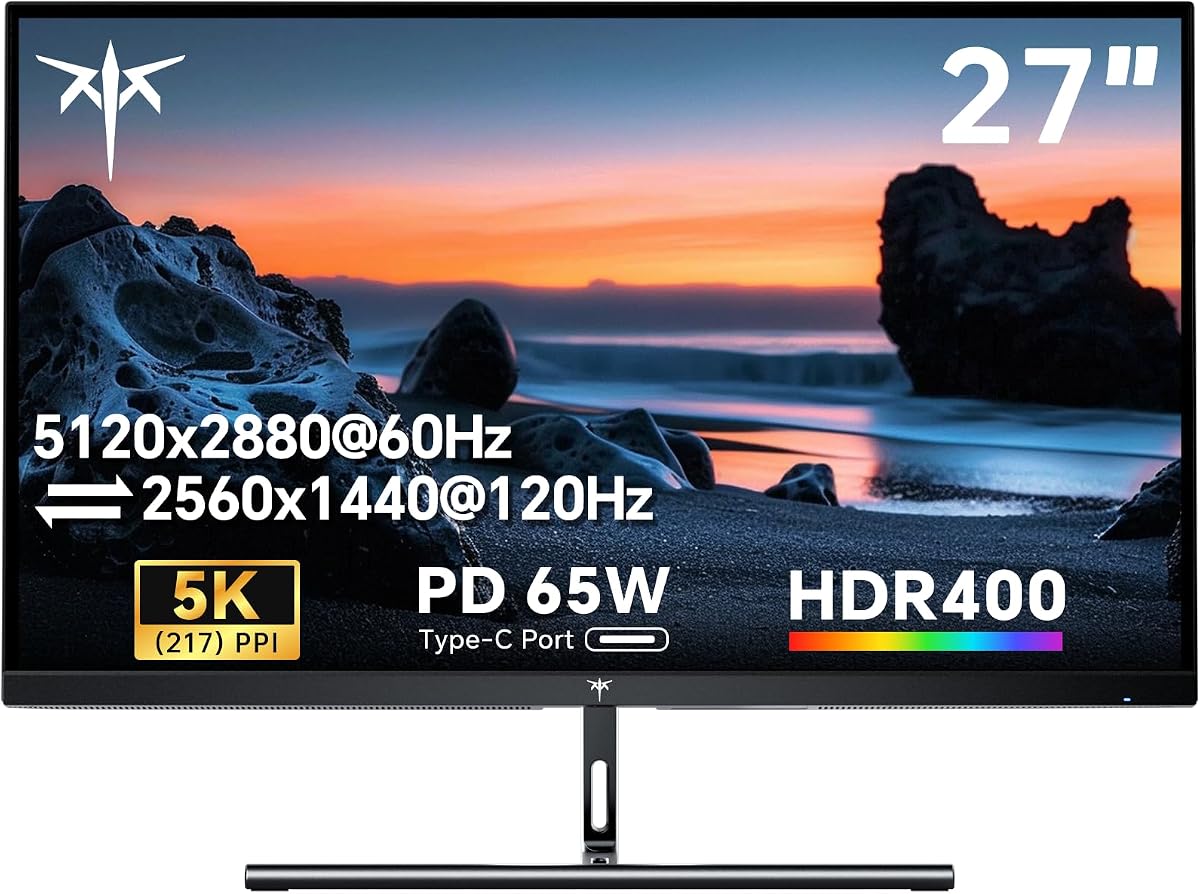
This KTC model stands as one of the most affordable 5K options available today. It maintains high color performance with broad DCI-P3 coverage despite its budget friendly positioning.
We may earn a commission when you buy through this link, at no additional cost to you.
The dual mode feature lets users switch between high resolution for work and fast refresh for gaming. This flexibility ensures the monitor can handle diverse tasks without needing a secondary screen.
Build quality is functional rather than premium but the display performance holds up well. Users should expect a straightforward experience focused on the screen itself rather than extra accessories.
For budget conscious buyers seeking high resolution this is a compelling choice. It proves that you do not need to spend heavily to get sharp pixels and good color output.
Switching between 5K and 2K modes optimizes performance for work or gaming needs.
Wide DCI-P3 coverage ensures rich and accurate colors for creative and media tasks.
We may earn a commission when you buy through this link, at no additional cost to you.
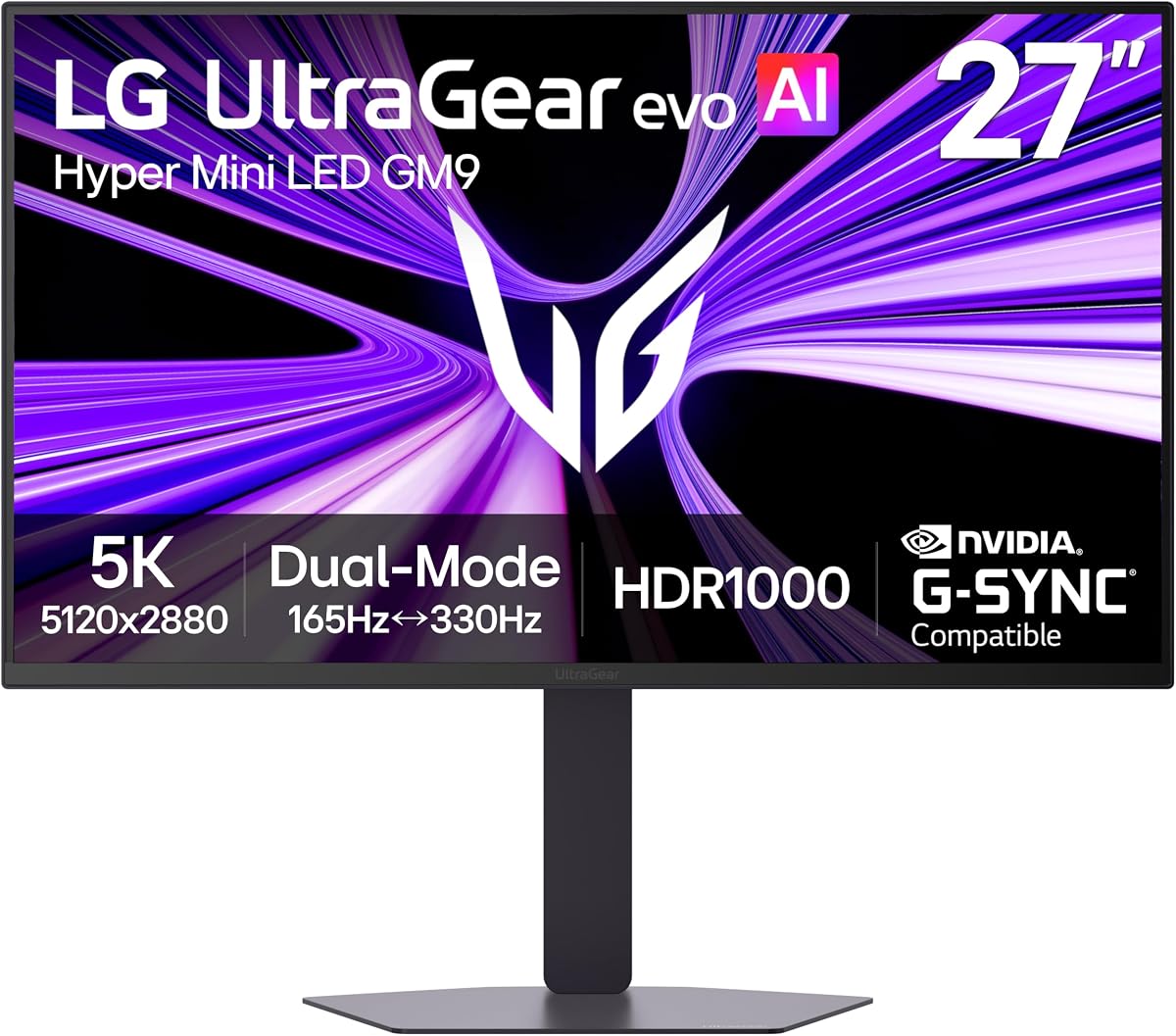
LG introduces Mini-LED technology to the 27 inch 5K category for enhanced contrast and brightness. This makes it a strong contender for HDR content and immersive gaming experiences.
We may earn a commission when you buy through this link, at no additional cost to you.
The peak brightness reaches 1250 nits which is impressive for indoor viewing. Local dimming zones improve dark scenes though some users may notice blooming around bright objects.
AI upscaling enhances lower resolution content to look sharper on the high density panel. This is useful for users who play older games or watch mixed resolution media on one screen.
This monitor targets enthusiasts who want the best visual fidelity possible. While it carries a high price the hardware performance justifies the cost for demanding users seeking top tier specs.
Local dimming provides deeper blacks and higher contrast for a more immersive viewing.
DisplayPort 2.1 and USB-C ensure you can connect next-gen devices without limitations.
We may earn a commission when you buy through this link, at no additional cost to you.
Dell offers a refined 4K option that competes well with lower tier 5K models. Its high refresh rate and color accuracy make it suitable for both creative and leisure use.
We may earn a commission when you buy through this link, at no additional cost to you.
ComfortView Plus reduces blue light without affecting color accuracy which helps during long work days. The USB-C port simplifies desk clutter by combining video and power delivery into one cable.
While it does not offer 5K resolution the pixel density is still high enough for detailed work. This makes it a viable alternative if 5K is not a strict requirement for your workflow.
This monitor is best for office professionals who need reliability and comfort. Dell reputation for quality control and support adds value to this solid productivity focused display.
ComfortView Plus technology minimizes blue light exposure while maintaining vibrant colors.
120Hz provides smooth visuals that feel responsive for daily tasks and casual gaming.
We may earn a commission when you buy through this link, at no additional cost to you.
LG delivers a versatile 4K monitor with high power delivery and excellent color coverage. It is designed to be a single cable solution for laptops needing reliable power and video.
We may earn a commission when you buy through this link, at no additional cost to you.
The built-in speakers provide decent audio without needing external devices which keeps desks clean. The Switch app helps manage multi-monitor setups and improves workflow efficiency on Windows and Mac.
HDR 400 support is present but limited compared to higher end options. This means bright scenes may not look as dynamic on high contrast content like movies or games.
This is a great choice for general users needing a dependable 4K screen. The combination of connectivity and color performance makes it a safe buy for daily productivity.
90W delivery keeps most laptops charged while displaying video on one single cable.
Built-in speakers save desk space by removing the need for external audio devices.
We may earn a commission when you buy through this link, at no additional cost to you.
BenQ targets Mac professionals with a 5K monitor featuring Thunderbolt 4 and unique Nano Matte technology. This screen prioritizes color uniformity and glare reduction for design studios.
We may earn a commission when you buy through this link, at no additional cost to you.
The Nano Matte panel diffuses reflections without losing clarity which is rare in high resolution displays. This makes it easier to work in bright offices without glare interfering with detailed editing.
Daisy chain support allows connecting multiple displays via one cable which simplifies complex setups. The built-in KVM switch helps manage multiple systems easily with a single keyboard and mouse.
This monitor is perfect for high-end Mac users willing to invest in workflow optimization. The premium features justify the cost for professionals who spend hours daily on critical visual tasks.
Reflection-free coating ensures consistent visibility even in brightly lit work environments.
Thunderbolt 4 and KVM streamline tasks for professionals managing multiple Mac devices.
We may earn a commission when you buy through this link, at no additional cost to you.
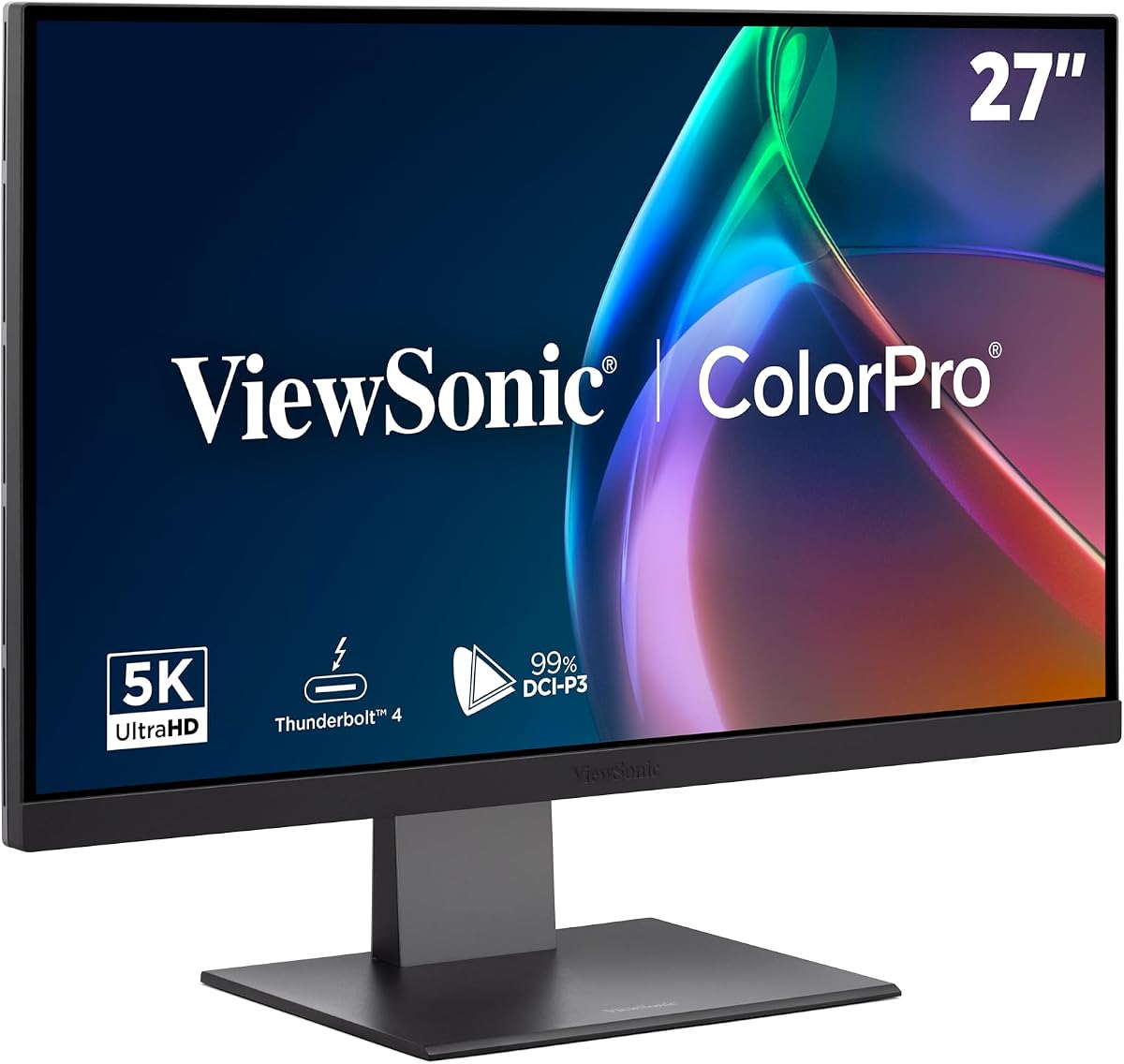
ViewSonic offers a professional 5K monitor validated by Pantone for color precision. It is designed for creatives who need to trust the colors on screen match their printed output.
We may earn a commission when you buy through this link, at no additional cost to you.
With Thunderbolt 4 and 100W power delivery this monitor can drive high-end Macs effectively. The ability to daisy chain allows for multi-display setups without cluttering the desk with wires.
While it shares some features with other premium models its color validation stands out. This certification is crucial for design professionals who cannot afford color mismatches in their work.
This is the ideal choice for designers needing certified color accuracy and Mac integration. If workflow consistency is your priority this model provides the tools needed to ensure reliable results.
Pantone Validated status ensures reliable color fidelity for critical design and media work.
Thunderbolt 4 allows seamless daisy chaining and high power delivery for Macs.
We may earn a commission when you buy through this link, at no additional cost to you.
Choosing a high resolution monitor requires balancing resolution with performance needs and workflow requirements. Here are key factors to consider before making your final decision.
A 27 inch 5K monitor provides 5120 by 2880 pixels which offers over twice the pixel count of standard 4K. This high density ensures text and icons are razor sharp and reduces the need to zoom in while working on detailed documents.
Look for displays with at least 200 PPI to ensure the text remains readable without excessive scaling in macOS or Windows.
Most 5K monitors use IPS panels for wide viewing angles and accurate colors. Check coverage for sRGB and DCI-P3 to ensure the screen matches industry standards for creative work.
High gamut coverage ensures photos and videos look true to life when shared across different devices.
Professional workflows require precise color management. Monitors with factory calibration to Delta E less than two reduce the need for manual adjustments.
Look for models with Pantone Validated or Calman Verified certifications for trusted color reproduction.
Modern workstations need USB-C or Thunderbolt to deliver video and power over a single cable. Ensure the monitor supports at least 65W to charge laptops while in use.
Multiple HDMI and DisplayPort inputs offer flexibility for connecting consoles or secondary PCs.
While 5K is often associated with productivity some models offer dual mode to switch to lower resolutions for faster refresh rates. This helps gamers maintain clarity while getting smooth motion.
If you prioritize work over gaming a standard 60Hz refresh rate is usually sufficient and more affordable.
A good stand should allow height tilt and swivel adjustments to reduce neck strain during long hours. VESA mount compatibility is also useful if you plan to use an external arm.
Robust build quality ensures the monitor remains stable and durable over years of daily use.
High Dynamic Range support enhances contrast and brightness in compatible content. Look for HDR600 or higher if you plan to view media frequently.
True HDR requires good local dimming or mini-LED technology to prevent light bleed and improve dark details.
Reputable brands offer warranties that cover dead pixels and defects for at least three years. Good customer support ensures you can resolve issues quickly without long delays.
Check for extended warranty options during purchase to protect your investment for longer periods.
Proper setup involves adjusting brightness and contrast to match your room lighting. Calibrate the display regularly using software tools to maintain color accuracy over time.
Keep the screen clean with a microfiber cloth to avoid scratches. Avoid spraying liquids directly on the panel and instead apply cleaner to the cloth first.
Use a surge protector to protect the monitor from power spikes. This extends the life of internal electronics and prevents sudden failures during storms.
A 27 inch 5K monitor offers 5120 by 2880 pixels compared to 3840 by 2160 for 4K. This higher pixel density provides sharper text and finer detail on a screen of the same physical size.
Running native 5K at high refresh rates requires a powerful graphics card. However for basic productivity at 60Hz most modern integrated graphics can handle the load without issues.
Yes many 5K monitors support USB-C or Thunderbolt which connects directly to Macs. Ensure the cable and port support the required bandwidth for 5K resolution.
Dual mode allows switching between 5K resolution and a lower resolution like QHD. This lets you prioritize clarity for work or higher refresh rates for gaming on one screen.
Yes many 5K models cover wide color gamuts and are factory calibrated. This makes them ideal for photo and video editing where color precision matters most.
Use a soft microfiber cloth to wipe dust and fingerprints gently. Do not use household cleaners or abrasive materials that could damage the anti-glare coating.
The ASUS ProArt PA27JCV and KTC options lead our list for balancing performance and value. Each model brings unique strengths that cater to specific needs from design to gaming.
Prioritize color accuracy and connectivity if you work professionally or prefer a clean desk. Gamers may find dual mode features worth the extra investment for flexibility.
Prices for these displays change often so check current listings before purchasing to secure the best deal available for your budget.