
Seagate 1TB Mobile HDD SATA 6Gb/s 128MB Cache 2.5" Internal Bare Drive
4.4Editor score
Thin 7mm laptop design
Lightweight portable option
Standard SATA integration
Selecting the right storage solution is critical for maximizing the potential of your home security ecosystem. The Eufy Homebase 3 supports local expansion allowing users to store footage directly without cloud fees. Choosing a compatible hard drive ensures continuous recording and quick access to your videos.
We evaluated ten top-rated storage options based on reliability, capacity, and performance metrics. Our analysis focuses on drives that handle continuous write workloads efficiently. Each product was scrutinized for compatibility with NAS and DVR systems similar to the Homebase architecture.
This roundup highlights the best choices for every budget and storage need. Each entry includes detailed specs and real-world performance insights. Please note that availability and pricing change frequently so verify details before purchasing to ensure you get the right drive.
4.4Editor score
4.3Editor score

5.0Editor score
As an Amazon Associate we earn from qualifying purchases.
The following table provides a side-by-side comparison of all ten selected hard drives to help you quickly identify the best fit for your specific storage capacity and performance needs.





The Western Digital 1TB WD Blue Mobile Hard Drive stands out as a reliable option for general computing tasks. With a solid 4.6 rating, this drive offers consistent performance for everyday data storage needs. Its compact 2.5 inch form factor makes it versatile for various system integrations.
We may earn a commission when you buy through this link, at no additional cost to you.
This drive features a 5400 RPM speed and a generous 128 MB cache which aids in smooth data retrieval. It is WD F.I.T. Lab certified ensuring compatibility with a wide range of high-performance PC configurations. The included Acronis True Image WD Edition cloning software simplifies setup processes significantly.
While this drive is robust for standard desktop use it is not specifically engineered for continuous surveillance workloads. Users requiring 24/7 recording might find specialized drives more durable over long periods. However for occasional storage or backup tasks it provides excellent value and stability.
This drive is ideal for users seeking a trusted brand for general file storage or system upgrades. It works well in laptops or desktops where space is limited. If you need basic capacity without premium surveillance features this WD Blue model is a strong recommendation.
The bundled Acronis True Image software allows users to easily migrate data from old drives to this new WD Blue drive seamlessly.
WD F.I.T. Lab certification ensures this drive meets rigorous standards for performance across diverse high-performance PC configurations.
We may earn a commission when you buy through this link, at no additional cost to you.
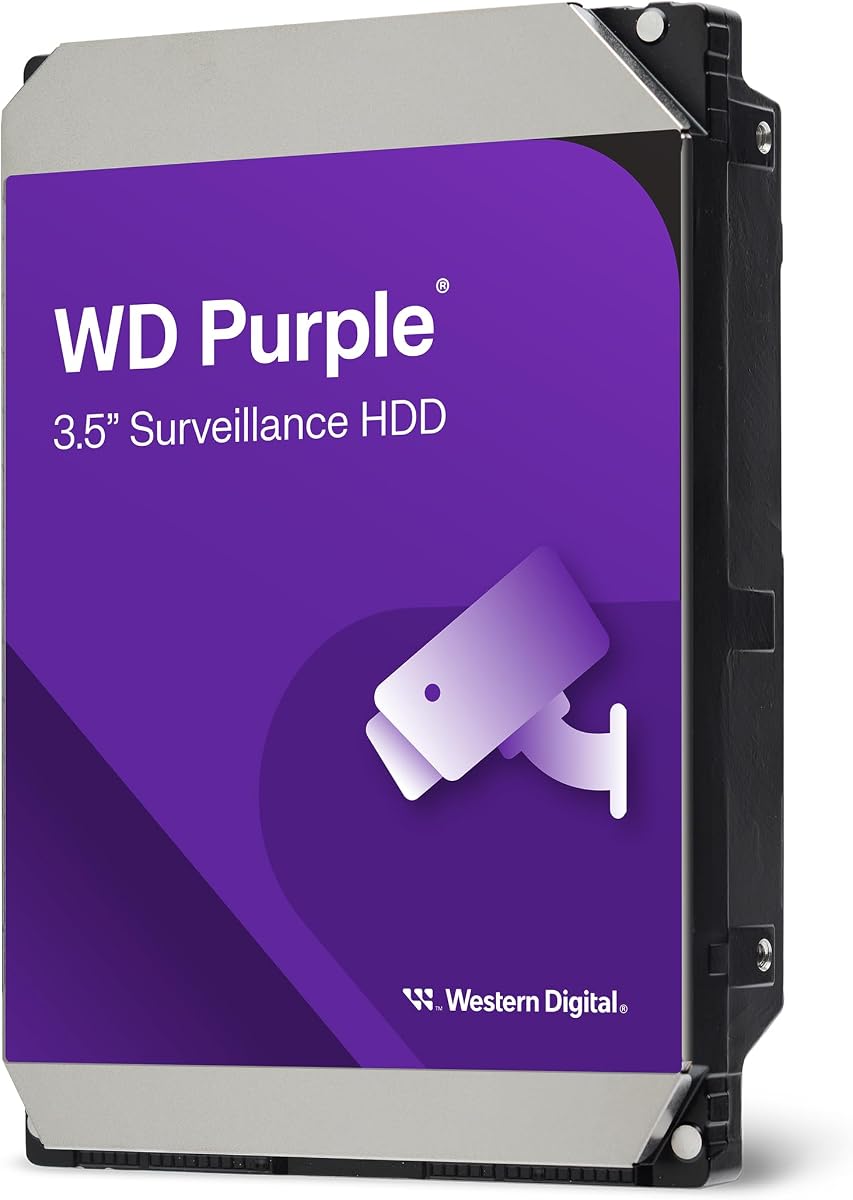
The Western Digital 2TB WD Purple Surveillance Internal Hard Drive is a top choice for dedicated security recording. Rated at 4.3 it is specifically designed to handle the rigorous demands of 24/7 video surveillance systems. Its engineering prioritizes write performance which is crucial for continuous recording.
We may earn a commission when you buy through this link, at no additional cost to you.
WD AllFrame technology delivers optimizations for write-intensive workloads typical of mainstream surveillance applications. This drive supports an annual workload rate of up to 180 TB ensuring longevity under heavy usage. It also supports up to 16 bays making it scalable for larger multi-camera setups.
One consideration is the price point which is higher than standard desktop drives due to its specialized features. It requires a 3.5 inch bay which may not fit all compact Homebase enclosures without adapters. However the reliability and frame rates justify the investment for serious security needs.
For users prioritizing data integrity and continuous recording this drive is highly recommended. It handles low bit-rate high stream-count workloads effectively. If you need a dependable drive for your Homebase 3 this WD Purple model is an excellent selection.
AllFrame technology reduces frame loss and improves video quality by optimizing write performance for surveillance streams.
Support for up to 16 bays allows expansion for multi-drive arrays ensuring you can add storage as your system grows.
We may earn a commission when you buy through this link, at no additional cost to you.
The Seagate BarraCuda 5TB Internal Hard Drive offers massive storage in a compact 2.5 inch package. With a 4.2 rating it provides proven reliability for storing vast amounts of data. This drive is ideal for users who need high capacity without the bulk of larger form factors.
We may earn a commission when you buy through this link, at no additional cost to you.
You can build a powerhouse computer or desktop setup with this variety of capacities. It serves as a go-to SATA hard drive solution for nearly every PC application from video editing to gaming. The 128MB cache helps manage data flow efficiently during intensive operations.
While this drive is built for consumer PCs it may not be optimized for the continuous write cycles of security systems. There is a note that available storage capacity may vary which users should consider when planning space. For general bulk storage it is highly effective.
This drive is a great choice if you need significant space for archived footage or local backups. Its 2.5 inch size makes it flexible for installation in tighter spaces. For high capacity needs this BarraCuda model is a solid and trusted option.
With 5TB of space you can store extensive video libraries and backups without needing multiple smaller drives.
Backed by 20 years of innovation this drive ensures confident reliance on internal technology for your computing needs.
We may earn a commission when you buy through this link, at no additional cost to you.
The Seagate 1TB Mobile HDD is an excellent choice for those seeking value and efficiency. With a 4.4 rating it offers Seagate's highest capacity thin drive at 7mm. This lightweight design supports portable computers making it easy to integrate into various systems.
We may earn a commission when you buy through this link, at no additional cost to you.
It stores up to 200,000 photos or 124 hours of high-definition video providing ample space for your needs. The standard SATA 6Gb/s interface allows for easy integration into existing mobile or laptop designs. This ensures compatibility without requiring complex adapters or setups.
While this drive is efficient it does not offer the specialized features of surveillance-grade units. The available storage capacity may vary slightly which is typical for consumer drives. However for general storage at a budget-friendly price point it is hard to beat.
For users needing a basic reliable drive for moderate storage this is a top pick. It transitions smoothly to higher capacities without adding significant weight. If you prioritize affordability and standard performance this Seagate Mobile HDD is recommended.
The 7mm thin profile makes this drive perfect for slim laptops and compact enclosures where space is at a premium.
Stores massive amounts of data like 250,000 songs ensuring you keep all your media organized in one place.
We may earn a commission when you buy through this link, at no additional cost to you.
The Seagate 8TB BarraCuda Internal Hard Drive delivers exceptional storage capacity for demanding users. Rated at 4.7 it allows you to store massive amounts of data with proven reliability. This drive is ideal for building a powerhouse gaming computer or desktop setup requiring large space.
We may earn a commission when you buy through this link, at no additional cost to you.
It features a sustained transfer rate of 190MB/s ensuring fast data access during intensive tasks. The Frustration Free Packaging simplifies the unboxing experience with no cables or box to manage. This makes installation straightforward for those upgrading their existing systems.
This drive is designed primarily for desktop use which may limit its use in compact portable devices. The large capacity is excellent for archiving but might be overkill for smaller security needs. However for bulk storage and fast transfers it is a top performer.
For users needing maximum space for media libraries or backups this drive is highly effective. Its high rating reflects consistent performance in desktop environments. If you prioritize capacity and transfer speed this BarraCuda model is a strong recommendation.
With 190MB/s sustained transfer rates you can move large video files quickly improving workflow efficiency.
Backed by BarraCuda's 20 years of innovation this drive offers dependable performance for your critical data storage needs.
We may earn a commission when you buy through this link, at no additional cost to you.
The SEAGATE ST4000VX007 Skyhawk 4TB is designed specifically for surveillance applications. With a 4.6 rating it ensures crisp and clear 24×7 video workloads. This drive is tailored to handle the intense write demands of security systems effectively.
We may earn a commission when you buy through this link, at no additional cost to you.
It features a maximum 180TB/year workload rating which is three times that of standard desktop drives. Rotational vibration sensors help maintain performance in RAID and multi-drive systems making it versatile for expanded setups. You can store up to 10TB of data on this single unit.
The Frustration Free Packaging makes handling and installation easier without excessive waste. While it is optimized for surveillance it works well for any continuous write environment. The higher rating ensures longevity under heavy usage conditions typical of security recording.
For home security users seeking reliable continuous recording this drive is an excellent choice. It handles high stream-count workloads without dropping frames. If you need a dedicated surveillance drive this Skyhawk model is highly recommended.
With 180TB/year workload capacity this drive is built to last under the continuous write stress of security systems.
Rotational vibration sensors maintain stability in multi-drive environments ensuring consistent performance across bays.
We may earn a commission when you buy through this link, at no additional cost to you.
The Seagate SkyHawk 6TB Surveillance Internal Hard Drive offers extended capacity for large recording systems. With a 4.6 rating it is custom-built for 24/7 video workloads ensuring reliable performance. The 6TB capacity allows storing up to 10,000 hours of HD video.
We may earn a commission when you buy through this link, at no additional cost to you.
Drive Health Management tools help monitor the drive's condition proactively which prevents potential data loss. It features Image Perfect firmware designed to keep video crisp and clear under high write loads. This makes it ideal for systems requiring high-fidelity recording.
While this drive provides excellent health features it is primarily for desktop environments which may limit compact installation options. The higher price point reflects its advanced management capabilities and higher storage volume. For long-term surveillance reliability it is a strong candidate.
For users requiring large storage and proactive health checks this drive is highly effective. It handles write-intensive workloads efficiently with minimal downtime. If you prioritize health monitoring and capacity this Skyhawk model is recommended.
Drive Health Management tools allow you to monitor drive status proactively ensuring you stay informed about performance.
6TB of space stores up to 10,000 hours of HD video ensuring months of footage without deletion.
We may earn a commission when you buy through this link, at no additional cost to you.
The Seagate SkyHawk 2TB Surveillance Internal Hard Drive offers a balanced solution for smaller systems. With a 4.4 rating it is designed for DVR NVR security camera systems requiring reliable write performance. The 2TB capacity is sufficient for moderate recording needs.
We may earn a commission when you buy through this link, at no additional cost to you.
Drive Health Management tools ensure you stay informed about the drive's status helping prevent unexpected failures. It features Image Perfect firmware for clear video capture and supports up to 10,000 hours of video capacity when scaled. A 3 year Limited Manufacturer Warranty provides additional peace of mind.
While smaller than other models this drive is compact and efficient for entry-level surveillance setups. It still handles heavy workloads well but might not suit long-term high-resolution needs. For users with limited space or budget it offers great value.
For entry-level security systems needing reliability this drive is an excellent pick. It handles continuous recording with ease and includes essential monitoring tools. If you need a dependable 2TB surveillance drive this model is recommended.
The included 3 year Limited Manufacturer Warranty covers defects ensuring you have support if issues arise early.
Engineered for mainstream surveillance workloads this drive ensures consistent recording without interruptions.
We may earn a commission when you buy through this link, at no additional cost to you.
The Seagate Skyhawk AI SATA III Internal Hard Drive is designed for advanced surveillance systems. With a perfect 5.0 rating it supports up to 64 HD cameras and 32 AI channels for comprehensive analysis. It handles up to 550TB/year workload rates ensuring ultimate reliability.
We may earn a commission when you buy through this link, at no additional cost to you.
This drive features a maximum transfer rate of 285/272 MB/s reducing latency and improving system responsiveness. It includes Rescue Data Recovery Services for 3 years safeguarding your valuable data against potential loss. Tarnish-resistant components and CMR recording technology ensure long-term durability.
While the capacity listed is 1TB the model line offers higher capacities up to 24TB for massive needs. The premium features may exceed basic requirements but provide future-proofing for AI-driven security. This makes it ideal for professional or advanced home setups.
For users requiring AI integration and high-end reliability this drive is unmatched. It handles complex workloads efficiently and includes robust data protection. If you prioritize advanced features this Skyhawk AI model is highly recommended.
Supporting 32 AI channels allows for intelligent video analysis and detection directly at the storage source.
Rescue Data Recovery Services offer peace of mind by providing professional data recovery support for three years.
We may earn a commission when you buy through this link, at no additional cost to you.
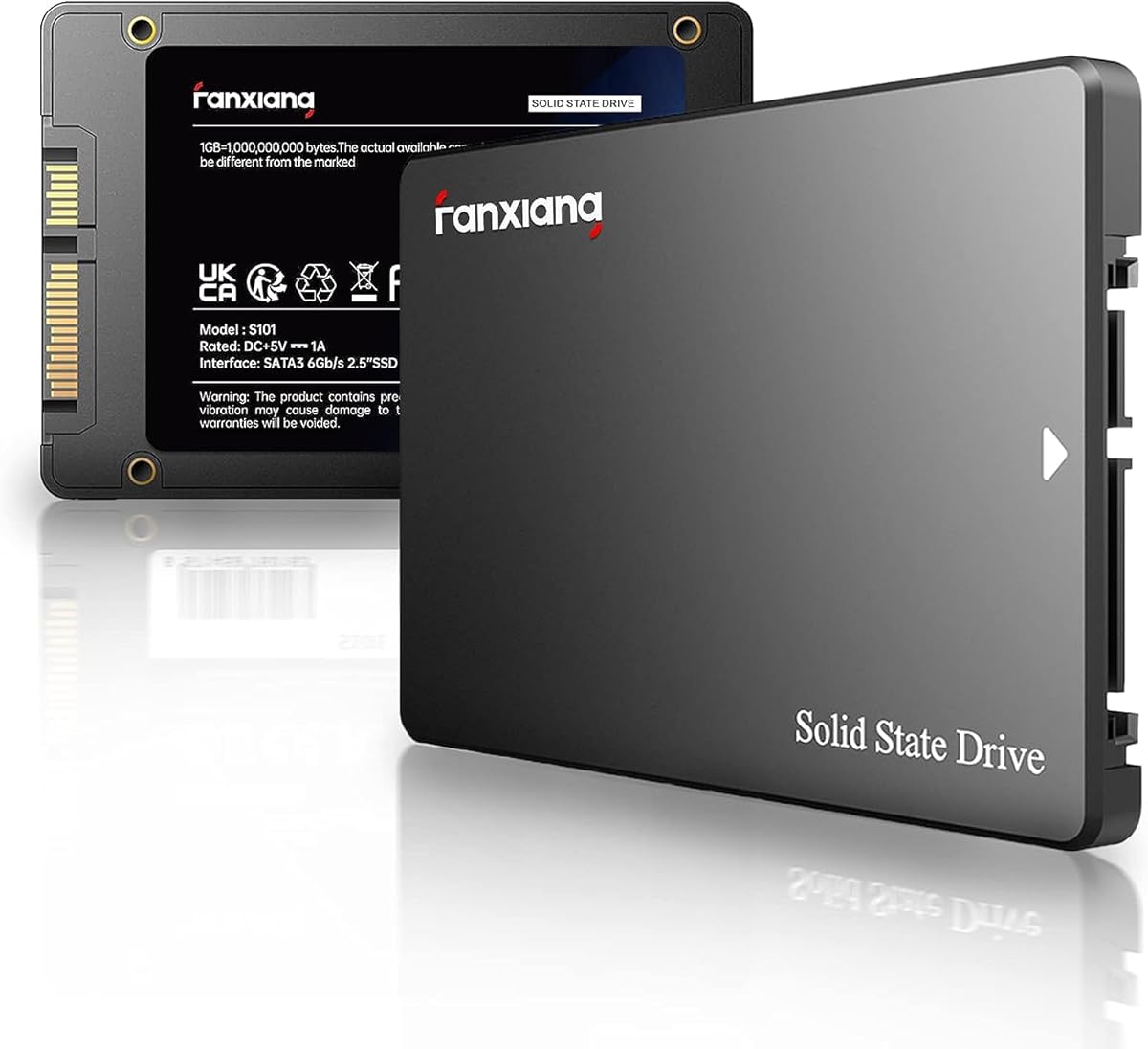
The fanxiang S101 1TB SSD offers high-speed performance for those seeking rapid data access. With a 4.5 rating it achieves read and write speeds of 520MB/s facilitating fast file transfers. This drive can boot up computers at least 50% faster than traditional HDDs.
We may earn a commission when you buy through this link, at no additional cost to you.
It incorporates 3D NAND TLC chips offering a longer lifespan in writes compared to QLC models. The drive is compatible with desktops laptops and all-in-one PCs supporting Windows Linux and Mac OS. This ensures extensive compatibility across diverse devices and operating systems.
While SSDs provide fast performance they may not be the most cost-effective solution for large archival needs. Write endurance is high but should be monitored for continuous write scenarios. For systems prioritizing speed and reliability this SSD is a strong choice.
For users needing a fast reliable upgrade this SSD is highly effective. The 3-Year Service and lifetime technical support ensure ongoing assistance. If you prioritize speed and responsiveness this fanxiang model is recommended.
Booting up at least 50% faster than HDDs ensures you spend less time waiting for your system to start.
Using 3D NAND TLC chips ensures a longer lifespan in writes compared to QLC for more reliable data storage.
We may earn a commission when you buy through this link, at no additional cost to you.
Selecting the right hard drive involves understanding compatibility capacity and performance needs for continuous recording systems.
The Eufy Homebase 3 typically supports standard 2.5 inch or 3.5 inch drives. Verify the physical dimensions of the enclosure before purchasing. 2.5 inch drives are compact while 3.5 inch drives often offer higher capacities.
Check the manufacturer specifications to ensure your chosen drive fits the physical slot and power connectors inside the Homebase unit.
Determine how many cameras you plan to record and the desired retention period. Larger capacities allow for longer storage without overwriting older footage. Consider future expansion needs when choosing a drive size.
Opt for a capacity that meets your current needs while allowing some room for additional cameras or higher resolution settings.
Surveillance drives are rated for continuous write workloads which are common in security systems. Higher workload ratings ensure the drive lasts longer under 24/7 operation. General consumer drives may fail prematurely under constant recording.
Choose a drive with a workload rating that matches or exceeds your expected usage to ensure longevity and reliability.
Modern systems use SATA III interfaces which support data transfer speeds up to 6Gb/s. Ensure your drive supports this standard to prevent bottlenecks during high-resolution recording. Faster speeds help maintain smooth video streaming and writing.
Look for SATA 6 Gb/s compatibility to ensure your drive can keep up with the data throughput requirements of your camera system.
Reliability is critical for security data retention. Brands with specialized firmware for surveillance often offer better stability and longer warranties. Check the warranty length and data recovery services included with the drive.
Prioritize drives with solid warranties and features like health management to protect your valuable security footage over time.
Surveillance-grade drives often cost more but offer better endurance for continuous writing. Balance your budget with the need for long-term reliability. Entry-level options may suffice for short-term or low usage needs.
Invest in a drive that fits your budget while offering the necessary performance and durability for your specific security application.
Advanced firmware features like Image Perfect or AllFrame technology optimize video recording quality. These features reduce frame drops and ensure clear playback. Look for drives that specifically mention video optimization.
Choose a drive with optimized firmware to ensure your recorded footage remains clear and reliable even during high traffic periods.
Established brands like Western Digital and Seagate have a track record of reliability in storage solutions. They often offer better support and driver compatibility. Research user reviews and professional ratings for recent models.
Opt for reputable brands to ensure you receive a high-quality product that performs consistently over years of use.
Proper installation is key to ensuring your drive works seamlessly with the Homebase unit. Always power off the device before installing or removing any hardware components to prevent damage.
Once installed ensure the drive is securely connected and configured in the Homebase settings. Check for firmware updates regularly to maintain compatibility and performance.
Regular maintenance includes monitoring drive health using built-in tools. If you notice errors or slowdowns consider running diagnostics or replacing the drive to prevent data loss.
The Homebase 3 typically supports 2.5 inch drives due to its compact design. However adapters or external enclosures might allow larger drives. Always verify the specific physical constraints of your model before purchasing a 3.5 inch drive.
Storage needs depend on the number of cameras and resolution. A 1TB drive might store weeks of footage while 4TB or higher can store months. Calculate based on your camera count and desired retention period to choose the right size.
Consumer drives are not designed for continuous writing and may fail prematurely. Surveillance-specific drives have higher workload ratings and optimized firmware. For reliable long-term use always choose a drive engineered for surveillance systems.
SSDs offer faster speeds but are generally more expensive per gigabyte. They can be used if you prioritize speed over capacity but ensure they are compatible with the SATA interface. Check power and heat requirements before installation.
Check the Homebase user manual for supported drive specifications like interface type and capacity limits. Compatible drives are listed in supported accessories. If unsure contact Eufy support to confirm compatibility before buying.
If a drive fails you will lose stored footage unless it was backed up elsewhere. Regular backups and using RAID configurations if supported can help mitigate this risk. Consider drives with data recovery services for added protection.
A warranty ensures protection against defects and early failures. Surveillance drives often come with longer warranties due to their specialized use. A good warranty can save money on replacements and provides peace of mind for critical data.
Most drives work out of the box with standard system drivers. Some surveillance drives come with management software for monitoring health. Always check if extra software is required for optimal performance and monitoring capabilities.
Choosing the right drive ensures your security footage is stored reliably and efficiently. The top picks balance capacity reliability and performance for various needs.
Prioritize workload ratings and compatibility when making your decision. A specialized surveillance drive will serve you better than a standard consumer model.
Always verify current availability and specifications before purchasing to ensure you get the correct product for your setup.