
HP 14 inch Laptop 2027 Edition
4.5Editor score
Affordable price point
Anti glare coating display
Lightweight portable design
Finding a laptop with an anti glare screen is essential for anyone who works in bright environments or spends long hours in front of a display. These screens reduce reflections and eye strain making them ideal for productivity and comfort throughout the day.
We evaluated ten top rated models based on display quality performance and build quality. Each product was selected for its ability to deliver clear visuals without distracting glare ensuring you stay focused on your tasks regardless of lighting conditions.
Each pick below highlights key strengths and potential trade-offs so you can match a model to your specific needs. Keep in mind that availability and pricing may change over time so verify details before making your final decision.
4.5Editor score
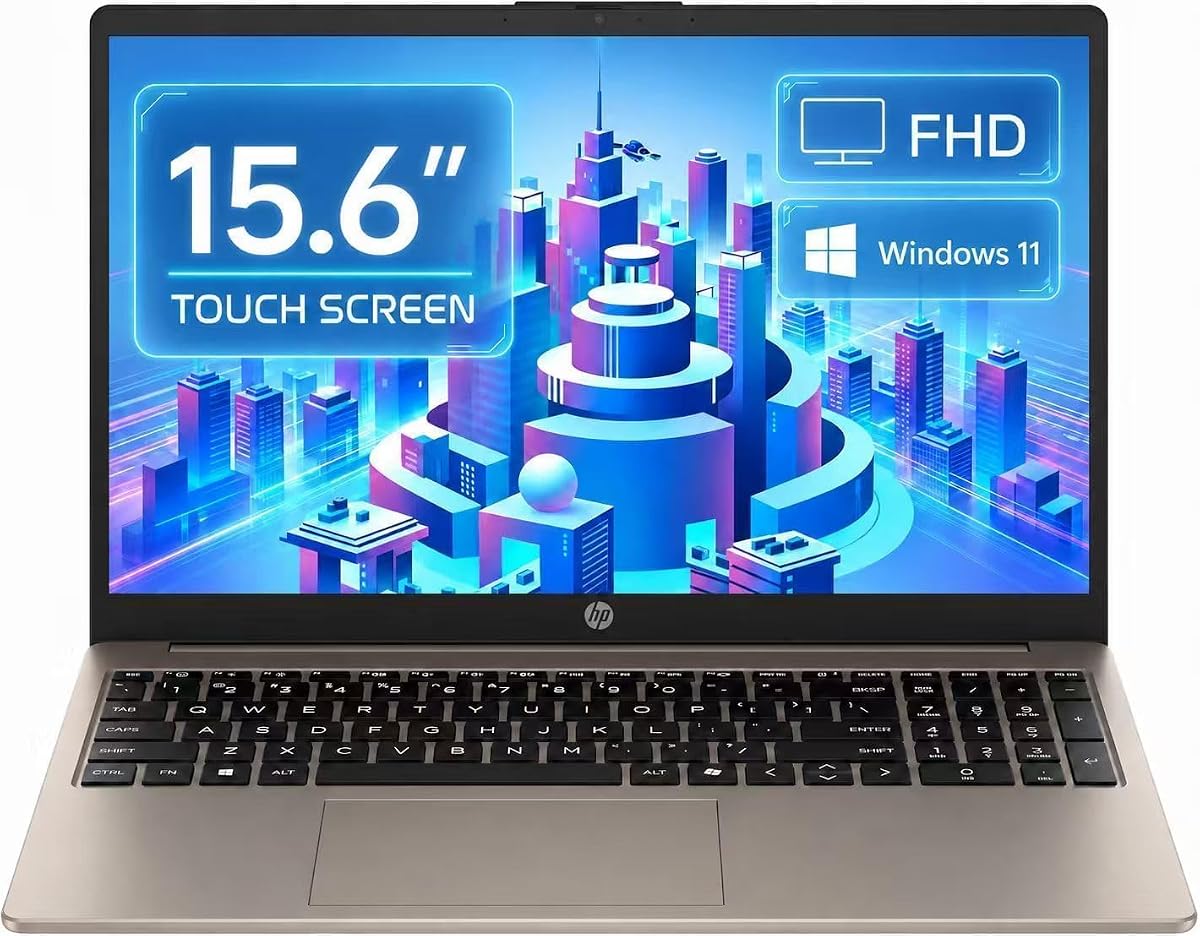
4.1Editor score

4.4Editor score
As an Amazon Associate we earn from qualifying purchases.
This side by side comparison highlights the key differences between all ten models. Use this table to quickly identify which device aligns with your performance requirements and usage scenarios.


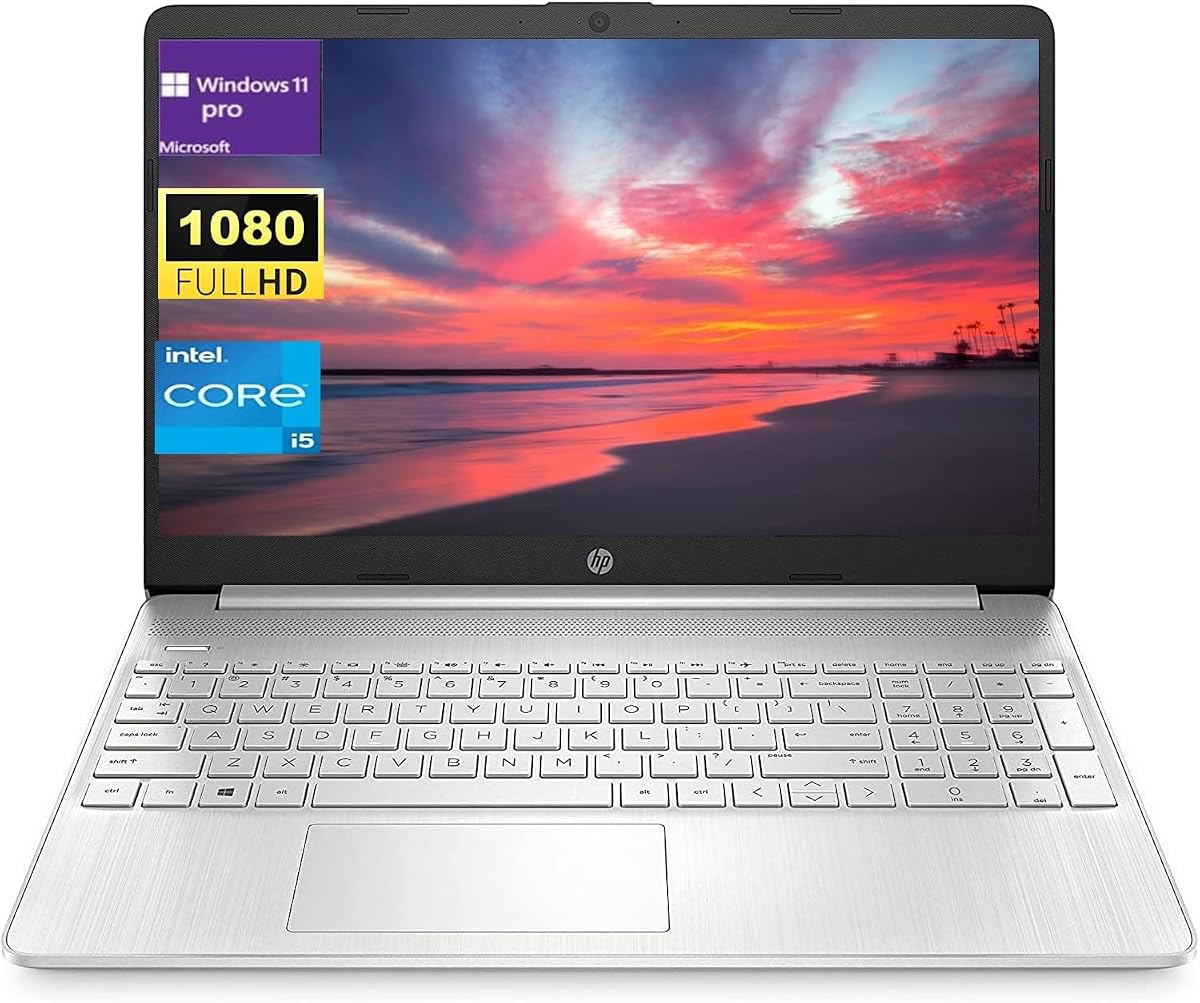


This Dell model offers a reliable foundation for daily computing tasks. It features an anti glare display that helps reduce eye strain during long sessions. The ComfortView software further enhances viewing comfort by minimizing harmful blue light emissions.
We may earn a commission when you buy through this link, at no additional cost to you.
The design prioritizes ergonomic support with lifted hinges that provide a better typing angle. This can help reduce wrist fatigue over time. Express Charge support ensures you spend less time tethered to a power outlet.
While the 8GB RAM is sufficient for basic browsing and document work, it may limit performance when running many applications simultaneously. Users needing heavier multitasking might consider upgrading later if possible.
It is an excellent choice for students or home users who value comfort and simplicity. The included service warranty adds peace of mind for unexpected hardware issues.
ComfortView software filters blue light to reduce eye strain without compromising color accuracy during extended use.
Lifted hinges elevate the keyboard to a natural typing angle improving comfort during long writing sessions.
We may earn a commission when you buy through this link, at no additional cost to you.
This HP Pavilion combines versatility with performance making it a top contender for most users. The anti glare touchscreen allows intuitive navigation while maintaining clear visibility in various lighting conditions. The IPS technology ensures wide viewing angles for collaborative work.
We may earn a commission when you buy through this link, at no additional cost to you.
Equipped with 16GB RAM and a 1TB SSD this model handles multitasking with ease. The battery life supports long workdays or classes without needing frequent recharges. Connectivity options like USB-C and HDMI add flexibility for external displays.
The touchscreen feature adds convenience but may consume more power than a standard display. Additionally the device weighs more than ultra-portable models which could be a factor for frequent travelers.
Ideal for professionals or students who need a balance of power and usability. The privacy shutter on the webcam provides an extra layer of security during video calls.
Navigate documents and interact with apps directly on the screen for a more intuitive user experience.
Stay productive away from an outlet with up to 11 hours of battery life on a single charge.
We may earn a commission when you buy through this link, at no additional cost to you.
This compact laptop delivers essential features at an accessible price. The anti glare coating ensures clear visuals without distracting reflections. It is designed for mobility with a slim profile and lightweight chassis that fits easily in a bag.
We may earn a commission when you buy through this link, at no additional cost to you.
The Intel N150 processor provides efficient performance for basic tasks like web browsing and document editing. Cloud storage complements the local SSD to expand your digital library. Microsoft 365 is included to support productivity from the start.
Users may find the 4GB RAM limiting when running multiple applications simultaneously. The 128GB SSD requires reliance on cloud storage or external drives for larger files. These trade-offs are acceptable for casual users on a budget.
Best suited for students or home users who prioritize portability and cost. The inclusion of Microsoft 365 adds value for those needing word processing and spreadsheet tools immediately.
Weighing just 3.24 lbs with a slim profile it is easy to carry between home office or school.
One year of Microsoft 365 provides access to premium Office apps and cloud storage for productivity.
We may earn a commission when you buy through this link, at no additional cost to you.
This model stands out with AI powered features that streamline workflows and communication. The 300 nits brightness ensures visibility even in bright settings. The touchscreen allows direct interaction with content for faster navigation.
We may earn a commission when you buy through this link, at no additional cost to you.
AI Noise Reduction filters out background noise during calls improving clarity for remote work. The dedicated Copilot key offers quick access to helpful features. Recycled materials in the design reflect a commitment to sustainability.
The display uses a panel that may offer narrower viewing angles compared to higher end IPS options. Battery capacity is modest so users should expect to recharge during long days away from power.
Recommended for professionals who need modern tools and privacy features. The webcam shutter and AI enhancements add significant value for remote collaboration scenarios.
Tracks your voice during calls while filtering out background noise for focused communication.
Preloaded Windows 11 Home with a dedicated key for quick AI powered assistance access.
We may earn a commission when you buy through this link, at no additional cost to you.
This laptop is designed for users who demand high performance and storage. The anti glare display delivers crisp visuals for work and entertainment. The 13th Gen processor supports efficient multitasking across demanding applications.
We may earn a commission when you buy through this link, at no additional cost to you.
Intel Iris Xe graphics enable impressive visual performance without a dedicated GPU. Fast Charge technology ensures quick power recovery when needed. The 1TB SSD provides ample space for large files and applications.
The higher price reflects the premium components but may be out of reach for budget conscious buyers. The device is also larger which can impact portability compared to smaller models.
Ideal for creative professionals or power users who need speed and storage. The combination of performance features makes it a strong candidate for long term use.
Delivers crisp stunning visuals for creating gaming and entertainment within a thin and light laptop.
Go from 0 to 50 percent charge in approximately 45 minutes to minimize downtime.
We may earn a commission when you buy through this link, at no additional cost to you.
This business focused laptop provides essential tools for professional environments. The Windows 11 Pro OS supports advanced security and management features. The anti glare display ensures clear text during extended reading or typing sessions.
We may earn a commission when you buy through this link, at no additional cost to you.
The SD Card Reader offers convenient transfer options for photographers or content creators. Wi-Fi 802.11ac ensures reliable connectivity for cloud applications. The build quality supports daily use in office or remote settings.
The processor generation is older which may limit future-proofing compared to newer models. Brightness levels are standard so visibility in very bright environments may be compromised.
Recommended for business users who need Pro features and reliable connectivity. The SD card slot adds utility for those working with external media sources.
Provides enhanced security and management tools for professional environments and IT support.
Allows easy photo transfers from cameras or other devices without external readers.
We may earn a commission when you buy through this link, at no additional cost to you.
This renewed business laptop offers high performance at a reduced cost. The anti glare touchscreen adds usability for daily tasks in various lighting conditions. The Intel i5 processor ensures stable performance for office work and online learning.
We may earn a commission when you buy through this link, at no additional cost to you.
16GB DDR4 RAM allows effortless management of multiple tasks at once. Thunderbolt 4 support provides fast connectivity for external devices and monitors. The renewed status often includes a warranty for added security.
Battery health may vary on renewed units so checking details is wise. Physical wear might be present despite functional testing which can affect aesthetics but not performance.
Ideal for budget conscious professionals who need business grade specs. The renewed status provides access to enterprise level features at a lower price point.
Built for everyday reliability with efficient processors and durable design for office use.
High speed ports support data transfer and external monitors for expanded workspace.
We may earn a commission when you buy through this link, at no additional cost to you.
This business laptop emphasizes durability and basic computing needs. The anti glare coating reduces eye strain in bright environments. MIL-STD-810H testing ensures reliability in challenging conditions.
We may earn a commission when you buy through this link, at no additional cost to you.
DDR5 RAM offers faster speeds than older generations for quick app switching. Wi-Fi 6 provides stable wireless connectivity for remote work. One year of Microsoft 365 includes premium apps and cloud storage.
Storage relies on UFS combined with an HDD which may be slower than SSD only setups. Processing power is limited to basic tasks so heavy workloads should be avoided.
Best for students or home users needing reliable daily computing. The military grade testing adds confidence in the physical durability of the chassis.
Ensures reliability in challenging conditions through military grade tested durability standards.
Faster RAM speeds allow quick application switching and efficient multitasking.
We may earn a commission when you buy through this link, at no additional cost to you.
This model offers a spacious viewing experience for productivity and entertainment. The 17.3 inch anti glare display ensures clear details without distracting reflections. The IPS technology delivers lifelike color reproduction from wide angles.
We may earn a commission when you buy through this link, at no additional cost to you.
The 6-core processor supports multitasking and media editing smoothly. Wi-Fi 6 and Bluetooth 5.4 provide reliable connectivity for accessories. The webcam shutter protects privacy when video calls are not active.
The larger size makes it less portable for travel but ideal for stationary use. It may not fit easily into smaller backpacks or bags. Weight also increases compared to 14 or 15 inch models.
Recommended for users who prioritize screen real estate over portability. The combination of performance and display quality suits home office environments.
Enjoy sharp visuals on a 17.3 inch Full HD anti glare screen perfect for productivity.
Powerful 6-core processor ensures responsive performance for streaming and multitasking.
We may earn a commission when you buy through this link, at no additional cost to you.
This 2026 edition laptop balances modern features with a large display. The anti glare screen supports clear visuals for long work or study sessions. The AMD Ryzen 5 processor handles everyday tasks efficiently.
We may earn a commission when you buy through this link, at no additional cost to you.
16GB RAM ensures smooth switching between applications. The 512GB SSD offers fast boot-ups and storage for large projects. USB-C and Wi-Fi 6 provide reliable modern connectivity options.
The device is not designed for frequent travel due to its size and weight. It requires more desk space than smaller laptops so consider your workspace needs.
Ideal for students or home users who need a large screen for multitasking. The included features support productivity and entertainment without the need for external peripherals.
Enjoy sharp visuals on a 17.3 inch anti glare screen with wide viewing angles and vibrant color accuracy.
Stay connected with Wi-Fi 6 and USB-C for faster data transfer and stable connections.
We may earn a commission when you buy through this link, at no additional cost to you.
Selecting the right anti glare laptop requires balancing display quality with other performance factors. This guide outlines the key aspects to consider before making your purchase decision.
Display size impacts portability and workspace. Common sizes include 14 inches for mobility and 17 inches for detail. Resolution should match your content consumption needs such as 1080p for clarity.
Choose a size that fits your transport habits and viewing distance.
IPS panels offer better viewing angles compared to TN panels. Brightness measured in nits affects visibility in bright rooms. Aim for at least 250 nits for indoor use.
Higher brightness ensures the anti glare coating works effectively in various light.
The processor determines how smoothly applications run. Newer generations like Intel Core i7 or AMD Ryzen 5 handle multitasking better. For basic work mid range options suffice.
Select a processor that matches your software demands for optimal speed.
RAM manages active applications so 8GB is minimum but 16GB is better for multitasking. SSDs provide faster boot times than traditional hard drives. Cloud storage can supplement local space.
Ensure enough storage for files and enough RAM for your daily tasks.
Battery life affects usability away from power outlets. Look for models claiming 10 hours or more for all-day use. Fast charging can reduce downtime during busy schedules.
Check real-world reviews to confirm advertised battery performance claims.
Ports like USB-C HDMI and SD card readers enhance versatility. Wi-Fi 6 supports faster network speeds. Bluetooth ensures connection to mice or keyboards.
Verify port selection matches your peripheral needs for work.
Privacy shutters on webcams protect sensitive information during video calls. Secure boot options and dedicated security chips add layers of protection. Business models often include Pro OS security features.
Prioritize these features if you handle confidential data regularly.
Materials like aluminum or reinforced plastic impact lifespan. Military grade testing like MIL-STD-810H ensures reliability in tough conditions. Warranty options should be reviewed before purchase.
Invest in build quality that matches your daily handling needs.
Clean the screen with a microfiber cloth using gentle circular motions. Avoid harsh chemicals or abrasive materials that could scratch the anti glare coating. Keep the device dry and away from direct water sources.
Adjust brightness settings to match your environment reducing eye strain. Enable night mode or blue light filters during evening hours for comfort. Proper ventilation ensures the device runs cool and extends lifespan.
Update drivers regularly to maintain performance and display quality. Back up data frequently to prevent loss from unexpected issues. Store the laptop in a protective case when traveling to avoid physical damage.
An anti glare screen has a special coating that diffuses light to reduce reflections. This makes text and images easier to see in bright rooms. It also reduces eye strain during long viewing sessions.
Anti glare screens minimize distracting reflections while glossy displays offer deeper blacks. Your choice depends on your lighting conditions and personal preference. Glossy may look better but anti glare is more practical for offices.
Most modern anti glare screens maintain good color accuracy for daily use. Higher end models use IPS panels that preserve color fidelity. For professional color grading calibrate the display for best results.
Use a soft microfiber cloth to wipe the surface gently. Avoid paper towels or rough fabrics that can scratch the coating. Do not spray liquid directly on the screen but use a damp cloth if needed.
You can buy aftermarket screen protectors with anti glare properties. Ensure the size matches your display exactly for proper coverage. Professional installation is recommended to avoid air bubbles or residue.
Most business laptops include anti glare displays for productivity. However some budget or consumer models may not. Always check the display specifications before purchasing.
This guide has highlighted ten top models that offer anti glare screens for different needs. From budget options to high performance picks there is a device for every user type.
Prioritize display quality and battery life to ensure long term satisfaction. Consider your specific tasks like multitasking or portability when selecting a model.
Prices and availability change frequently so verify current details before buying. We hope this comparison helps you find the perfect anti glare laptop for your workflow.