
Hprosper 2K Webcam with Microphone
4.2Editor score
Automatic light correction
Wide angle view
Plug and play setup
Explore the top 2K Hd Webcam under 50 options for clear video calls. This guide compares features, audio quality, and privacy to help you choose.
Finding a high-quality webcam for under fifty dollars is challenging but essential for remote work. You need clear video and reliable audio without breaking the bank for your daily tasks and meetings.
We compared ten real products based on resolution, microphone quality, and privacy features. Each item offers unique strengths for different users seeking affordable 2K clarity and easy setup options.
Each pick shows specific strengths like autofocus or wide angles. Prices change frequently so verify current deals before buying. Our reviews help you find the best value for your specific video needs.
4.2Editor score

4.5Editor score

4.4Editor score
This side-by-side comparison highlights key differences in resolution, audio, and build quality across all ten selected webcams to help you make an informed decision quickly.
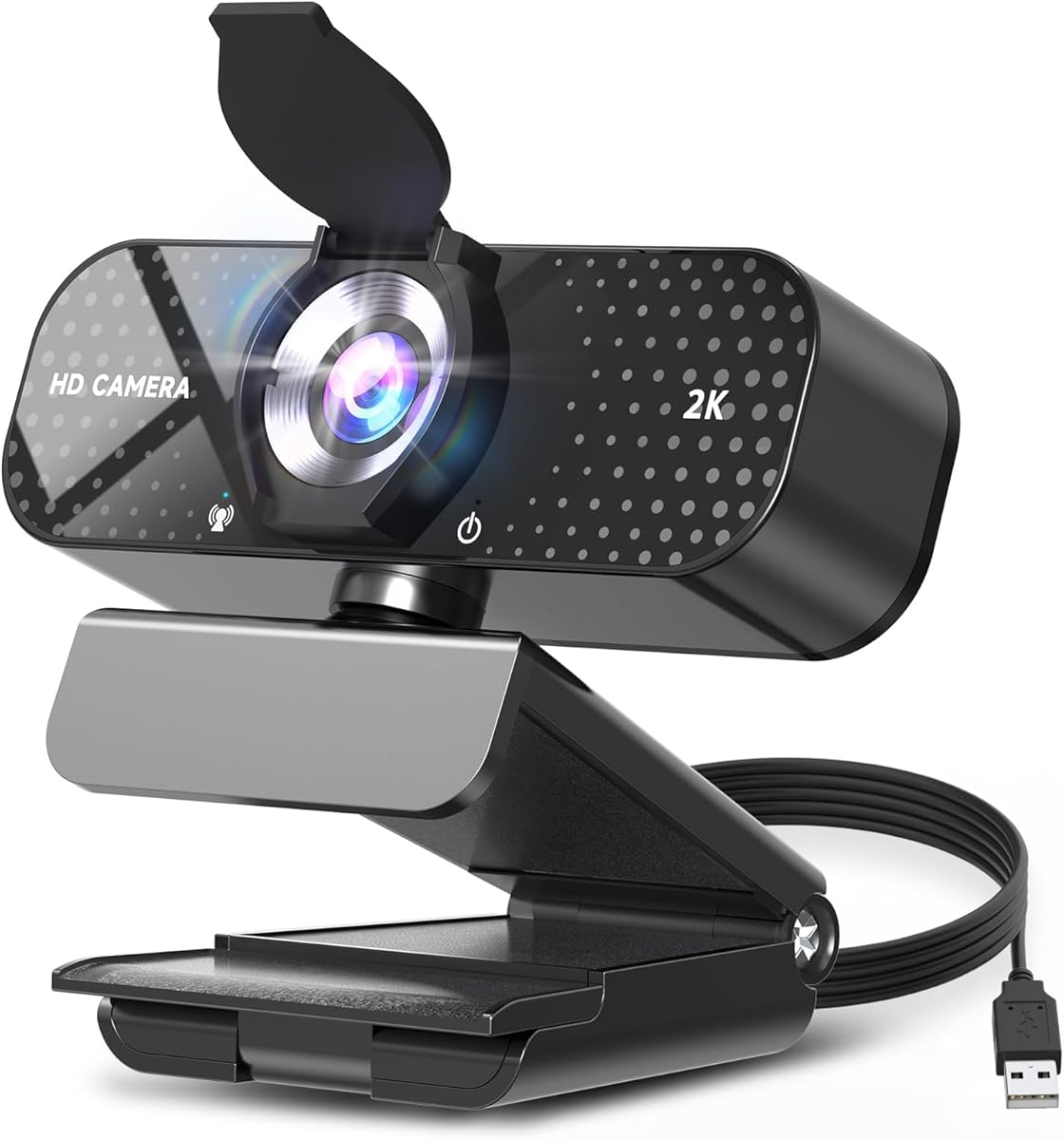

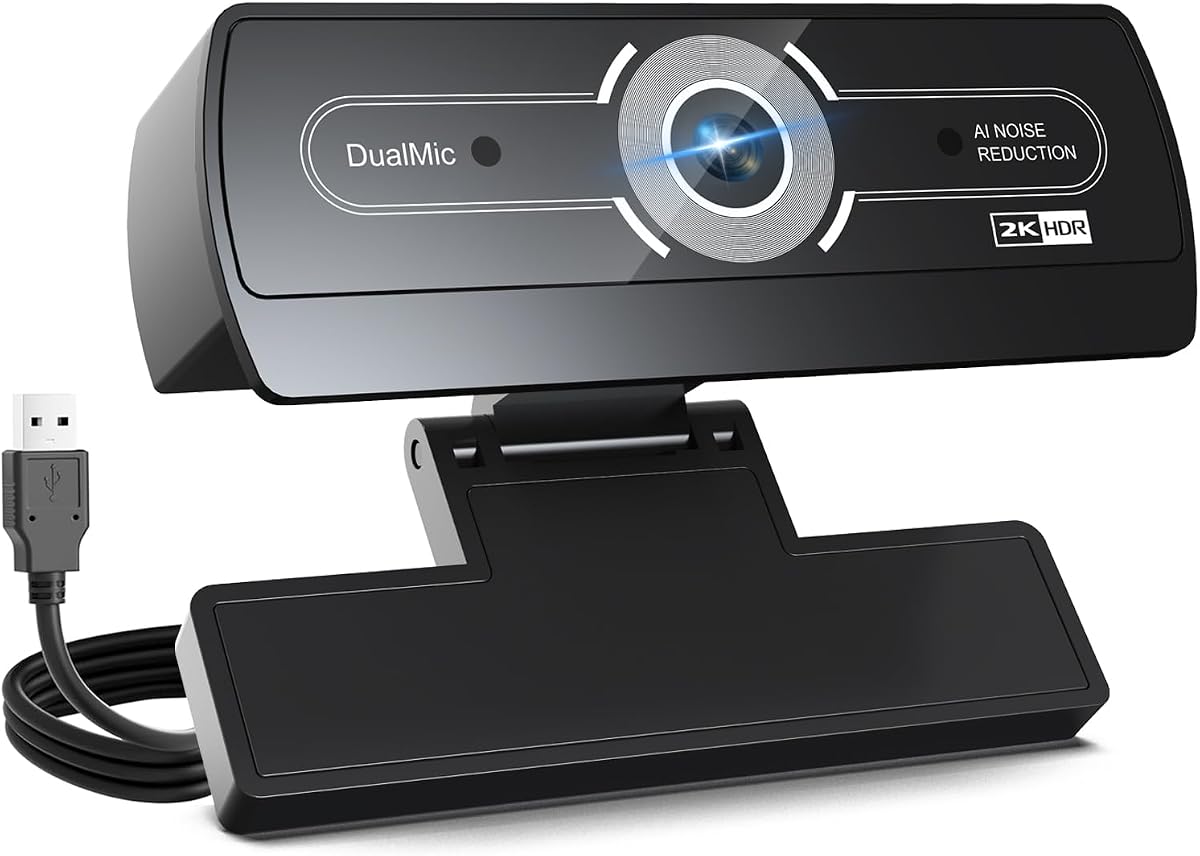
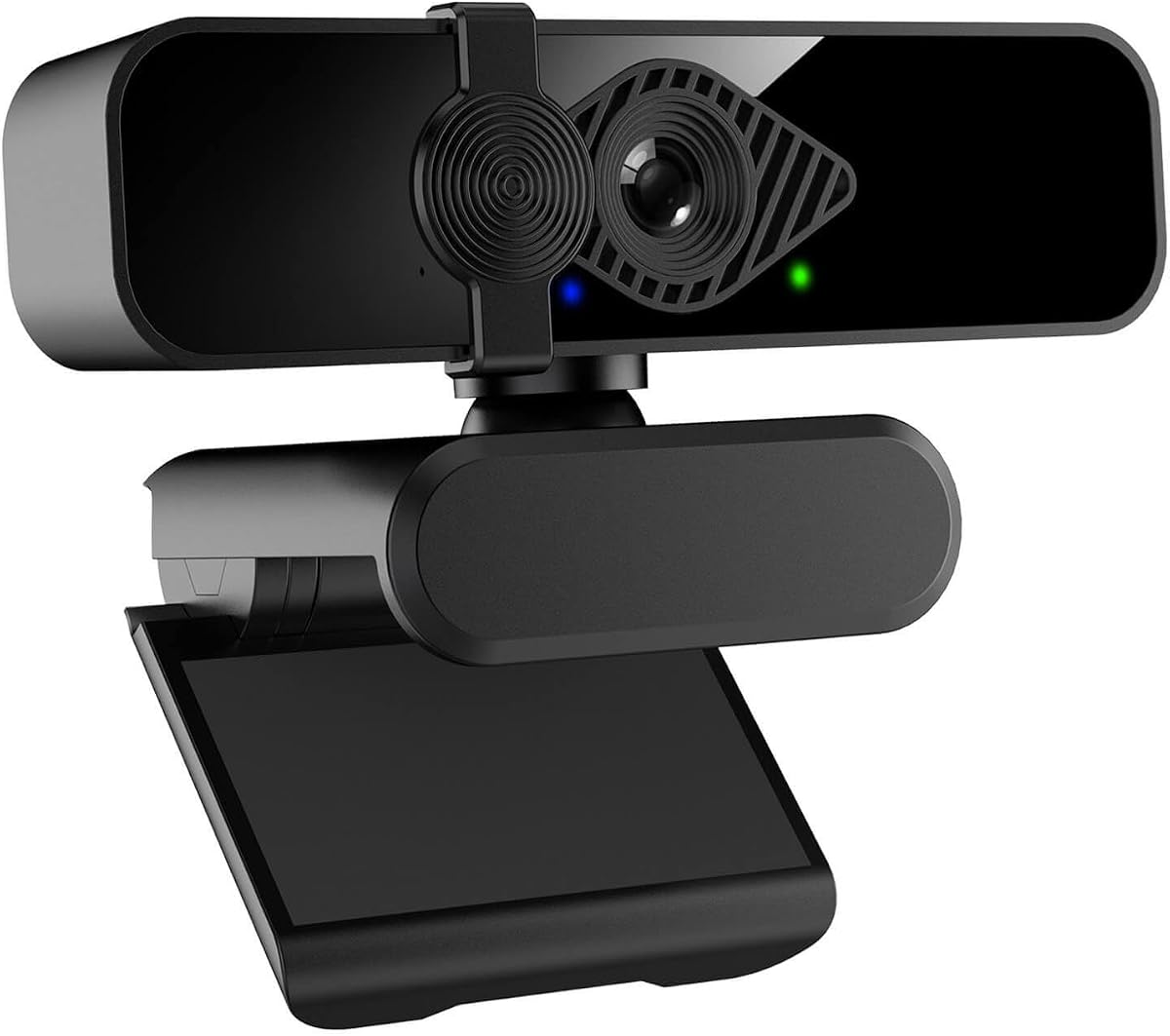


This UGREEN webcam delivers sharp 2K resolution perfect for clear meetings and streams. It features dual mics that capture voice clearly while minimizing background noise for better calls.
We may earn a commission when you buy through this link, at no additional cost to you.
Its 95-degree field of view is great for showing more people or objects on camera. The auto light correction helps you look good even in dim lighting conditions at home.
While fixed focus may not suit all needs, it provides stable images for desk setups. The privacy cover adds a layer of security when the camera is not actively being used.
If you want reliable video quality without spending much, this is a top pick. It works well with all major apps and offers a secure, clean experience for daily use.
The dual microphones ensure your voice is heard clearly. noise. The 2K sensor captures fine details for professional looking video.
A built-in privacy cover protects your lens from prying eyes. Plug and play setup means no drivers are needed for quick start.
We may earn a commission when you buy through this link, at no additional cost to you.
TRAUSI offers a 2K webcam with vivid colors ideal for streamers and teachers. The wide-angle lens captures more of your environment without losing sharpness on your face.
We may earn a commission when you buy through this link, at no additional cost to you.
Its noise-canceling mic works well to reduce fan or keyboard noise during calls. The auto light correction technology adapts brightness so you look professional in any room.
While the rating is slightly lower, the feature set is very competitive for the price. The eco-friendly build adds a nice touch for users who care about sustainability.
This model is great for those needing clear visuals and audio at a low cost. It supports major platforms and ensures privacy with a sliding cover for peace of mind.
The 2K clarity makes sure every detail is visible. Auto light correction handles dim or bright environments automatically for best look.
Background noise is filtered out by the advanced mic. You stay clear and focused even in busy or noisy surroundings easily.
We may earn a commission when you buy through this link, at no additional cost to you.
EMEET C100 provides a stable 2K image with a clip that stays put. The privacy cover rotates smoothly which is handy for quick access during use or storage.
We may earn a commission when you buy through this link, at no additional cost to you.
Its metal clip is robust compared to plastic alternatives which often break or slip. The software allows control over exposure and brightness for fine-tuned image adjustments.
Though it lacks autofocus, the fixed focus range is suitable for most desk setups. This prevents hunting and keeps your image sharp without delays or distractions during calls.
Buy this if you need a secure mount and clear video without extra gear. It works with Zoom and Teams easily making it a reliable choice for remote work.
The metal clip grips your monitor or laptop tightly. It prevents drops and keeps the camera steady during active sessions.
Software control lets you adjust exposure and saturation. This helps fix lighting issues for a polished and professional look always.
We may earn a commission when you buy through this link, at no additional cost to you.
This webcam stands out with PDAF autofocus that locks on your face instantly. It ensures sharp images even if you move around during a presentation or lesson.
We may earn a commission when you buy through this link, at no additional cost to you.
The noise-canceling chip removes background noise effectively making your voice clear. The long cable gives you flexibility to place the camera exactly where you need it.
Although it is pricier, the advanced features justify the cost for many users. A privacy cover is included so you can block the lens when not in use.
Choose this if autofocus is a priority for your video calls. It is great for presenters and students who move often while keeping their video sharp.
Phase detection autofocus keeps you sharp at all times. No more blurry starts when you lean in or change position.
Dedicated noise-canceling chip filters out distractions. Your voice remains crisp even in noisy home office environments.
We may earn a commission when you buy through this link, at no additional cost to you.
Hprosper offers a 2K webcam at a very low price point for anyone on a budget. It includes essential features like auto light correction to help you look good.
We may earn a commission when you buy through this link, at no additional cost to you.
The wide-angle lens captures more of your room which is useful for small meetings. The 360-degree rotation allows you to find the perfect angle easily.
While the materials are lighter plastic it still works well for daily tasks. The noise-canceling mic helps keep conversations clear without extra equipment needed.
This is an excellent choice for students or casual users needing clear video. It supports all major apps and provides a solid start for home office use.
You get 1440p resolution without spending much money. Perfect for basic calls and streams where quality matters but budget is tight.
The camera rotates fully for any setup. Find the best view for you or your audience with simple adjustments.
We may earn a commission when you buy through this link, at no additional cost to you.
XOCLON uses a 4MP sensor to deliver 2K clarity for clear meetings. The PDAF autofocus ensures sharp focus quickly when you join a virtual session.
We may earn a commission when you buy through this link, at no additional cost to you.
AI noise-canceling filters out background noise effectively during calls. Its compact design fits well on most monitors without blocking your screen view.
Despite the lower rating, the hardware specs are strong for this price. The 92-degree view is ideal for solo users who want to avoid too much background.
Buy this for sharp video and fast focus at a reasonable cost. It works across devices easily making it a practical tool for remote work.
The 4MP sensor captures detailed 2K images. Every facial feature is visible for clear communication.
AI algorithms remove noise from your voice. You stay clear and focused during every meeting.
We may earn a commission when you buy through this link, at no additional cost to you.
This webcam is designed with a movable privacy cover for added security. You can slide it on or off quickly to protect your video and peace of mind.
We may earn a commission when you buy through this link, at no additional cost to you.
The 360-degree rotation and extendable base let you set the perfect angle. This flexibility makes it easy to use with various devices or setups.
It offers a solid 2K resolution that delivers clear video for calls. The noise-canceling mic ensures your voice is heard clearly during meetings.
Choose this if privacy is a key concern for your home or office. It is a reliable option for secure video conferencing at an affordable price.
The movable cover gives you control over your lens. Protect your privacy whenever you are not in a call.
Rotate and tilt the camera easily. Adjust angles to fit your desktop or laptop perfectly.
We may earn a commission when you buy through this link, at no additional cost to you.
This webcam features a detachable privacy cover that slides to block the lens. It provides physical security against unauthorized access when not in use.
We may earn a commission when you buy through this link, at no additional cost to you.
The dual noise reduction combines hardware and software to scrub noise. Your video stays crisp even in challenging lighting or noisy environments.
With a high user rating it is known for reliability and quality. The compact size means it does not obstruct your screen or desk space.
Buy this for a secure and well-supported video option. It works seamlessly with Teams and other apps for smooth professional communication.
The detachable cover blocks the lens completely. This ensures no unauthorized access to your personal space.
Dual reduction removes noise for clear voice. Stay focused without distractions from background sounds.
We may earn a commission when you buy through this link, at no additional cost to you.
This webcam features a gooseneck stand and manual focus ideal for documents. You can position it overhead to share drawings or printed materials during calls.
We may earn a commission when you buy through this link, at no additional cost to you.
The noise-canceling microphone keeps your voice clear in noisy rooms. It includes a privacy cover to protect your lens when not in use.
Manual focus allows precise adjustments for different distances which is rare. This makes it a versatile tool for teaching or showing objects on screen.
Choose this if you need to share physical items during video calls. The stand and focus options give you unique control over your video setup.
The flexible gooseneck lets you angle the camera anywhere. Great for overhead views or unique positions.
Adjust focus manually for exact clarity. Ideal for showing small details or documents clearly.
We may earn a commission when you buy through this link, at no additional cost to you.
This webcam is compact and fits well on smaller monitors. It includes a detachable privacy cover for security when not in active use.
We may earn a commission when you buy through this link, at no additional cost to you.
Dual noise reduction helps keep your audio clear and focused. The slider cover stays secure and shields the lens from dust.
It offers 2K clarity for sharp video during meetings and gaming. It supports many devices and works seamlessly with all major apps.
Buy this for a small secure webcam that does not take up space. It is a reliable choice for privacy conscious users on a budget.
Its small size keeps your desk clean. Fits on any monitor without blocking your view.
The detachable slider blocks the lens physically. Ensures privacy and protects your lens from damage.
We may earn a commission when you buy through this link, at no additional cost to you.
Choosing the right webcam involves more than just resolution. This guide covers key factors to consider for the best video experience.
Resolution determines image clarity while frame rate affects smoothness. A 2K webcam with 30fps is ideal for clear video without high system load.
Fixed focus is stable for desk setups while autofocus handles movement. Decide which suits your workflow and avoid blur hunting.
A built-in noise-canceling mic helps you sound clear in noisy rooms. Check for hardware chips rather than just software filtering.
Wide angles capture more of your room but may add distortion. A 90-degree FOV is usually perfect for solo or small group calls.
A privacy cover blocks the lens when not in use for security. Always choose a webcam with a physical shutter for peace of mind.
Ensure USB-A or C connection matches your device. Verify support for Windows, macOS, and major apps like Zoom.
A sturdy clip or tripod mount keeps the camera stable. Look for flexible bases or rotation to find the best angle.
Auto light correction adjusts brightness for better visuals in dim rooms. This ensures you look good even without studio lighting.
Set up the webcam by plugging it into a USB port. Most models do not need drivers but may prompt you to select it in settings.
Yes, 2K offers sharper details for professional meetings. It ensures text and faces look clear even when zoomed in.
Yes most support Windows and macOS easily. Check specific OS versions for guaranteed compatibility on the product page.
Autofocus keeps you sharp when moving around the room. It prevents blurry starts during calls or presentations.
A 90-degree view is ideal for most users. It frames you well without too much background distraction.
No most are plug-and-play. But some offer optional apps for fine-tuning color and exposure settings.
Use a soft microfiber cloth to wipe the lens. Avoid harsh chemicals that could damage the coating.
Yes built-in covers work on their respective cameras. Ensure the model lists this feature if it is a priority.
Our top picks offer great value for remote workers and streamers. Each model brings unique strengths like autofocus or noise canceling mic.