
Acer Chromebook Spin 513 Convertible Laptop
4.1Editor score
Convertible 360 degree design
Affordable price point option
Chrome OS simplicity
This guide compares the top laptops for Fusion 360 CAD design, evaluating performance, graphics, and battery life to help you choose the right machine.
Finding the right laptop for Fusion 360 is crucial for designers and engineers who need reliable performance. This software demands strong processors, capable graphics, and sufficient memory to handle complex 3D models without lagging during design sessions.
We compared ten laptops based on their processing power, graphics capabilities, and overall build quality. Our analysis focuses on how well each machine handles CAD tasks, multitasking, and long-term reliability for professional and student users alike.
Each pick highlights specific strengths like gaming power, portability, or value. Prices and availability change frequently, so check current listings before buying to ensure you get the best deal on a machine that meets your specific design needs.
4.1Editor score

4.5Editor score

4.0Editor score
The following table provides a side-by-side comparison of all ten laptops to help you quickly identify the best match for your Fusion 360 workflow and budget requirements.

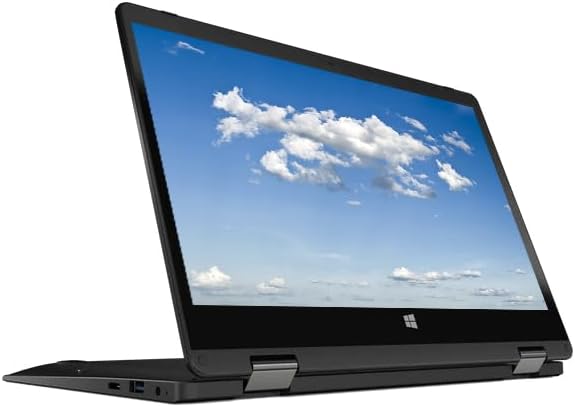


This HP X360 model serves as an entry-level option for those needing basic access to cloud-based design tools. It features an 8GB memory configuration and a 128GB storage drive, which is manageable for smaller projects but may require external storage for larger files.
We may earn a commission when you buy through this link, at no additional cost to you.
The 11.6 inch HD touchscreen provides a compact form factor that is easy to carry around. It includes an Intel 4-Core processor capable of reaching speeds up to 3.29GHz, offering decent performance for light multitasking and web browsing tasks.
While it lacks the power for heavy local rendering, its Windows 11 OS ensures compatibility with modern software requirements. The included AC charger and Bluetooth connectivity add to its convenience for students or casual users on a tight budget.
Buyers looking for an affordable way to access Fusion 360 via cloud rendering or light editing might find this device sufficient for initial learning.
The convertible form factor allows users to switch between laptop and tablet modes easily for sketching ideas.
Multiple USB ports and HDMI output enable connection to external monitors for expanded workspace.
We may earn a commission when you buy through this link, at no additional cost to you.
This Acer Gateway laptop offers a very budget-friendly path into the world of convertible devices. With only 4GB of DDR4 RAM and 64GB of storage, it is best suited for basic tasks and very light design work that relies heavily on cloud processing.
We may earn a commission when you buy through this link, at no additional cost to you.
The screen features an IPS panel which provides better color accuracy and viewing angles compared to standard TN panels. The 360 degree rotation allows it to be used as a tablet, which can be helpful for reviewing models from different angles.
Performance is constrained by the processor speed topping out at 2.79GHz and the modest memory capacity. Users may experience slowdowns when opening multiple browser tabs or running complex CAD applications locally.
It is a viable choice for students who primarily use web-based tools and need a second device for note taking or light editing on the go.
The IPS touchscreen improves visual clarity for viewing sketches and designs compared to standard HD panels.
Windows 11 OS provides a modern interface for navigating files and accessing design software.
We may earn a commission when you buy through this link, at no additional cost to you.
The HP Victus stands out as a top contender for Fusion 360 users needing robust local rendering capabilities. Its 8-core Intel Core i5 processor paired with 32GB of RAM ensures smooth multitasking even with complex assemblies open alongside other applications.
We may earn a commission when you buy through this link, at no additional cost to you.
The NVIDIA RTX 3050 graphics card significantly accelerates 3D modeling and rendering tasks compared to integrated graphics. A 1TB SSD provides ample space for storing project files and ensures fast boot times for the Windows 11 Pro operating system.
The 15.6 inch display with a 144Hz refresh rate offers crisp visuals and smooth motion handling. While the design leans towards gaming, the backlit keyboard and numeric keypad are practical for long design sessions and data entry tasks.
This laptop is ideal for engineers or designers who need a balance of performance and value without compromising on essential hardware specifications.
The RTX 3050 GPU supports hardware acceleration for rendering and viewport navigation in CAD software.
32GB RAM allows for running virtual machines or heavy multitasking without performance bottlenecks.
We may earn a commission when you buy through this link, at no additional cost to you.
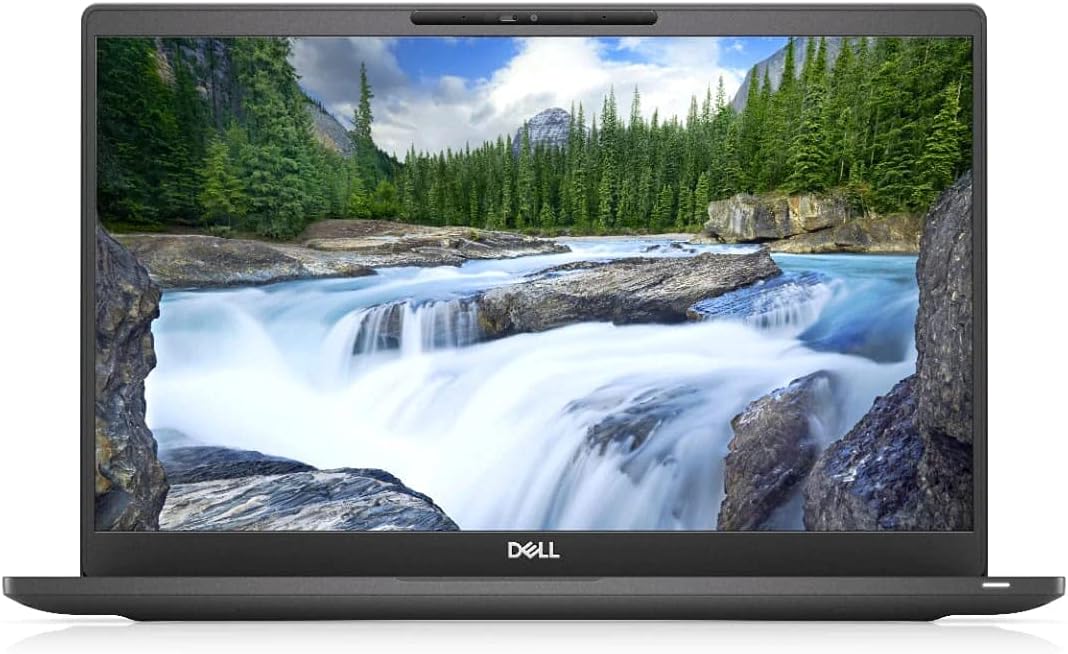
The Dell Latitude 7400 is a business-oriented device that offers reliable performance for professional environments. With 32GB of RAM, it handles memory-intensive applications well, making it suitable for running Fusion 360 alongside multiple browser tabs and communication tools.
We may earn a commission when you buy through this link, at no additional cost to you.
Its Core i7-8665U processor can boost up to 4.8 GHz, providing strong single-core performance which benefits many CAD operations. The 14-inch FHD display ensures clear text and sharp lines for precision work on detailed drawings.
While the 256GB SSD is smaller than modern gaming laptops, it is sufficient for system files and active projects. The build quality reflects Dell's business line with durability features that withstand daily commuting and office use.
Professionals looking for a stable work machine with enterprise-grade features will appreciate the stability and performance offered by this refurbished model.
The 1920×1080 resolution provides ample screen real estate for toolbars and model views.
Business chassis construction ensures the laptop withstands regular travel and demanding work schedules.
We may earn a commission when you buy through this link, at no additional cost to you.
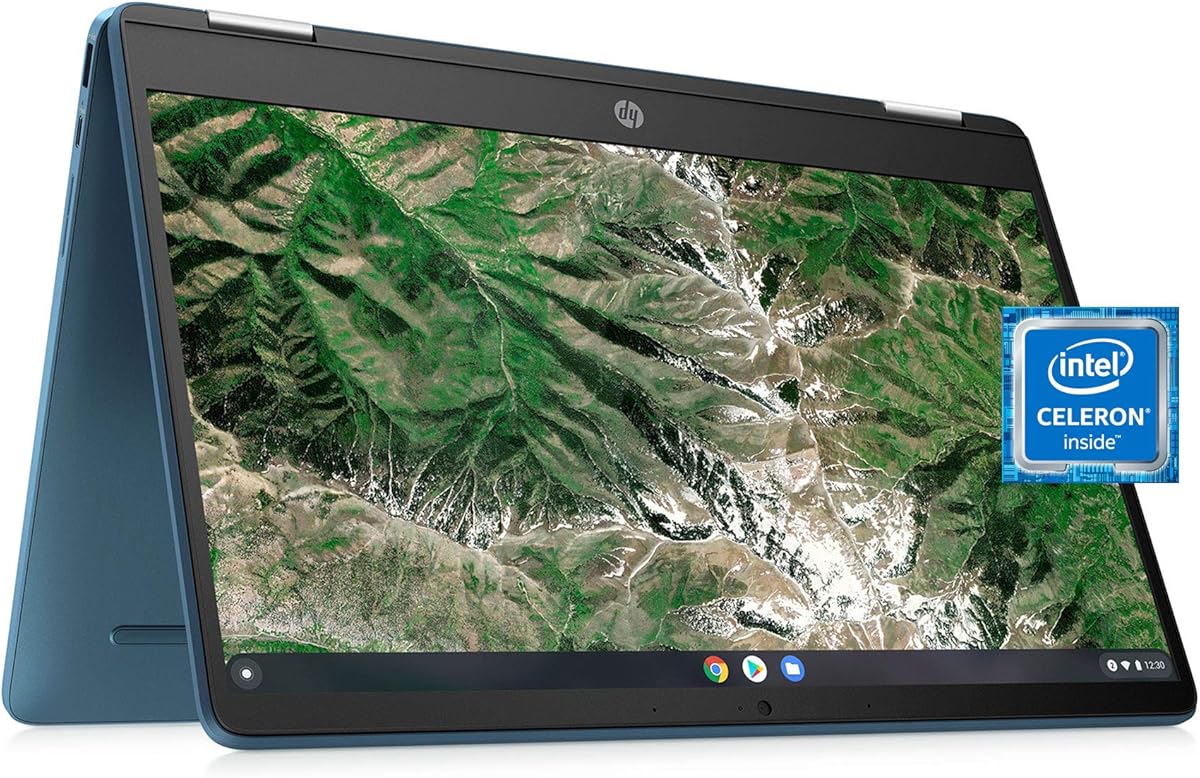
This HP Chromebook x360 provides a lightweight alternative for users who rely mostly on web-based workflows. While it runs Chrome OS which limits native software installation, it is excellent for accessing cloud-based versions of tools and managing files online.
We may earn a commission when you buy through this link, at no additional cost to you.
The Intel Celeron N4020 processor is sufficient for basic web browsing and document editing but will struggle with heavy CAD computations. The 4GB LPDDR4 memory ensures smooth operation for light multitasking like keeping multiple tabs open while referencing designs.
The 14-inch HD touchscreen allows for intuitive navigation of web apps and is useful for sketching ideas directly on the screen. Its blue metallic color adds a stylish touch to the functional design of the device.
Students who do most of their work online and need a secondary device for note taking will find this Chromebook practical and portable.
Chrome OS boots quickly and keeps the system responsive for basic daily tasks.
The 360 degree hinge allows versatile use modes for presentations or media consumption.
We may earn a commission when you buy through this link, at no additional cost to you.
The ASUS TUF F16 delivers high-end performance with its Intel Core 5 210H processor and NVIDIA RTX 4050 graphics card. This combination is capable of handling the most demanding Fusion 360 tasks including complex simulations and high-fidelity renders without stuttering.
We may earn a commission when you buy through this link, at no additional cost to you.
Featuring 32GB of DDR5 RAM, this machine offers faster data access speeds than DDR4 equivalents which improves overall system responsiveness. The 16-inch FHD+ display with a 144Hz refresh rate provides a smooth visual experience for detailed model viewing and animation playback.
Included accessories like the PCO Laptop Cooler help maintain optimal temperatures during extended work sessions ensuring sustained performance. The RGB backlit keyboard adds a modern touch to the interface while remaining functional for typing long codes or documentation.
Professionals seeking a powerful machine that can handle future software updates and intensive tasks will find this laptop a worthwhile investment for their workflow.
The RTX 4050 GPU provides superior ray tracing and rendering speeds compared to previous generations.
DDR5 RAM supports higher bandwidth requirements essential for large assembly loading and real-time editing.
We may earn a commission when you buy through this link, at no additional cost to you.
This HP Chromebook x360 is highly rated for its efficiency in everyday tasks and light computing needs. The Intel Processor N200 combined with 8GB LPDDR5 RAM ensures smooth operation for web apps and cloud-based design tools that do not require heavy local processing.
We may earn a commission when you buy through this link, at no additional cost to you.
Storage is handled by UFS technology which provides faster data access than traditional eMMC storage found in cheaper devices. The 14-inch Full HD IPS display offers vibrant colors and wide viewing angles suitable for long work hours without eye strain.
Chrome OS security features provide a safe environment without the need for complex antivirus setup. The backlit keyboard allows for comfortable typing in dim lighting conditions which is helpful for evening work sessions.
Users needing a reliable secondary device for research, documentation, and light modeling work will appreciate the balance of speed and value in this model.
UFS storage ensures applications and files load quickly for responsive system performance.
The IPS panel delivers consistent colors from different angles useful for collaborative design reviews.
We may earn a commission when you buy through this link, at no additional cost to you.
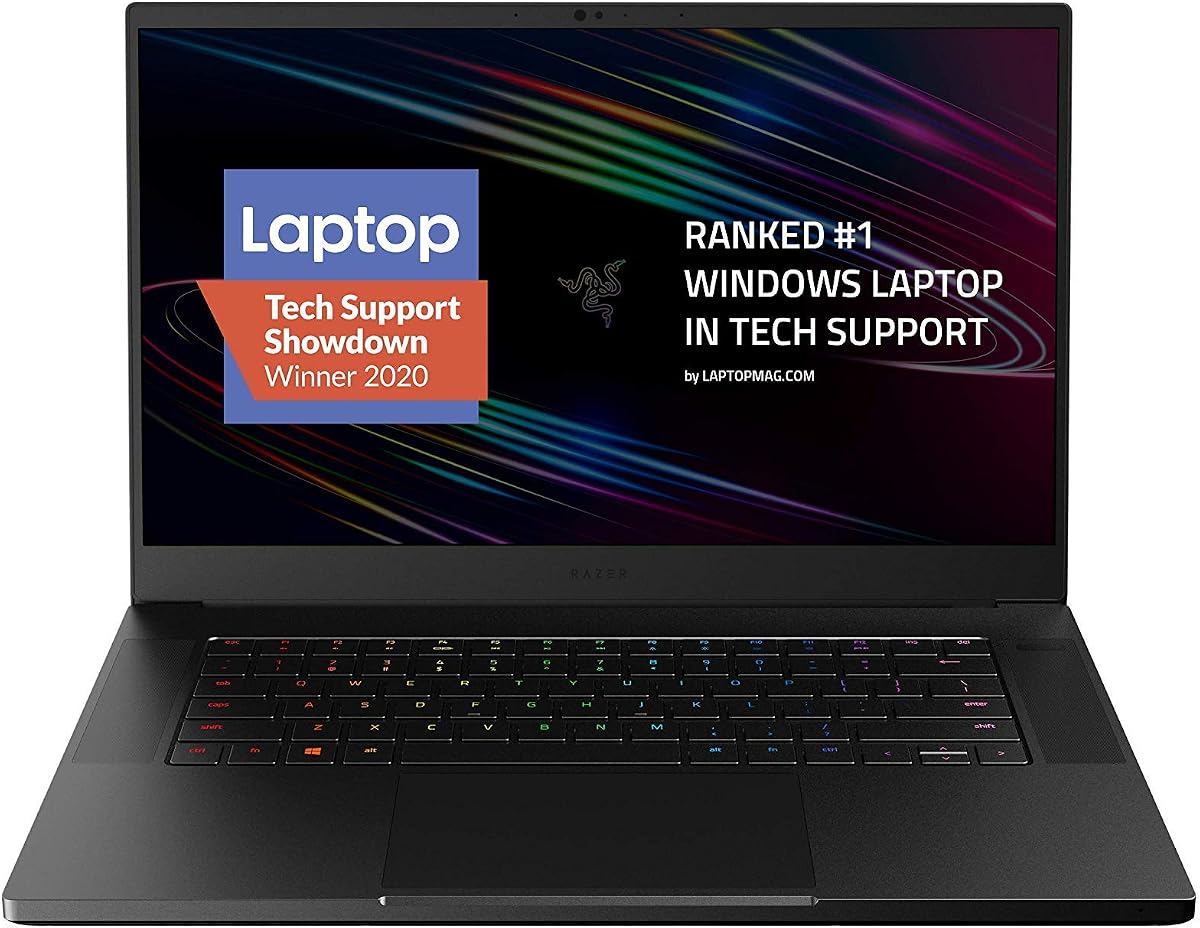
The Razer Blade 15 Advanced Gaming Laptop combines powerful hardware with a sleek premium design. Its 8-core Intel Core i7-10875H processor and RTX 2070 Super graphics card provide substantial processing power for demanding CAD and rendering workloads.
We may earn a commission when you buy through this link, at no additional cost to you.
The 300Hz display offers exceptional smoothness for interactive design work allowing for fluid viewport navigation. The CNC aluminum chassis is durable and lightweight making it easy to transport to client sites or co-working spaces without added bulk.
Thunderbolt 3 connectivity enables fast data transfer and supports connection to high-resolution external monitors. The 512GB SSD is adequate for system and active files though larger libraries may require external storage solutions.
Designers who value a professional aesthetic alongside high performance will find this laptop a sophisticated choice for their creative toolkit.
The aluminum unibody frame offers durability and a premium feel that resists wear over time.
The 300Hz refresh rate ensures smooth cursor movement and model rotation for precise work.
We may earn a commission when you buy through this link, at no additional cost to you.
This ASUS TUF Gaming Laptop delivers robust performance for its price point making it attractive for budget conscious users. The Intel Core i7-9750H processor provides ample speed for multitasking and running CAD software efficiently during daily workflows.
We may earn a commission when you buy through this link, at no additional cost to you.
The NVIDIA GTX 1650 graphics card supports 3D acceleration needed for smooth rendering in design applications. A 512GB SSD ensures quick system boot and fast loading of project files without compromising performance speed.
The military-grade construction standard adds durability for the chassis which is beneficial for students carrying the device regularly. While the 8GB RAM is upgradeable users should consider adding more memory for complex assembly management.
For those needing a reliable machine that balances cost and capability this model offers a solid foundation for design work.
MIL-STD-810G standards ensure the laptop can withstand harsh conditions during transport and use.
The 6 core i7 processor supports parallel processing tasks required for complex software operations.
We may earn a commission when you buy through this link, at no additional cost to you.
The Acer Chromebook Spin 513 offers a versatile 2-in-1 design with a Corning Gorilla Glass display for added durability. Powered by a Qualcomm Snapdragon 7c processor it is optimized for fast startup and efficient web browsing performance on the go.
We may earn a commission when you buy through this link, at no additional cost to you.
The 13.3-inch Full HD IPS touchscreen provides a crisp view for visual tasks and media consumption. The 360-degree hinge allows you to switch seamlessly between laptop tablet tent and stand modes for different tasks and environments.
Chrome OS ensures seamless updates and security while providing access to a wide variety of apps through Google Play. The lightweight build makes it easy to carry in a backpack for daily commuting or travel without added weight.
Students and light users looking for a portable and secure device for daily tasks and basic design work will find this Chromebook suitable for their needs.
Corning Gorilla Glass on the screen offers enhanced resistance against scratches and accidental drops.
Chrome OS provides automatic updates and robust security features for a hassle-free user experience.
We may earn a commission when you buy through this link, at no additional cost to you.
Selecting the right laptop involves balancing processing power graphics capabilities and portability to match your specific design workflow and budget constraints.
The central processing unit or CPU is the engine of your laptop responsible for handling calculations for complex 3D models. Look for multi-core processors like Intel Core i5 or i7 which enable smooth performance during rendering and simulations.
Prioritize CPUs with high clock speeds to ensure responsive interface navigation and quick file loading times for your daily design tasks.
Dedicated graphics cards significantly boost performance in CAD applications compared to integrated graphics. Models with NVIDIA RTX series cards offer hardware acceleration that improves viewport speed and rendering quality.
Choose a GPU with sufficient VRAM to handle detailed models and textures without lag during complex design sessions.
RAM determines how many applications you can run simultaneously without slowdowns. Aim for at least 16GB of memory to manage Fusion 360 alongside other tools like browsers and communication apps comfortably.
Higher memory configurations such as 32GB are recommended for professional users handling large assemblies or multitasking heavily.
Solid State Drives or SSDs provide faster boot times and file access speeds than traditional Hard Disk Drives. NVMe SSDs are particularly fast making them ideal for quick project loading.
Ensure you have enough storage space for your project files and consider expandable options if you work with large data sets regularly.
A high-resolution display helps you see fine details in your designs. Look for Full HD or higher resolution screens with accurate color reproduction for precise work.
Larger screens like 15.6 inches offer more workspace but consider portability needs if you travel frequently for work or study.
If you need to carry your laptop daily weight becomes a critical factor. Lighter laptops ease the strain on your back during commutes but may have smaller screens or batteries.
Balance the need for mobility with performance requirements by choosing a chassis that meets your specific travel habits and desk setup.
Long battery life ensures you can work without searching for power outlets during meetings or travel. Look for laptops with efficient processors that balance performance with power consumption.
Keep a charger handy for intensive tasks as rendering and heavy modeling often reduce battery efficiency significantly.
Windows is generally the most compatible option for professional CAD software including Fusion 360. Ensure the OS version supports the latest features and security updates.
Chromebooks offer simplicity and security but have limitations on native software installation which may restrict advanced CAD workflows.
Maintain optimal performance by keeping your software and drivers updated regularly. This ensures compatibility with new Fusion 360 features and security patches that protect your data.
Manage your storage by regularly cleaning up unused files and moving old projects to external drives. This helps keep your system running smoothly and prevents slowdowns during active work sessions.
Protect your hardware by using a cooling pad during intensive rendering tasks. Ensure adequate ventilation to prevent overheating which can degrade performance and shorten the lifespan of your laptop.
The minimum recommended RAM for Fusion 360 is 8GB though 16GB is preferred for smoother performance with larger models. This ensures you can run the software alongside other essential applications without slowdowns or crashes during complex operations.
Yes a dedicated graphics card like an NVIDIA RTX or GTX series is highly recommended for hardware acceleration. It significantly improves viewport performance and rendering speeds compared to integrated graphics solutions found in basic laptops.
Fusion 360 is primarily a Windows application but can be accessed via cloud browser options. Chrome OS limits local software installation which may restrict advanced workflows needing full application features and offline capabilities.
Screen resolution impacts your ability to see fine details and text clearly. A Full HD resolution or higher is ideal for precise work reducing eye strain and ensuring accurate design measurements during long sessions.
Many laptops like gaming models allow RAM upgrades while some ultrabooks have soldered memory. Check specific product details to confirm if memory is upgradeable to future proof your device against growing software demands.
A minimum of 512GB is recommended to store project files and the operating system efficiently. Larger capacity drives like 1TB are better for professionals who handle large libraries of textures and assembly files regularly.
Laptops generally do not come with Fusion 360 pre-installed but run Windows which supports the software. You will need to download and license the software directly from Autodesk to access full design and modeling capabilities.
A 144Hz display provides smoother motion and reduced cursor lag which can be beneficial for fluid model navigation. While not strictly necessary it enhances the user experience especially during interactive design tasks and animations.
The HP Victus and ASUS TUF F16 stand out for offering high performance suitable for professional design workflows with powerful CPUs and GPUs.
Prioritize RAM and GPU power if you handle complex assemblies or render often but consider Chromebooks for lightweight cloud access if budget is limited.
Always check current prices and availability as market values fluctuate to ensure you get the best value for your specific design needs and budget.