
Yealink Sp92 Conference Speaker
4.1Editor score
AI noise cancelling technology
20 hour battery life
Ultra portable design
This guide compares the top Bluetooth speakerphone for the home office models, highlighting sound quality, microphone performance, and connectivity features
Finding the right Bluetooth speakerphone for the home office is essential for clear communication during virtual meetings. A good device ensures every voice is heard clearly without distracting background noise or technical glitches.
We evaluated ten top-rated models based on audio quality, microphone array performance, battery life, and compatibility with popular conferencing platforms. Our analysis focuses on real-world usability for remote workers and small teams.
Each pick below shows key strengths and ideal use cases to help you choose the best fit for your workspace. Please note that product availability and pricing can change frequently on retail platforms.
4.1Editor score
4.4Editor score

4.6Editor score
This side-by-side comparison highlights the core specifications and unique features of each model to help you quickly identify the best option for your specific home office setup.

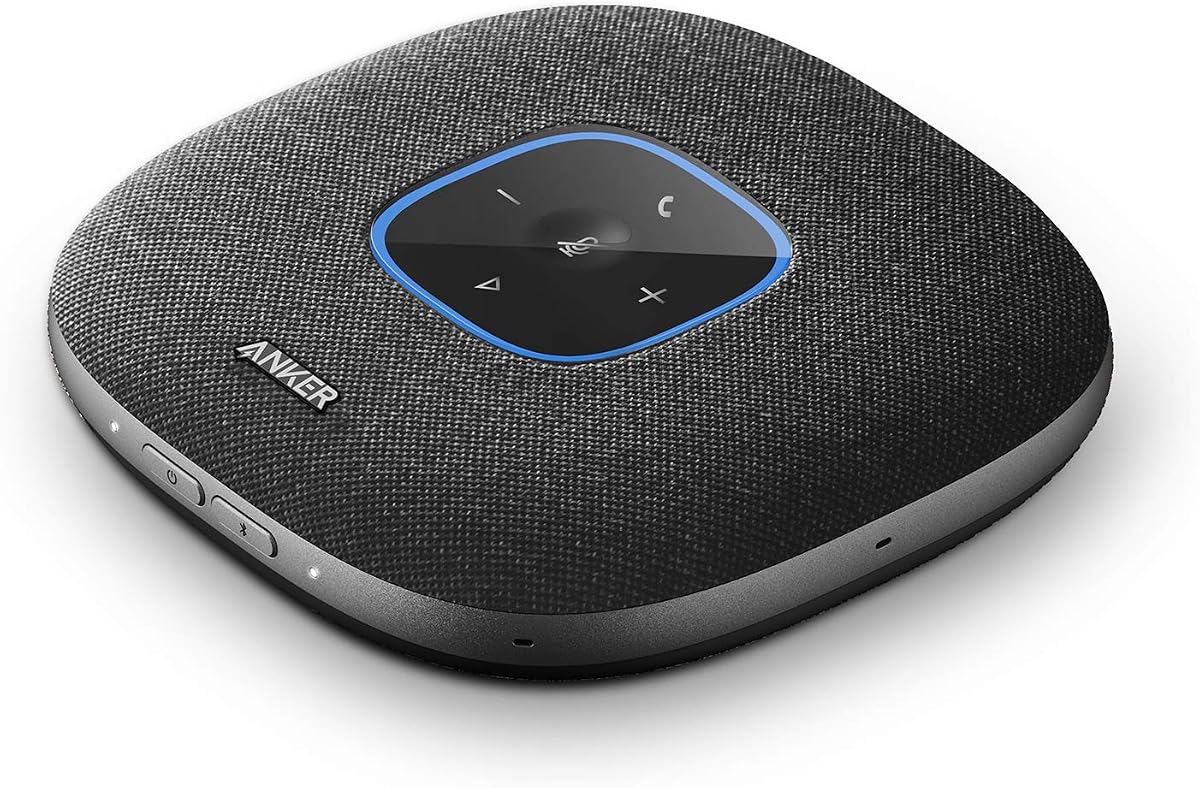


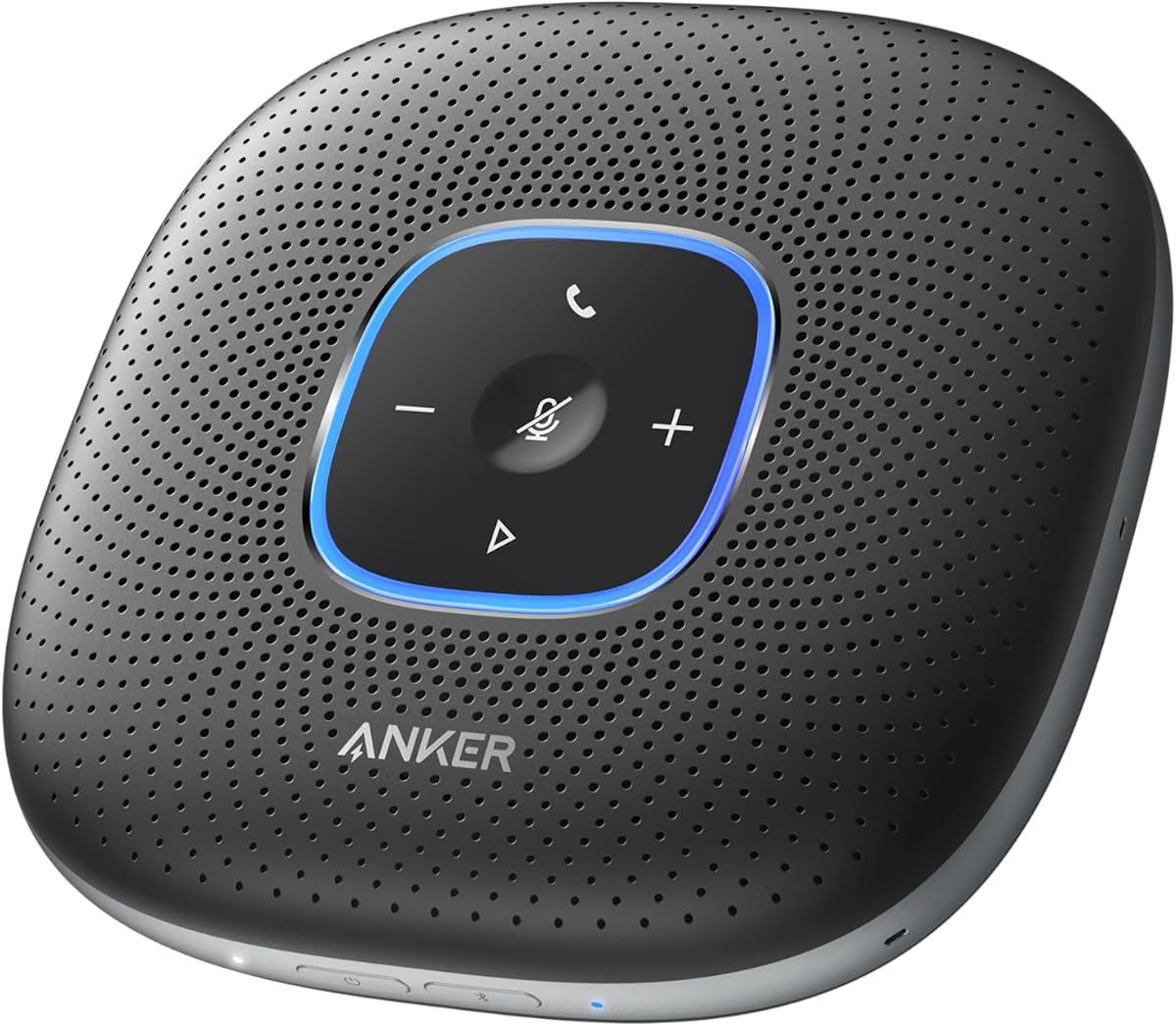
The Anker PowerConf Speakerphone is a top-tier choice for home offices needing reliable conference audio. With a 4.4 star rating, it delivers clear sound and robust microphone performance for meetings of all sizes.
We may earn a commission when you buy through this link, at no additional cost to you.
Its six-microphone array with 360-degree coverage ensures every voice is captured clearly regardless of seating position. Voice Radar 3.0 technology actively reduces background noise and echo for a professional experience.
While the price is higher than some competitors, the 24-hour battery life and dual connectivity options justify the cost. It performs well in larger rooms and supports seamless switching between devices.
Buy this if you need a versatile, long-lasting speakerphone for daily virtual meetings. It balances performance, portability, and ease of use better than most options on the market.
The six microphones arranged in a circular pattern capture voices from all directions effectively.
With up to 24 hours of call time, you can work through the day without recharging.
We may earn a commission when you buy through this link, at no additional cost to you.
The Anker PowerConf S330 is designed for users who prefer stable wired connections for their home office. It offers excellent sound quality and reliable performance without the need for complex setup.
We may earn a commission when you buy through this link, at no additional cost to you.
Four high-sensitivity microphones provide 360-degree coverage while the 1.75-inch driver delivers rich audio for both speech and music. The plug-and-play USB-C connection ensures instant compatibility with laptops.
The main trade-off is its focus on wired use which limits flexibility compared to fully wireless models. However, for a dedicated desk setup, it offers exceptional value and consistent audio.
Choose this if you prioritize stability and sound quality over mobility. It is ideal for users who stay at one desk location and need dependable daily conference calls.
The large driver paired with passive radiators provides deep bass and clear highs.
Connect via USB-C and start meeting immediately without installing any software drivers.
We may earn a commission when you buy through this link, at no additional cost to you.
The Anker PowerConf S3 combines powerful hardware with smart software to deliver crystal-clear conference audio. Its customized DSP algorithm optimizes voice quality in real time for professional meetings.
We may earn a commission when you buy through this link, at no additional cost to you.
With six microphones and 360-degree coverage, it captures voices even when participants move around. The 24-hour battery life ensures you never run out of power during long work sessions.
Some users may find the app required for full control adds a slight learning curve. However, the benefits of optimized volume balancing and echo cancellation make it a strong contender.
Buy this if you want advanced audio tuning without leaving your desk. It suits users who need consistent clarity in noisy environments and value long battery runtime.
The DSP algorithm adjusts voice levels and reduces background noise instantly.
Hear every word without skipping even when multiple people speak at once.
We may earn a commission when you buy through this link, at no additional cost to you.
The Jabra Speak 510 is a trusted classic that continues to serve home offices well. It offers crystal-clear audio and seamless connectivity options for professional meetings.
We may earn a commission when you buy through this link, at no additional cost to you.
Its portable design and easy setup make it perfect for users who move between rooms or offices. The combination of USB and Bluetooth connections ensures flexibility across various devices.
While it lacks advanced AI noise cancellation features found in newer models, it delivers consistent and reliable performance. The 4.7-star rating reflects user satisfaction with its simplicity.
Choose this if you need a straightforward speakerphone without unnecessary complexity. It is ideal for small meetings and frequent travelers who value portability and ease of use.
Connect via Bluetooth or USB to work with laptops smartphones or desk phones.
Its lightweight compact shape fits easily into laptop bags for travel.
We may earn a commission when you buy through this link, at no additional cost to you.
The Yealink Sp92 offers remarkable value for budget-conscious buyers seeking professional meeting audio. It features real-time AI noise cancellation to filter out common office distractions effectively.
We may earn a commission when you buy through this link, at no additional cost to you.
Equipped with an omnidirectional mic and 50mm speaker, it covers rooms up to 13 feet clearly. The 20-hour battery life supports all-day meetings while the included carrying case protects it during travel.
Audio quality is solid though not as rich as premium models with larger drivers. However, the AI noise reduction and certified platform compatibility make it a strong choice for small rooms.
Buy this if you need reliable performance without a high cost. It suits small teams or solo workers who want consistent call clarity on a tight budget.
Advanced algorithms filter over a thousand noise types including keyboard taps and AC hum.
Charge once and get up to twenty hours of talk or music time per session.
We may earn a commission when you buy through this link, at no additional cost to you.
The Lenovo Speakerphone is engineered for hybrid work environments requiring enterprise-grade audio performance. Its eight beamforming microphones prioritize voices and reduce background distractions effectively.
We may earn a commission when you buy through this link, at no additional cost to you.
Full duplex audio ensures natural conversations where multiple people can speak simultaneously. The dual Bluetooth connectivity allows connection to two devices at once for seamless workflow switching.
The IP54 rating provides dust and splash resistance which adds durability for frequent travelers. While the price is higher, the build quality and audio clarity justify the investment for professionals.
Choose this if you need robust features for frequent hybrid meetings. It is ideal for corporate users or those who work across multiple locations regularly.
Eight intelligent mics focus on speakers and filter out distant noise sources.
Connect to two devices at once for instant call switching without re-pairing.
We may earn a commission when you buy through this link, at no additional cost to you.
The Jabra Speak2 55 is optimized for Microsoft Teams users who need dedicated controls and high-quality audio. It offers clear sound and robust performance for professional meetings.
We may earn a commission when you buy through this link, at no additional cost to you.
Four beamforming microphones pick up voices from all directions while voice level normalization balances surrounding speakers automatically. The dedicated Teams button streamlines call management for faster access.
The 12-hour battery life supports full workdays though the charger may be sold separately. Its lightweight design and included pouch make it easy to carry between meetings.
Buy this if you work primarily within the Microsoft ecosystem. It provides the best integration and call controls for Teams-centric home offices and hybrid workers.
Fully certified with a dedicated button for instant call access and control.
Automatically balances volume levels to ensure everyone sounds equally clear.
We may earn a commission when you buy through this link, at no additional cost to you.
The Jabra Speak 510 MS offers HD voice quality optimized for softphone and mobile use. It delivers clear conversations with minimal setup for small home offices.
We may earn a commission when you buy through this link, at no additional cost to you.
With a 15-hour talk time, it supports extended meetings without needing frequent recharging. The simple Bluetooth or USB connection works well with Windows and mobile devices.
While it lacks advanced modern features, it remains a reliable option for basic calling needs. Its compact form and long battery life make it great for remote workers.
Choose this if you need a simple dependable speakerphone for softphone apps. It suits users who prioritize battery life and voice clarity over premium features.
Delivers high definition sound for clearer conversations during long meetings.
Enjoy up to fifteen hours of continuous call time on a single charge.
We may earn a commission when you buy through this link, at no additional cost to you.
The Jabra Speak 710 UC delivers immersive sound quality that sets the standard for portable conference speakers. It ensures every meeting sounds professional and engaging.
We may earn a commission when you buy through this link, at no additional cost to you.
Its omnidirectional microphone captures voices clearly up to six people within the room. The Link 370 USB adapter ensures stable connections while the travel pouch protects the device during transit.
While the price is high, the sound fidelity and durability justify the cost for power users. It works seamlessly with Zoom Google Meet and other major platforms.
Choose this if you demand premium audio for client-facing meetings. It is ideal for professionals who value sound quality and mobility above all else.
Rich audio reproduction makes calls feel more natural and engaging.
Works with almost all major conferencing platforms without extra setup.
We may earn a commission when you buy through this link, at no additional cost to you.
The YAMAHA YVC-330 is a professional-grade device designed for larger meeting spaces. Its SoundCap technology filters background noise effectively ensuring clear audio capture.
We may earn a commission when you buy through this link, at no additional cost to you.
With three unidirectional microphones, it handles up to eight people comfortably. USB 3.0 and Bluetooth connections provide flexibility while the included 6 ft cable ensures stable wiring.
The high price reflects its professional build and superior audio range. It suits small conference rooms or busy offices where clarity is essential for every participant.
Buy this if you need premium performance for larger groups. It is ideal for professional settings requiring top-tier noise filtering and audio fidelity.
Built-in far-field noise reduction filters out background noise outside the 3 ft range.
Human voice activity detection ensures only speech is picked up not ambient noise.
We may earn a commission when you buy through this link, at no additional cost to you.
Selecting the right Bluetooth speakerphone for the home office involves evaluating audio quality microphone performance and connectivity to match your specific workspace needs.
The number and type of microphones determine how well your voice is captured. Look for devices with at least four microphones and noise cancellation features to reduce background distractions.
Prioritize models with beamforming or omnidirectional mics for clearer and more consistent call audio.
Speaker size and driver quality affect how clearly you hear others during meetings. Larger drivers and passive radiators typically provide richer and more detailed sound reproduction.
Ensure the speakerphone supports HD voice to maintain clarity even in noisy environments.
Bluetooth and USB connections offer different levels of stability and flexibility. USB provides a stable wired link while Bluetooth allows easy pairing with mobile devices.
Choose a model with dual connectivity if you switch between laptops and phones often.
Long battery life ensures you do not lose connection during important calls. Aim for devices offering at least 15 to 20 hours of talk time.
Models with fast charging or pass-through charging are even better for continuous daily use.
If you move between rooms or offices frequently, a compact and lightweight design is essential. Devices with included carrying cases offer extra protection for travel.
Look for speakerphones that fit easily into backpacks or laptop sleeves without bulk.
Ensure the speakerphone is certified for your primary meeting platforms like Zoom or Teams. Certified devices often provide better call integration and dedicated controls.
Universal compatibility ensures the device works seamlessly across different software tools.
A solid build ensures the device withstands regular use over time. Look for features like IP ratings for dust and splash resistance if you work in varied environments.
Sturdy construction and quality materials extend the lifespan of your investment.
Balance cost against features that matter most to your workflow. Higher prices usually reflect better audio quality and build materials but may not suit all budgets.
Consider models that offer essential features like noise cancellation at a lower price point.
Connect your speakerphone via Bluetooth or USB cable and pair it with your computer or mobile device. Ensure your device is fully charged or plugged in during long meetings.
Position the speakerphone in the center of your workspace to maximize microphone pickup and ensure all voices are captured evenly without interference or blocking.
Clean the device regularly with a soft dry cloth to remove dust and keep microphones and speakers working efficiently. Store it in a cool dry place when not in use.
The Anker PowerConf Speakerphone is our top pick due to its excellent microphone array and battery life. It works seamlessly with most platforms and offers clear audio for small to medium meetings.
They use multiple microphones and AI algorithms to isolate human voices from ambient sounds. This noise cancellation helps filter out keyboard taps or AC hum during calls.
Yes most modern Bluetooth speakerphones are compatible with Zoom. Look for devices with Zoom certification for optimal performance and integration with its call settings.
Most models offer between 15 and 24 hours of talk time on a full charge. Some premium models support pass-through charging to keep them powered during long sessions.
USB provides a more stable connection with less risk of interference or battery drain. Bluetooth offers more flexibility and is great for connecting to mobile devices.
Most USB speakerphones are plug-and-play and do not require drivers. Simply connect them to your computer via USB and start making calls immediately.
Regularly clean the device with a soft cloth to remove dust and debris. Store it in a protective case and avoid exposing it to extreme temperatures or moisture.
The Anker PowerConf Speakerphone Yealink Sp92 and Jabra Speak 710 UC lead the list for their balanced performance and value across different home office needs.
Prioritize microphone quality and battery life to ensure reliable connections during your most important meetings. These features have a direct impact on your productivity and call experience.
Remember to check current availability and pricing on retail platforms as product terms may change over time.