
BenQ LK936ST
5.0Editor score
Native 4K UHD Resolution
5100 ANSI Lumens
Laser Light Source
This guide compares ten top Benq projectors for golf simulators, evaluating brightness, resolution, throw ratio, and connectivity to help you find the perfect
Choosing the right projector for your golf simulator is crucial for an immersive experience. You need bright, clear visuals that can handle indoor lighting while maintaining accurate colors for realistic course details.
We evaluated ten models based on brightness, resolution, throw ratio, and connectivity options. Our analysis focuses on how well each projector performs in a golf simulation environment with specific attention to motion handling.
Each pick highlights key strengths and ideal use cases for different setups. Note that prices fluctuate frequently so check current listings before making your final purchase decision for your home gym.
5.0Editor score

3.5Editor score

4.4Editor score
Below you will find a detailed side-by-side comparison of all ten models. This table highlights the core specifications that matter most for golf simulation performance and ease of installation.


The BenQ AH700ST stands out as a top contender for golf simulators with its 4000 ANSI lumens and Full HD resolution. It offers a realistic simulation experience with vibrant colors and sharp details essential for reading virtual greens.
We may earn a commission when you buy through this link, at no additional cost to you.
Its short-throw design allows placement closer to the screen reducing shadows cast by players. The laser source ensures consistent brightness over time without the need for frequent lamp replacements.
While the rating is moderate the features are robust for serious golfers. The dedicated golf mode enhances contrast to help distinguish subtle variations in the simulated course terrain.
This model is ideal for those seeking a professional quality visual experience in a home or commercial setting. It balances performance and durability effectively for demanding simulation environments.
High brightness and color accuracy ensure fairways look natural and greens are distinct for accurate putting.
Short throw ratio allows installation in smaller rooms without sacrificing screen size or image quality.
We may earn a commission when you buy through this link, at no additional cost to you.
The BenQ TH671ST is a popular choice for gaming and simulation due to its low input lag and high refresh rate support. It delivers smooth motion which is critical for tracking ball flight and swing mechanics.
We may earn a commission when you buy through this link, at no additional cost to you.
Its short throw capability makes it versatile for various room setups. The 3000 lumens output is sufficient for controlled indoor lighting conditions ensuring a clear image without heavy room darkening.
Users appreciate the award winning gaming performance which translates well to golf simulator software. The cost effectiveness compared to laser models makes it accessible for many home users.
This projector is a strong option for budget conscious buyers who still want high performance visuals. It meets the core requirements for a responsive and immersive golf simulation setup.
Fast response times prevent motion blur allowing you to see every detail of your swing in real time.
Short throw design means you can mount the projector higher without blocking the shot path.
We may earn a commission when you buy through this link, at no additional cost to you.
The Optoma GT3900UHD offers true 4K resolution which provides unmatched detail for virtual courses. Its 5.0 rating reflects high satisfaction with image quality and performance in simulation scenarios.
We may earn a commission when you buy through this link, at no additional cost to you.
The short throw design is optimized for golf simulators reducing shadows and maximizing space. The 4000 lumens brightness ensures visibility even with some ambient light in the room.
DuraCore laser technology promises up to 30000 hours of life reducing maintenance needs significantly. This longevity makes it a cost effective solution over the long term for frequent users.
Ideal for enthusiasts who demand the highest visual fidelity this projector delivers crisp text and vibrant colors. It is a robust choice for serious golfers building a dedicated home lab.
4K resolution renders grass textures and shadows with precision enhancing the realism of the simulation.
Laser light source means no lamp changes for years of uninterrupted practice and entertainment.
We may earn a commission when you buy through this link, at no additional cost to you.
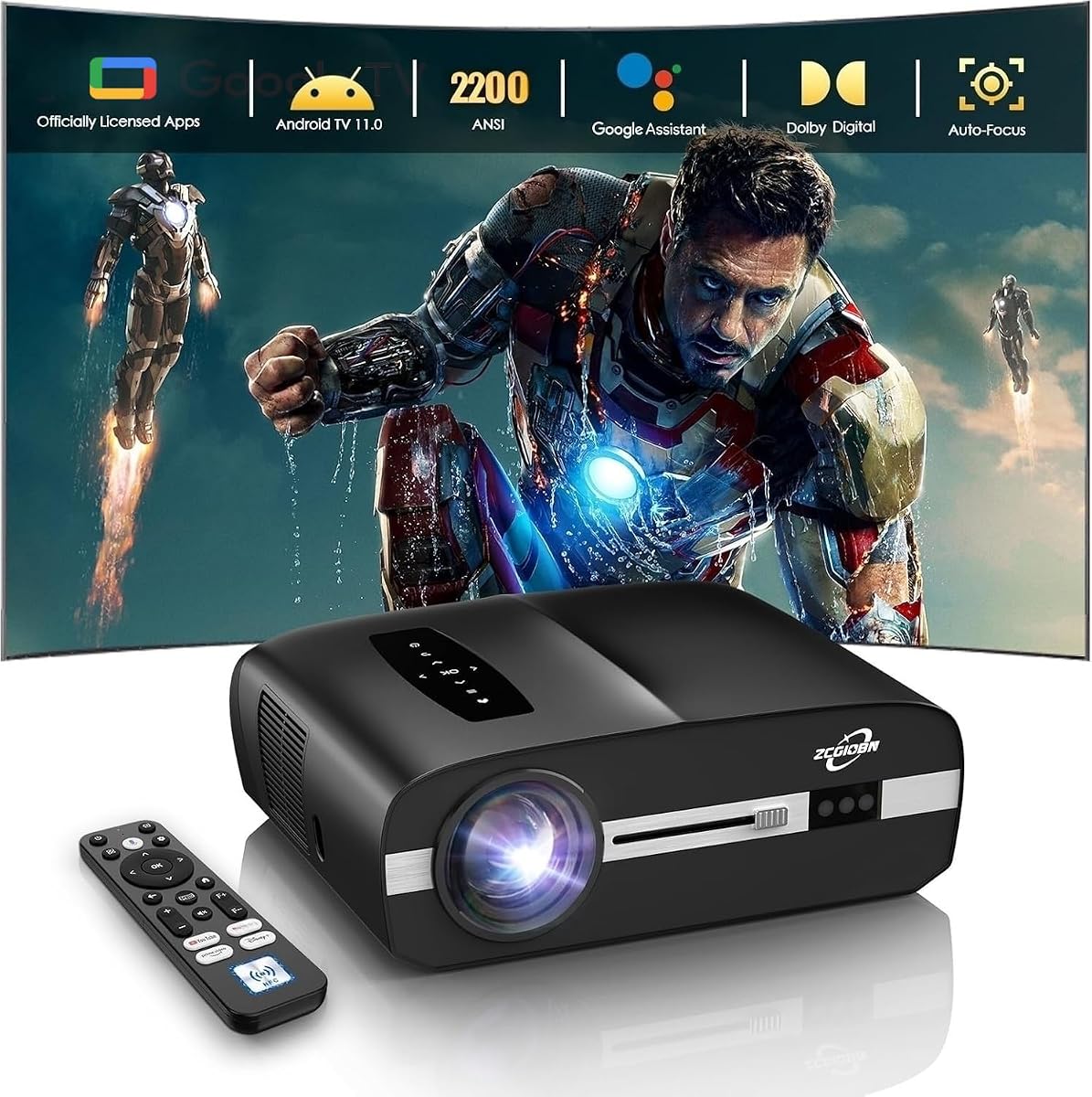
This 4K projector offers a comprehensive suite of features including Google TV and auto keystone for easy setup. The sealed optical engine helps protect against dust common in garage or basement environments.
We may earn a commission when you buy through this link, at no additional cost to you.
It supports HDR10 for better contrast which helps distinguish shadows and highlights on the virtual course. The 2200 ANSI lumens provide adequate brightness for indoor use with some light control.
While not a short throw model it offers flexibility in placement often used ceiling mounted behind the player. This avoids obstruction and keeps the projector safe from stray shots or mishits.
It is a versatile choice that doubles as a home theater system for media consumption. The inclusion of built in streaming apps simplifies the ecosystem for casual and dedicated golfers alike.
Google TV integration means you can stream movies and sports without additional devices when not simulating.
Sealed optical engine reduces dust accumulation maintaining brightness and longevity in less controlled spaces.
We may earn a commission when you buy through this link, at no additional cost to you.
The BenQ TH575i combines high brightness with smart TV capabilities making it versatile for media and gaming. The included Google TV dongle simplifies setup for streaming services without extra hardware.
We may earn a commission when you buy through this link, at no additional cost to you.
With 3800 lumens it delivers a bright image even with lights on. The low input lag ensures responsive action which is beneficial for tracking fast moving objects in simulation software.
The auto vertical keystone simplifies installation allowing for quick adjustments to image alignment. This feature is useful when ceiling mounting or placing the projector on a shelf behind the golfer.
While the rating is modest the hardware specifications are solid for the price. It serves as a reliable option for those who prioritize brightness and smart connectivity over ultra HD resolution.
3800 lumens allows for viewing in partially lit rooms without losing detail in dark course areas.
Google TV provides access to Netflix and YouTube for relaxation before or after practice sessions.
We may earn a commission when you buy through this link, at no additional cost to you.
The BenQ LU935ST offers high brightness and WUXGA resolution ideal for professional or commercial setups. Its laser light source ensures consistent performance over 20000 hours minimizing maintenance requirements.
We may earn a commission when you buy through this link, at no additional cost to you.
With lens shift and keystone correction it offers flexible installation options for various room geometries. This is particularly useful in commercial training centers where precise alignment is critical.
While rated N/A due to limited consumer data its technical specs suggest high reliability. The short throw design keeps the unit out of the way while projecting a large image.
This model suits users prioritizing long term reliability and high brightness over consumer features. It is a robust investment for facilities needing a permanent display solution for training or entertainment.
Commercial grade laser source and build quality ensure consistent output for high usage environments.
Large lens shift allows precise image alignment without moving the projector physically.
We may earn a commission when you buy through this link, at no additional cost to you.
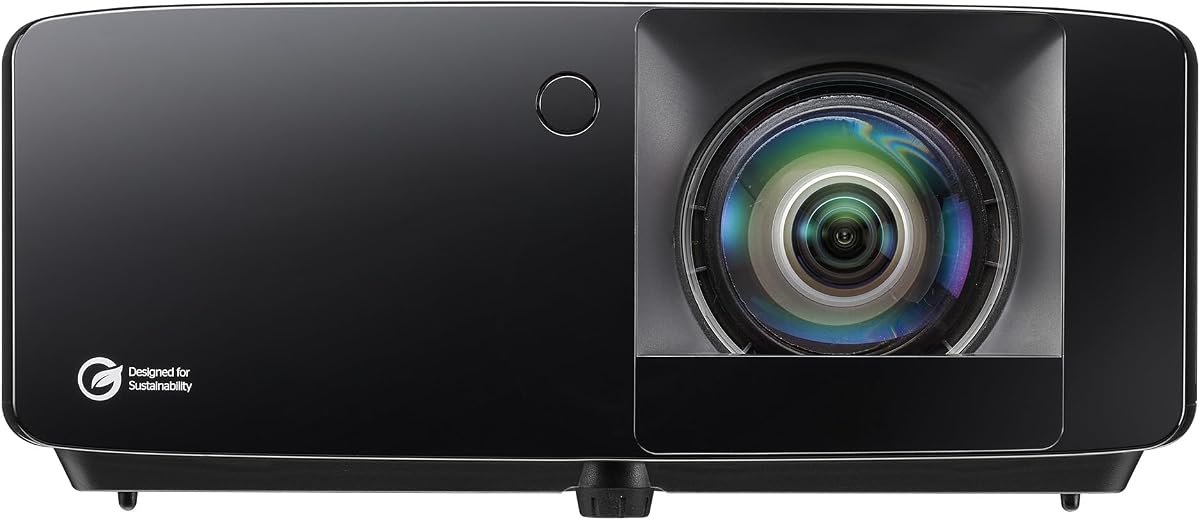
The BenQ LK936ST delivers native 4K resolution with 5100 ANSI lumens for unparalleled clarity and brightness. Its perfect 5.0 rating confirms high satisfaction with performance and ease of use.
We may earn a commission when you buy through this link, at no additional cost to you.
Short throw capability and lens shift make it easy to install without obstructing gameplay. The laser source ensures long term reliability without frequent maintenance interventions.
This model supports diverse connectivity options including HDMI and DisplayPort for flexible setup with multiple devices. It is designed for those who need top tier visuals for simulation and presentation.
For high end users seeking the best visual fidelity this projector stands out. It combines professional grade specs with user friendly features making it a top choice for serious installations.
Native 4K UHD resolution reveals every grain of sand and blade of grass on virtual courses.
Lens shift and short throw provide multiple mounting options without compromising image geometry.
We may earn a commission when you buy through this link, at no additional cost to you.
The BenQ W4100i offers 4K HDR with local contrast enhancement for deep blacks and bright highlights. It includes Android TV with Netflix making it a dual purpose device for gaming and movies.
We may earn a commission when you buy through this link, at no additional cost to you.
Its installation flexibility is enhanced by 2D lens shift and zoom options. This allows for ceiling mounting and precise alignment without moving the unit from a dedicated spot.
The LED light source provides over 10 years of life reducing long term maintenance. The 3200 lumens output is suitable for darkened rooms where contrast matters most.
Ideal for those wanting a cinematic experience alongside golf simulation. The HDR technology enhances texture details which helps in reading subtle terrain features in virtual courses.
Local contrast enhancer improves depth perception in shadows and bright areas of the course.
Built in Android TV allows streaming content without needing a separate media player.
We may earn a commission when you buy through this link, at no additional cost to you.
The ViewSonic LS740W offers exceptional 5500 ANSI lumens brightness making it ideal for well lit rooms. It includes a specialized Golf Mode that enhances greens and blues for better simulation realism.
We may earn a commission when you buy through this link, at no additional cost to you.
Laser technology ensures reliable performance and quick startup times without warm up delays. This efficiency is beneficial for spontaneous practice sessions in professional or residential centers.
The WXGA resolution provides clear wide display suitable for large screen setups. It projects large images from short distances reducing the risk of player shadow interference.
This projector suits commercial or high end residential users needing maximum brightness. The Golf Mode feature specifically addresses the needs of golf simulation environments ensuring accurate color representation.
High brightness allows for clear viewing even in spaces with significant ambient light.
Golf Mode boosts greens and blues for authentic representation of course surfaces.
We may earn a commission when you buy through this link, at no additional cost to you.
This floor mount cover provides essential protection for projectors placed on the ground avoiding ceiling mount costs. Made from durable HDPE and polycarbonate it shields the device from mishits.
We may earn a commission when you buy through this link, at no additional cost to you.
The design fits most common projector models ensuring universal compatibility. Side vents allow for airflow preventing overheating during extended use sessions.
Setup is instant with no assembly required simply place the cover and route cables. This convenience saves time and effort compared to building a custom enclosure.
While not a projector itself it is a vital accessory for protecting expensive equipment. The high rating reflects user satisfaction with its protective capabilities and ease of use.
Protective panel guards against balls or clubs accidentally striking the projector lens or body.
No assembly required allows immediate protection without needing tools or professional help.
We may earn a commission when you buy through this link, at no additional cost to you.
Selecting the right projector requires balancing brightness resolution and throw ratio for your specific space.
Brightness is measured in ANSI lumens and determines how well the image holds up against ambient light. For golf simulators in living rooms or garages aim for at least 3000 lumens to ensure clarity.
Higher brightness ensures that you can keep lights on without washing out the virtual course details.
Resolution impacts the sharpness of the image with 4K offering the most detailed textures for grass and terrain. Full HD is acceptable for tighter budgets but 4K enhances realism significantly.
Choose native 4K if you want the most lifelike course representation for practice.
Throw ratio defines how far the projector must be from the screen to achieve a certain size. Short throw models project large images from close distances which is crucial for simulators.
A short throw design minimizes shadows cast by players standing in front of the screen.
Laser light sources offer longer lifespans and more consistent brightness than traditional lamps. They often require less maintenance over the years of regular usage.
Laser technology is preferable for long term reliability and consistent color performance.
Input lag affects how quickly the projector responds to video signals which is vital for tracking motion. Look for low input lag models to ensure the ball flight and swing appear smooth.
Low input lag prevents motion blur keeping the simulation responsive and realistic.
Multiple HDMI ports and USB options allow you to connect various devices easily. Some models offer Android or Google TV built in reducing the need for external streaming sticks.
Versatile connectivity simplifies your setup and ensures compatibility with simulation software.
Features like lens shift and keystone correction help align the image without moving the projector. This is useful for ceiling mounts or awkward room layouts where perfect alignment is hard.
Adjustment features save time and effort during the initial setup process.
Accessories like covers protect the projector from mishits and dust especially in active simulation rooms. Sealed optical engines reduce dust accumulation extending the life of the device.
Proper protection ensures your investment lasts longer without frequent repairs.
Mount the projector securely using a ceiling or floor mount based on your room layout. Ensure the lens is clean and free of dust before turning on the device to maintain image quality.
Connect the projector to your simulation PC using an HDMI cable and select the correct input source on the menu. Adjust brightness and contrast settings to match the ambient lighting in your room.
Regularly check vents and lenses for debris and clean them gently with a soft cloth. Use the projector's built-in settings to update firmware for optimal performance and bug fixes.
The BenQ AH700ST is ideal for most users due to its high brightness and short throw design. It balances performance and cost effectively for home environments.
Not necessarily but 4K provides better detail for reading grass and terrain. Full HD is acceptable if budget is a constraint and room size is limited.
Aim for at least 3000 ANSI lumens to ensure the image remains clear. This allows you to keep lights on while maintaining good contrast and color.
Short throw ratios between 0.5 and 0.8 are best for simulators. They allow placement close to the screen without casting player shadows.
Yes but you need one with low input lag and high brightness for best results. Avoid standard movie projectors without gaming modes for slow response.
Not if you have a high brightness model. 3000 lumens or more allows for indoor viewing without total darkness.
Use a floor mount cover and position it out of swing zones. Sealed optical engines also help prevent dust damage in active environments.
You need an HDMI cable and a mount. Optional items include a cover and cleaning kits to keep the lens pristine.
The top picks offer a range of options from premium 4K to budget friendly bright models. Each caters to different needs in terms of image quality and room size.
Prioritize brightness and throw ratio first to ensure a clear and shadow free image. Then consider resolution and smart features for overall usability and experience.
Prices fluctuate frequently so check current listings before buying to get the best deal. Always verify compatibility with your simulation software before finalizing your purchase.