
Seagate 8TB BarraCuda
4.7Editor score
High capacity storage
Fast transfer rates
Versatile compatibility
Finding the right hard drive for Jellyfin is crucial for building a reliable media server that handles streaming efficiently without constant interruptions or data loss risks.
We compared ten top models based on capacity, speed, and durability to help you choose the best storage solution for your growing collection of movies and shows.
Each pick highlights key strengths and ideal use cases for different setups while noting that availability and costs may fluctuate based on market conditions and promotions.
4.7Editor score
4.2Editor score

4.5Editor score
As an Amazon Associate we earn from qualifying purchases.
This table compares all ten selected hard drives across key specs to help you find the right balance of speed and storage for your Jellyfin server setup.




This drive stands out as a top choice for media server owners needing ample space without breaking the bank on premium NAS drives.
We may earn a commission when you buy through this link, at no additional cost to you.
It delivers consistent performance with a sustained transfer rate of 190MB/s making it suitable for storing and streaming high-definition content efficiently.
While it lacks some NAS-specific features like vibration sensors it remains a dependable option for single-drive setups or smaller media collections.
Home users seeking a balance between capacity and value will find this drive meets their storage needs for organizing movies and TV shows effectively.
With eight terabytes you can store thousands of movies and shows ensuring your Jellyfin library has room to grow over time.
The sustained transfer rate supports smooth data streaming which is critical for avoiding buffering during playback on client devices.
We may earn a commission when you buy through this link, at no additional cost to you.
Designed specifically for network attached storage this drive offers enhanced reliability for media servers that run continuously throughout the year.
We may earn a commission when you buy through this link, at no additional cost to you.
Its CMR technology prevents performance degradation during write operations which is vital for maintaining smooth streaming when multiple users access content.
Although it comes at a higher cost the investment pays off through better longevity and reduced risk of data loss in critical server environments.
Serious Jellyfin users building a robust server should consider this model to ensure their library remains accessible and secure over the long term.
The drive supports up to one hundred eighty terabytes of annual workload which matches the demands of high-use media server environments.
CMR avoids the pitfalls of SMR ensuring faster random writes and better performance for database operations within your media server software.
We may earn a commission when you buy through this link, at no additional cost to you.
This external drive provides a simple solution for users who want to connect storage directly to a server via USB without internal installation.
We may earn a commission when you buy through this link, at no additional cost to you.
It features a USB-C interface for broad compatibility and bus power means you do not need an extra power adapter for operation.
While internal drives are generally faster for constant access this model is excellent for backups or adding extra space to existing setups easily.
If you need a portable and quick storage option for your media collection this drive offers reliable performance with added recovery peace of mind.
One port one cord connection makes it simple to add storage to your system without opening the case or dealing with internal cables.
Included rescue services provide support for recovering lost files which adds valuable protection for your stored media and project files.
We may earn a commission when you buy through this link, at no additional cost to you.
This small drive is ideal for users needing a compact storage solution that fits into tight spaces or mobile server configurations.
We may earn a commission when you buy through this link, at no additional cost to you.
Its seven millimeter height makes it suitable for mini PCs or small form factor cases where space is limited for traditional drives.
While it may not hold a vast library it works well for system files or as a boot drive paired with larger storage for media.
Users with limited physical space or portable server needs will appreciate its light weight and ease of integration into various hardware setups.
The thin profile allows installation in compact enclosures which is perfect for hobbyist builds or portable media server projects.
Lower power requirements reduce heat output and electricity usage making it a green choice for always-on server applications.
We may earn a commission when you buy through this link, at no additional cost to you.
IronWolf drives are built for network attached storage offering performance and reliability tailored for media server workloads and continuous access.
We may earn a commission when you buy through this link, at no additional cost to you.
They feature integrated health management tools that allow you to monitor drive status and prevent issues before they impact your server operations.
With reduced noise and vibration they ensure your server room remains quiet while maintaining stable performance during heavy read and write tasks.
Users building a RAID configuration for data redundancy will find this drive offers the reliability and tools needed to protect their media library.
Designed for RAID setups it ensures consistent speeds even when multiple drives are active which is crucial for smooth streaming performance.
Built-in sensors track drive health allowing proactive maintenance to avoid unexpected failures and keep your server running reliably.
We may earn a commission when you buy through this link, at no additional cost to you.
For users who need to store an extensive collection this drive provides twelve terabytes of space ensuring you never run out of room.
We may earn a commission when you buy through this link, at no additional cost to you.
It runs at seven thousand two hundred RPM offering faster data access speeds which can reduce load times for your media server library.
While it is designed for general computing its capacity and speed make it a viable option for single drive setups needing quick access.
Power users with large file libraries will appreciate the combination of high capacity and fast performance that supports efficient media management.
The high RPM and large cache enable quick retrieval of files which helps minimize buffering when streaming large video files.
Twelve terabytes allows room for thousands of hours of video content making it ideal for comprehensive movie and show collections.
We may earn a commission when you buy through this link, at no additional cost to you.
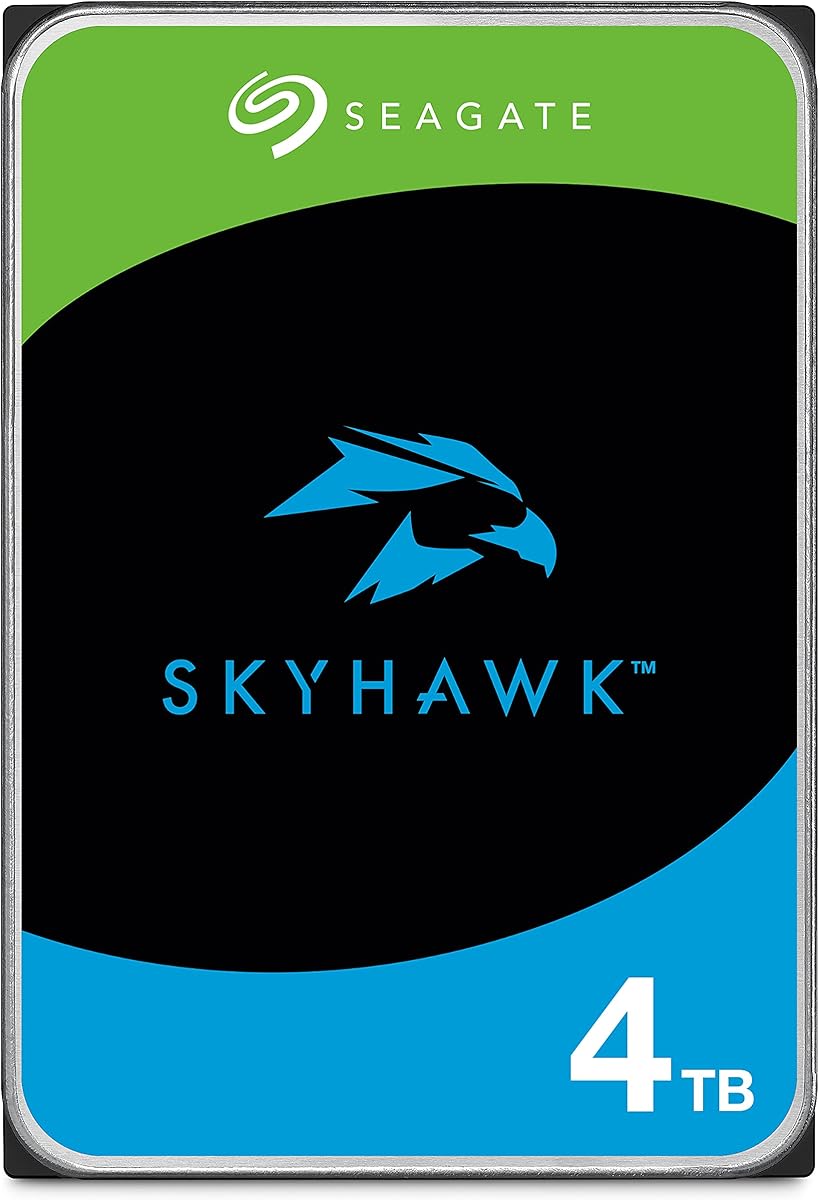
This drive is designed for video workloads making it well suited for handling continuous streaming and write operations in media servers.
We may earn a commission when you buy through this link, at no additional cost to you.
It supports heavy workloads with rotational vibration sensors that maintain performance even in multi-drive systems ensuring stable operation at all times.
Users benefit from integrated health management that tracks drive status and helps prevent unexpected data loss during critical operations.
If your server handles constant video processing or streaming this model provides the specialized performance needed to keep data flowing smoothly.
Engineered for high streaming loads it handles multiple data streams efficiently which is critical for consistent playback on Jellyfin.
Sensors ensure consistent performance in multi-bay setups which prevents one drive from affecting the reliability of the entire array.
We may earn a commission when you buy through this link, at no additional cost to you.
Built for surveillance systems this drive handles continuous writing well which can be beneficial for media servers that process or record content.
We may earn a commission when you buy through this link, at no additional cost to you.
It supports AI features and high stream counts ensuring data remains intact and accessible even under heavy workload conditions.
With a robust design it offers stability for applications that require constant operation without frequent maintenance or unexpected downtime.
Servers that need to handle constant data streams or archival tasks will benefit from the specialized tuning and reliability of this model.
Optimized for continuous write workloads it ensures consistent performance when your server writes or transcodes content simultaneously.
Supports multiple data streams simultaneously which helps prevent dropped frames and buffering during playback or transcoding operations.
We may earn a commission when you buy through this link, at no additional cost to you.
This model features Image Perfect firmware designed to deliver crisp clear video which aligns well with high-quality media storage requirements.
We may earn a commission when you buy through this link, at no additional cost to you.
It supports triple the workload rating of desktop drives offering robust performance for servers that handle frequent read and write operations.
Rotational vibration sensors help maintain speed in RAID setups ensuring that multiple drives work together without impacting overall system performance.
Users seeking a drive built for intense video workloads will find its performance and reliability match the demands of advanced server needs.
Image Perfect firmware ensures clear video recording and playback which is beneficial for maintaining high quality in your library.
Vibration sensors keep performance steady in multi-drive environments which is vital for maintaining speed across the entire server.
We may earn a commission when you buy through this link, at no additional cost to you.
IronWolf drives are engineered for NAS environments providing the reliability and performance needed for continuous server operation and storage.
We may earn a commission when you buy through this link, at no additional cost to you.
They offer balanced performance suitable for multi-user access ensuring that media streams remain smooth even when multiple clients connect.
Included rescue services add an extra layer of security against data loss which is critical for protecting valuable media collections.
Users building a NAS-based Jellyfin server will find this drive offers the optimal balance of speed reliability and capacity for their needs.
Built for NAS servers it ensures stable operation for continuous access which is key for media servers running around the clock.
Optimized for multiple users it maintains performance levels when several clients request data simultaneously without lag or drops.
We may earn a commission when you buy through this link, at no additional cost to you.
Selecting the right hard drive involves evaluating capacity speed and reliability to ensure your Jellyfin server runs smoothly.
Choose a drive with enough space to hold your current media library plus room for future growth to avoid needing upgrades soon.
A higher capacity reduces the need for multiple drives and simplifies server management and organization of your content.
Decide between internal and external drives based on whether you need built-in server storage or flexible portable options for backups.
Internal drives generally offer better performance and integration while external ones provide convenience and easy connectivity.
Look for higher RPM and cache sizes if you prioritize fast data access and quick loading times for your media library.
Faster drives reduce buffering and improve user experience during streaming especially when multiple users access content simultaneously.
NAS-optimized drives are built for continuous operation and reliability which is essential for media servers running twenty four seven.
They often include features like vibration sensors and enhanced firmware to maintain performance under heavy server workloads.
Consider drives that include recovery services to protect your valuable media library from unexpected hardware failures or corruption.
These services can save time and money by helping to retrieve lost data without needing to replace the entire drive.
Balance the cost of the drive against its performance and durability to find a model that fits your financial constraints.
Investing in a reliable drive may cost more upfront but saves money in the long run by reducing failures and downtime.
Ensure the drive interface and form factor match your server system to guarantee proper installation and operation without issues.
Check SATA or USB compatibility as well as size requirements to avoid physical or connection problems during setup.
Review workload ratings and warranty terms to understand how well a drive handles constant use and what support is available.
Higher reliability ratings indicate a drive better suited for continuous operation typical of media server applications and tasks.
Install the drive securely in your server case or connect it externally using the appropriate cables to ensure stable power and data flow.
Regularly monitor drive health using built-in tools or software to detect early signs of wear and prevent unexpected failures in operation.
Keep your server well ventilated to maintain cool temperatures and extend the lifespan of the drive during continuous media server use.
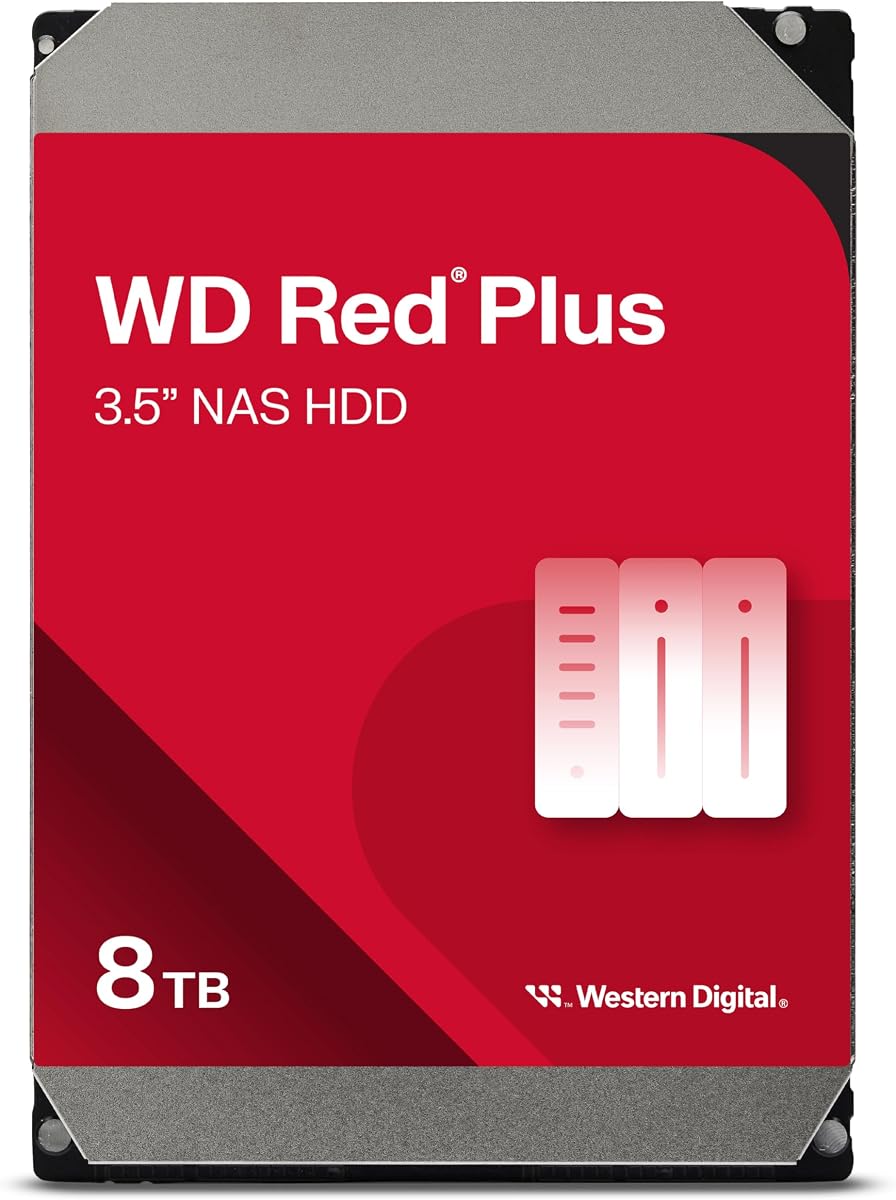
NAS-optimized drives like WD Red Plus or Seagate IronWolf are ideal because they support continuous operation and provide stable performance for streaming. They ensure your server runs reliably without interruptions. Choosing these models helps maintain data integrity and speed.
It depends on your library size and video quality. For HD content you might need one terabyte for hundreds of movies while 4K requires more space. Plan for growth to avoid upgrading too soon. Eight terabytes is a good starting point for most users.
Yes external drives work well for backup or adding extra storage to your server. They connect easily via USB and are portable. Make sure your server supports USB connections for optimal performance and stability. They are convenient for expanding storage without opening the case.
While any drive can store media NAS-optimized drives handle continuous read and write operations better. They reduce wear and ensure smooth streaming under load. Using such a drive extends hardware life and maintains performance for your server needs.
Use RAID configurations to mirror data across multiple drives or set up regular backups. Drives with data recovery services offer extra protection. Monitor drive health to catch issues early and replace failing drives promptly to avoid data loss.
CMR drives use conventional magnetic recording which is faster and more reliable for servers compared to SMR drives. SMR can cause slow performance during writes. Choose CMR for better stability in media server workloads to avoid buffering issues.
Yes 7200 RPM drives offer faster data access speeds which can reduce load times and buffering. They consume more power but improve performance for large libraries. Choose based on your need for speed versus energy efficiency and heat output.
We reviewed ten hard drives optimized for Jellyfin servers offering choices for budget capacity and reliability to suit different media storage needs.
Prioritize NAS-optimized drives for continuous use and consider data recovery features to safeguard your collection against unexpected hardware failures or issues.
Prices and availability change so verify current options and reviews before buying to ensure you get the best value and performance for your server.